What Does a Video Editor Actually Do?
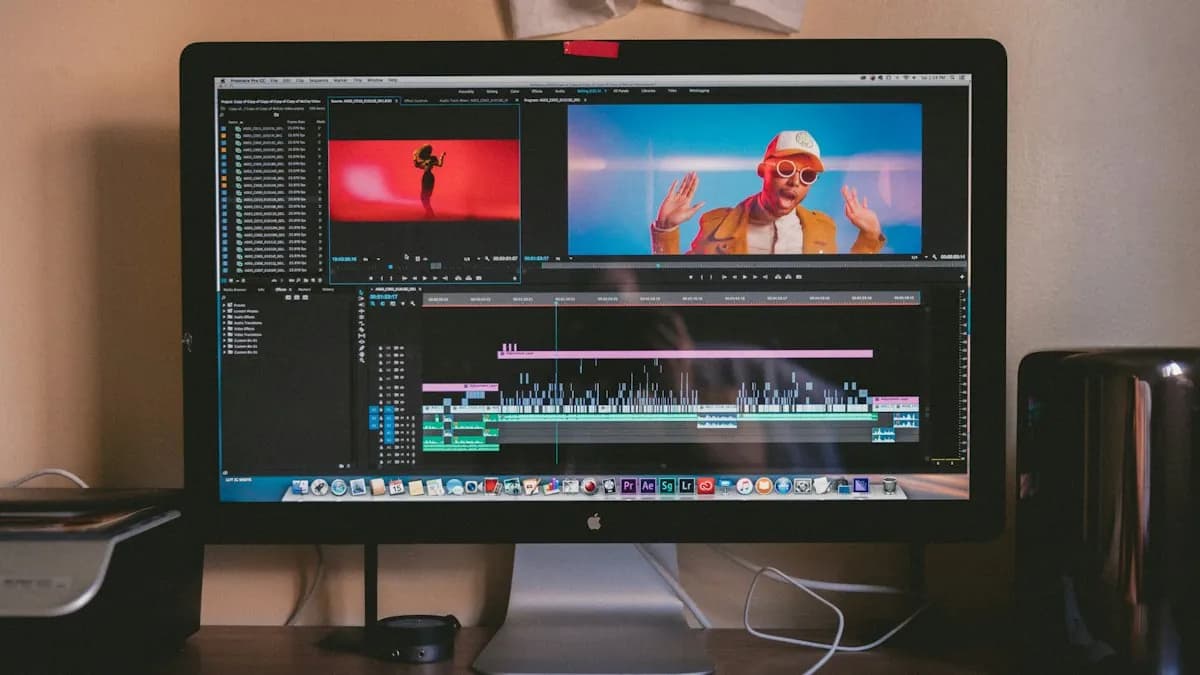
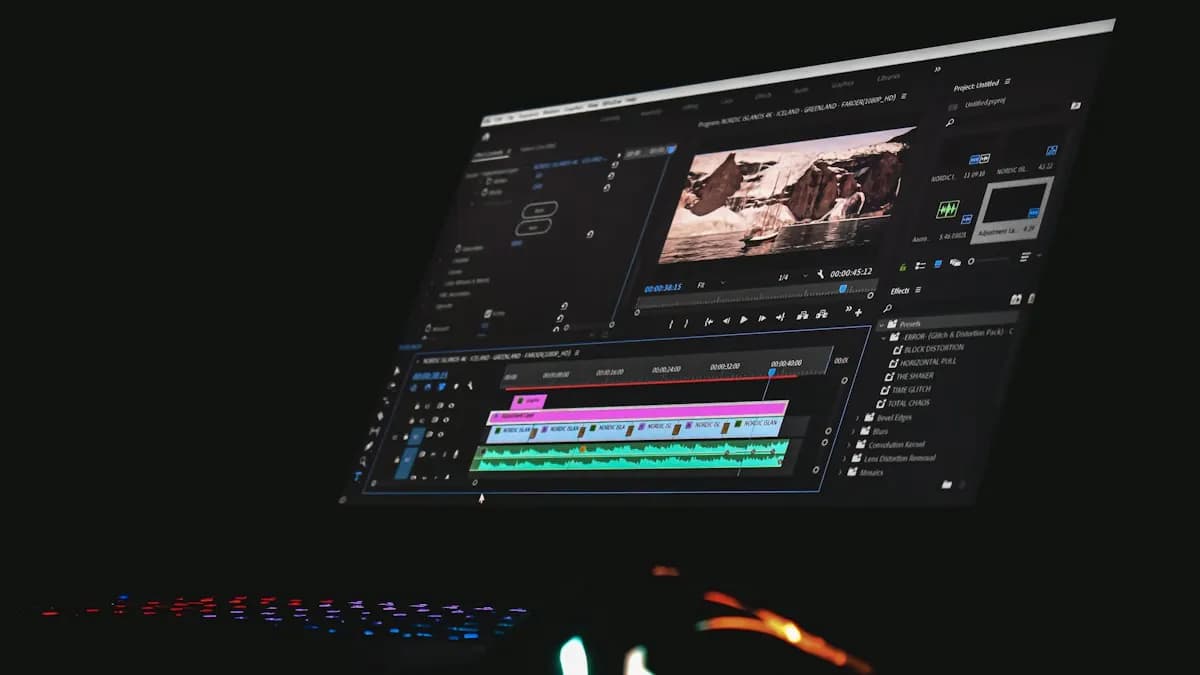
A video editor takes raw clips and turns them into a story people want to watch till the end. That means choosing the best takes, cutting out the boring parts, adding music and sound, fixing colour and placing text at the right moments. Editors work on YouTube videos, Reels, ads, weddings, corporate films, news and films.
Editing is not the same as motion graphics. Editors shape the story; motion designers animate graphics and text. Many professionals learn both. If you are unsure which suits you, read video editing vs motion graphics.
What Are the Steps of Video Editing for Beginners?
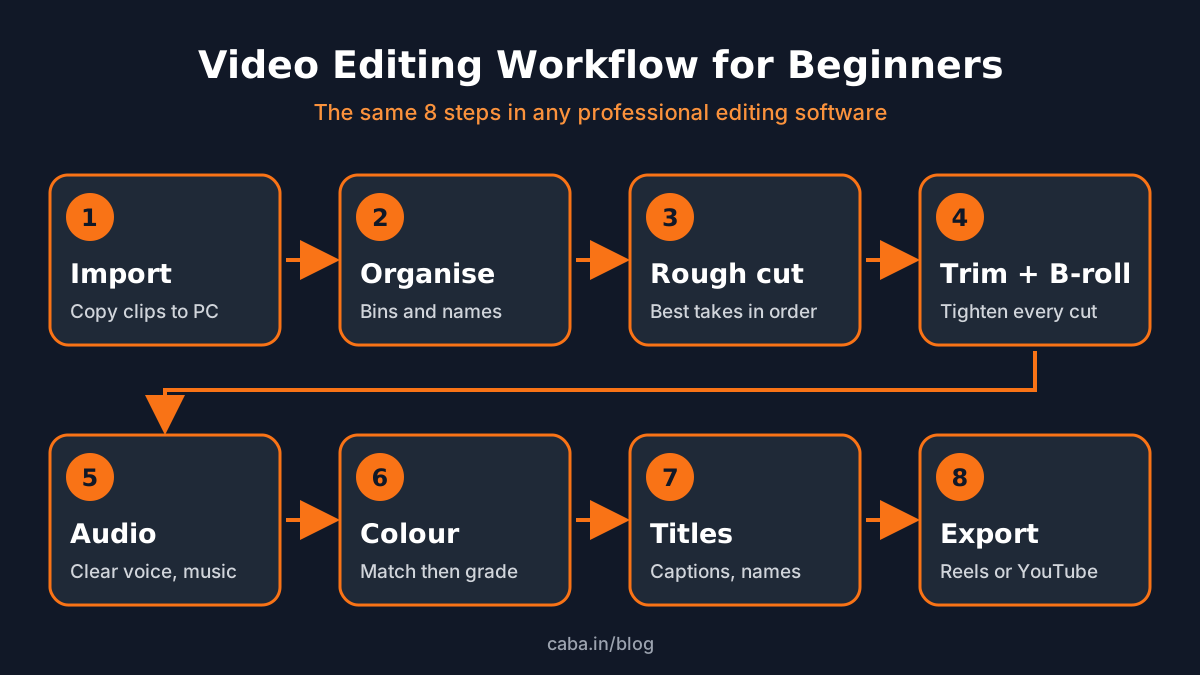
- 1Import
Copy all footage to your laptop or PC first, then import it. Never edit straight from a phone or pen drive.
- 2Organise
Make folders (bins) for clips, music, graphics and voice-over. Rename clips. Ten minutes here saves hours later.
- 3Rough cut
Put the best takes on the timeline in story order. Do not polish yet.
- 4Trim and add B-roll
Tighten every cut, remove pauses and cover jumps with B-roll (extra shots of the topic).
- 5Fix the audio
Balance voice and music, remove noise and add simple sound effects. Keep voice clear above everything.
- 6Colour correct
Match brightness and colour across clips first, then add a light grade if needed.
- 7Titles and graphics
Add names, captions and simple titles. Keep fonts readable on a phone screen.
- 8Export
Use the right size and format for where the video will play: 1080x1920 for Reels, 1920x1080 for YouTube.
Which Video Editing Software Should a Beginner Start With?
| Software | Good for | Note |
|---|---|---|
| Adobe Premiere Pro | YouTube, ads, Reels, corporate work | Most common in Indian agencies; pairs with After Effects |
| DaVinci Resolve | Editing plus strong colour grading | Free version is powerful for learning |
| Final Cut Pro | Mac users | Only runs on Mac |
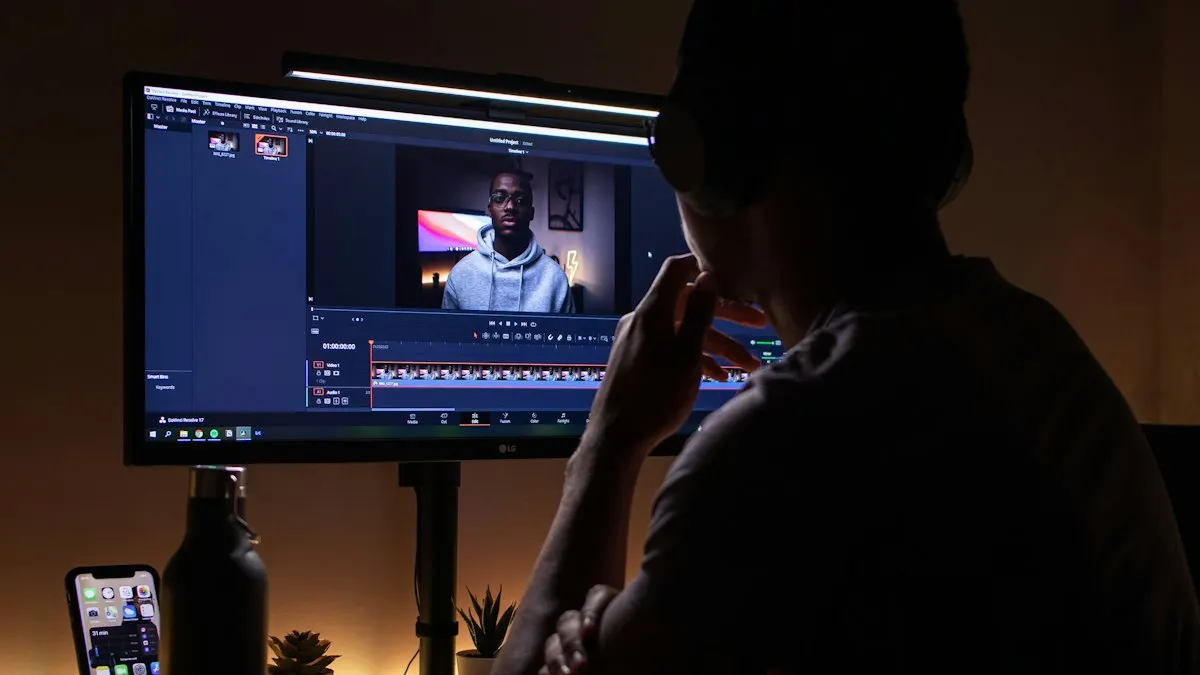
Adobe's Premiere Pro guide covers the full workflow from import to export[1]. Blackmagic offers DaVinci Resolve with a free version for beginners[2]. The software matters less than you think. Once you understand the 8 steps above, switching software takes days, not months.
Which Cuts Should Every Beginner Learn First?
- Straight cut: one clip ends, the next starts. Used most of the time.
- J-cut: you hear the next clip before you see it. Makes scenes flow.
- L-cut: the sound of one clip continues over the next picture. Common in interviews.
- Jump cut: removes pauses within the same shot. The YouTube style.
- Cutaway: a quick shot of something else (hands, product, location) to hide a cut or show detail.
A 4-Week Video Editing Practice Plan
| Week | Focus | Practice project |
|---|---|---|
| 1 | Interface, import, organise, rough cut | Cut a 60-second vlog from your own phone clips |
| 2 | Trimming, B-roll and the five cuts | Re-edit a 2-minute interview with J and L-cuts |
| 3 | Audio and colour | Fix noisy audio and match colour on mixed clips |
| 4 | Titles, captions and export | Make one Reel and one YouTube version of the same story |
Slow computer? Check the minimum laptop for video editing and Adobe's system requirements for Premiere Pro[3]. AI tools can speed up captions and rough cuts, but learn the manual skill first. See our list of AI video editing tools.
Can You Get a Job After Learning Video Editing?
Yes, if you can show a good showreel. Freshers in video editing usually start at ₹12,000 to ₹15,000 a month and can reach ₹30,000 to ₹35,000 in about two years. Editors who also learn motion graphics move up faster.
Self-learning is fine for basics. Most beginners get stuck on pacing, audio and colour because nobody checks their work. A structured video editing course in Delhi with real projects and feedback gets you job-ready sooner. Want to animate titles too? Start with After Effects for beginners.
Frequently Asked Questions
How can a beginner start video editing?
Install Premiere Pro or DaVinci Resolve on a laptop or PC, shoot a few clips on your phone and follow the 8-step workflow: import, organise, rough cut, trim, audio, colour, titles and export. Edit one short video every day.
How long does it take to learn video editing?
The basics take about a month of daily practice. Becoming job-ready with a strong showreel usually takes 4 to 6 months of guided projects.
Is video editing easy to learn?
The tools are easy to start. Good editing (pacing, sound and story) takes practice and feedback. Following a fixed workflow makes it much easier.
Which software is best for video editing beginners?
Premiere Pro is the most used in Indian agencies and DaVinci Resolve has a strong free version. Learning either one makes the other easy later.
Can I learn video editing on my phone?
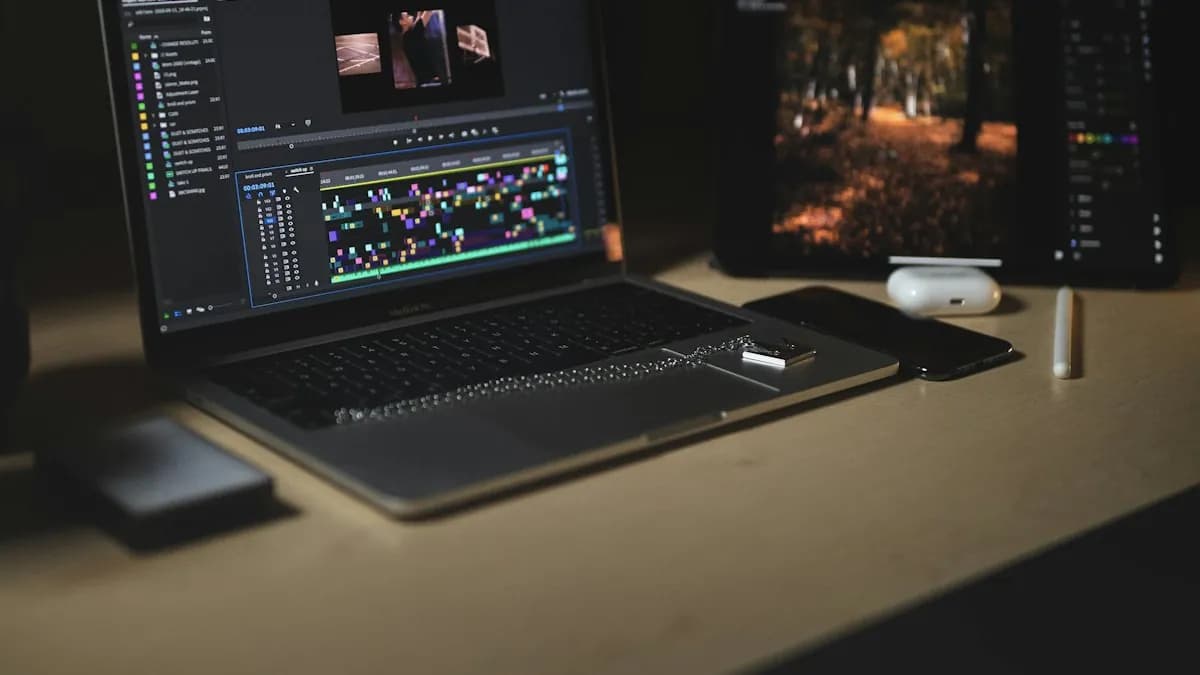
You can try simple edits, but professional work is done on a laptop or PC. Use the phone to shoot and a computer to edit.
References
- Adobe Premiere Pro User Guide- Adobe
- DaVinci Resolve- Blackmagic Design
- Premiere Pro System Requirements- Adobe