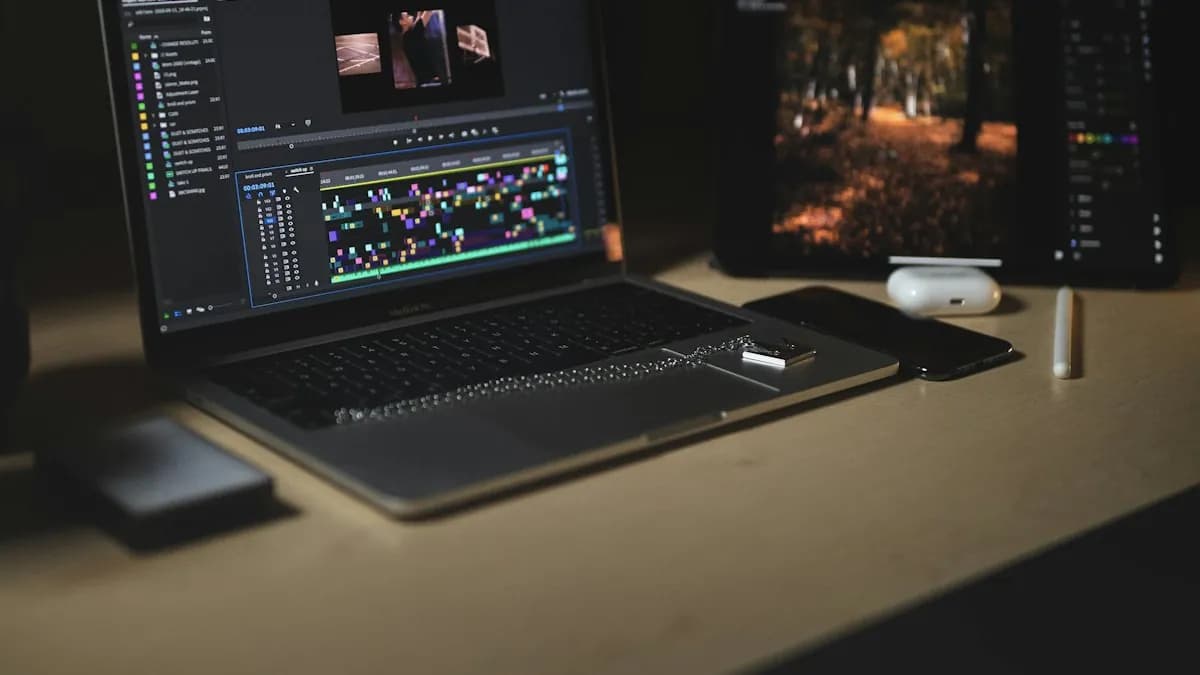
What Actually Matters (In Order)
Video editing software uses every part of a computer, but not equally. If your budget is tight, spend in this order:
- 1RAM — 16 GB
RAM holds your footage preview, effects and open apps. With 8 GB, Premiere Pro and a browser together will slow down. Adobe recommends 16 GB for HD work and 32 GB for 4K[1].
- 2SSD — 512 GB or more
An SSD loads projects and scrubs the timeline far faster than a hard disk. Keep the OS and software on the SSD; put old projects on an external drive.
- 3Graphics card — 4 GB or more
A dedicated NVIDIA RTX card speeds up effects, colour work, exports and many AI tools. DaVinci Resolve in particular leans heavily on the graphics card[2].
- 4Processor — recent i5 / Ryzen 5 or better
Newer generation matters more than the i5/i7 label. A new i5 often beats a 5-year-old i7.
- 5Screen — Full HD IPS, good colour
You will look at it for hours. Aim for close to 100% sRGB if you also do design.
Three Budgets: What to Look For
| Budget | Good for | Look for |
|---|---|---|
| Around ₹50,000–60,000 | Learning, Photoshop, Illustrator, HD YouTube and Reels editing | i5 / Ryzen 5 (recent gen), 16 GB RAM, 512 GB SSD; RTX 2050/3050 if you can find it in budget |
| ₹70,000–90,000 | Freelance editing, After Effects basics, some 4K | i5/i7 or Ryzen 5/7 (H-series), 16 GB (upgradable), RTX 3050/4050, 512 GB–1 TB SSD |
| ₹1 lakh+ | Motion graphics, 4K, heavy After Effects, 3D | i7 / Ryzen 7, 32 GB RAM, RTX 4060 or better, 1 TB SSD, good cooling |
Prices change every festival sale, so compare specs, not model names. Use the table above as a checklist when you visit a store or open a shopping site.
Is an i5 Laptop Enough for Video Editing?
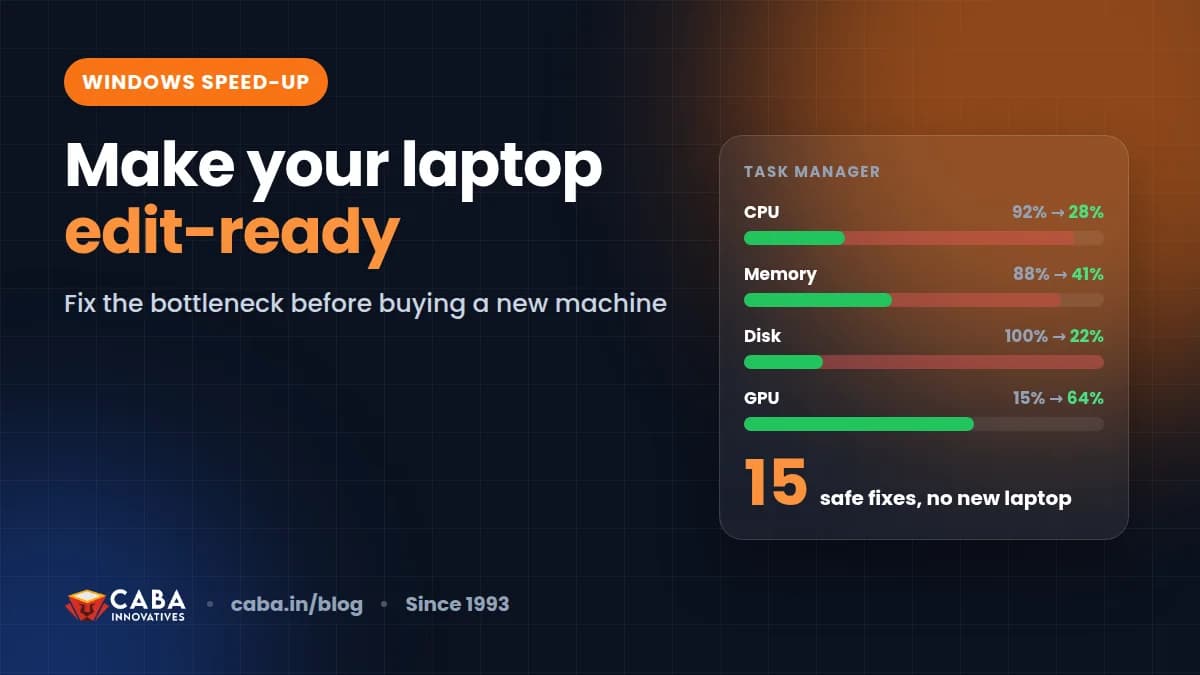
Yes, for learning and most freelance work. Our own students learn Premiere Pro and After Effects on i5 machines every day. What makes an i5 laptop feel slow is usually 8 GB RAM, a hard disk instead of SSD, or too many background apps — not the processor.
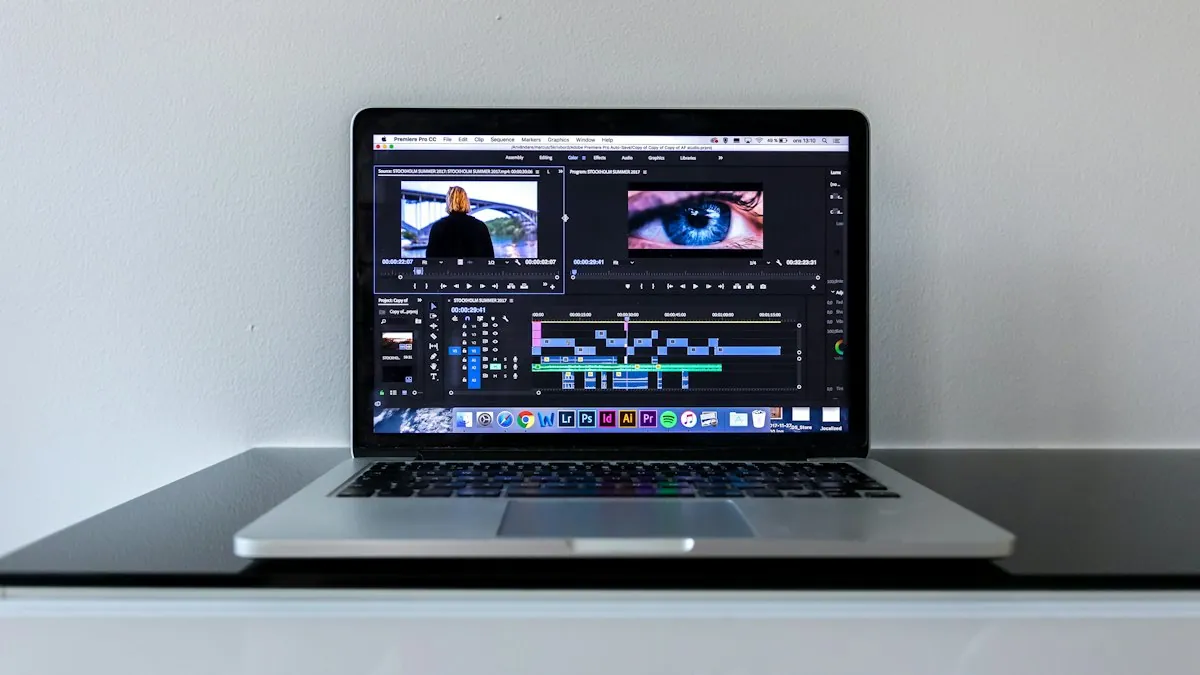
Before you buy a new one, try these free fixes on your current laptop: speed up Windows for video editing and design. Use proxy files for heavy footage, and close Chrome while exporting.
MacBook or Windows Laptop?
- MacBook Air / Pro (M-series): excellent battery, quiet, great for Premiere Pro, Final Cut and DaVinci. Expensive to upgrade — buy enough RAM and storage on day one.
- Windows with NVIDIA card: more choice at every budget, easier to upgrade, and most Indian studios and agencies use Windows.
- For a job in India, knowing Windows is more useful. Both are fine for learning.
Five Buying Mistakes to Avoid
- Buying 8 GB RAM that cannot be upgraded.
- Choosing a big hard disk (1 TB HDD) over a smaller SSD.
- Paying extra for a 144Hz gaming screen with poor colours.
- Ignoring cooling — thin laptops slow down when hot during long exports.
- Buying an old-generation i7 because "i7 is better" than a new i5.
A good laptop helps, but skill matters more. See which AI video tools professionals use, or check the video editing course.
Frequently Asked Questions
How much RAM do I need for video editing?
16 GB is the practical minimum for smooth HD editing. 8 GB works for simple short videos. For 4K and heavy After Effects work, 32 GB is better. Adobe recommends 16 GB for HD and 32 GB for 4K.
Is an i5 laptop good for video editing?
Yes. A recent-generation i5 or Ryzen 5 with 16 GB RAM, SSD and a dedicated graphics card handles HD editing and learning comfortably.
Which is the best laptop for video editing under ₹50,000?
Look for a recent i5 or Ryzen 5, 16 GB RAM, 512 GB SSD and, if possible, an entry RTX graphics card. Compare specs rather than brand names, as models change every season.
Do I need a graphics card for video editing?
Not to start, but it helps a lot. A dedicated NVIDIA card makes effects, exports and AI features much faster, and DaVinci Resolve relies heavily on it.
Can I do video editing on a laptop with 8 GB RAM?
Yes, for short HD videos and learning, if you close other apps and use proxies. For regular client work, upgrade to 16 GB.
References
- Adobe Premiere Pro system requirements — Adobe
- DaVinci Resolve – Tech specs and requirements — Blackmagic Design