What AI Actually Changes in Video Editing
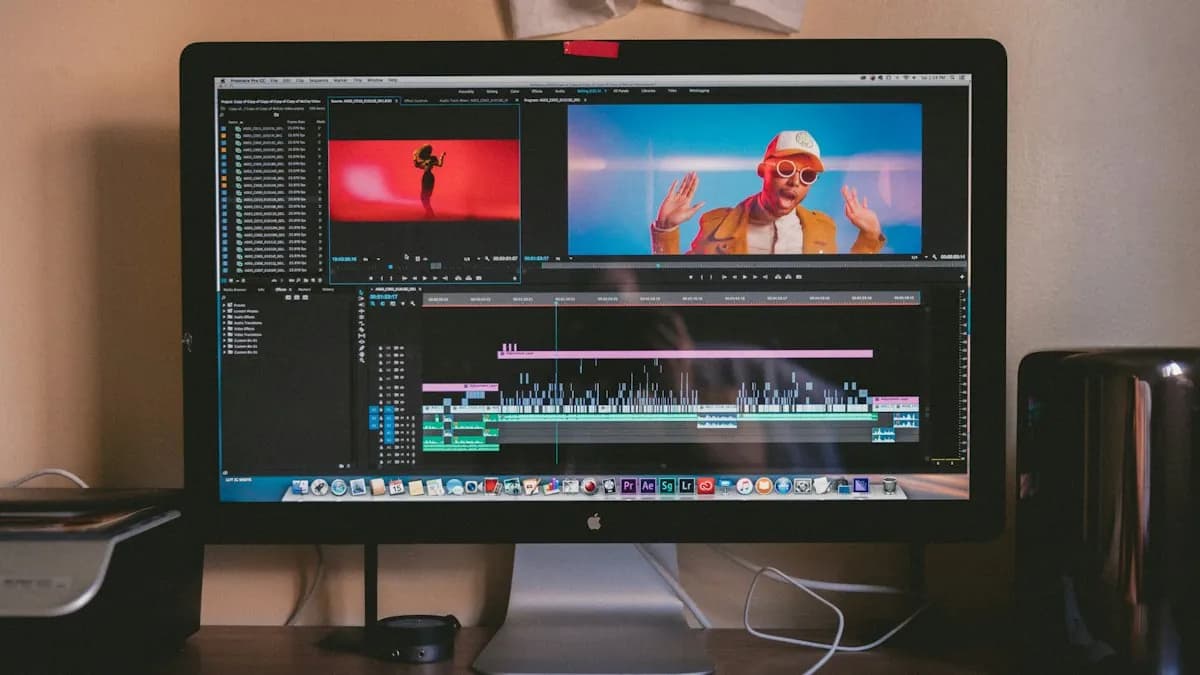
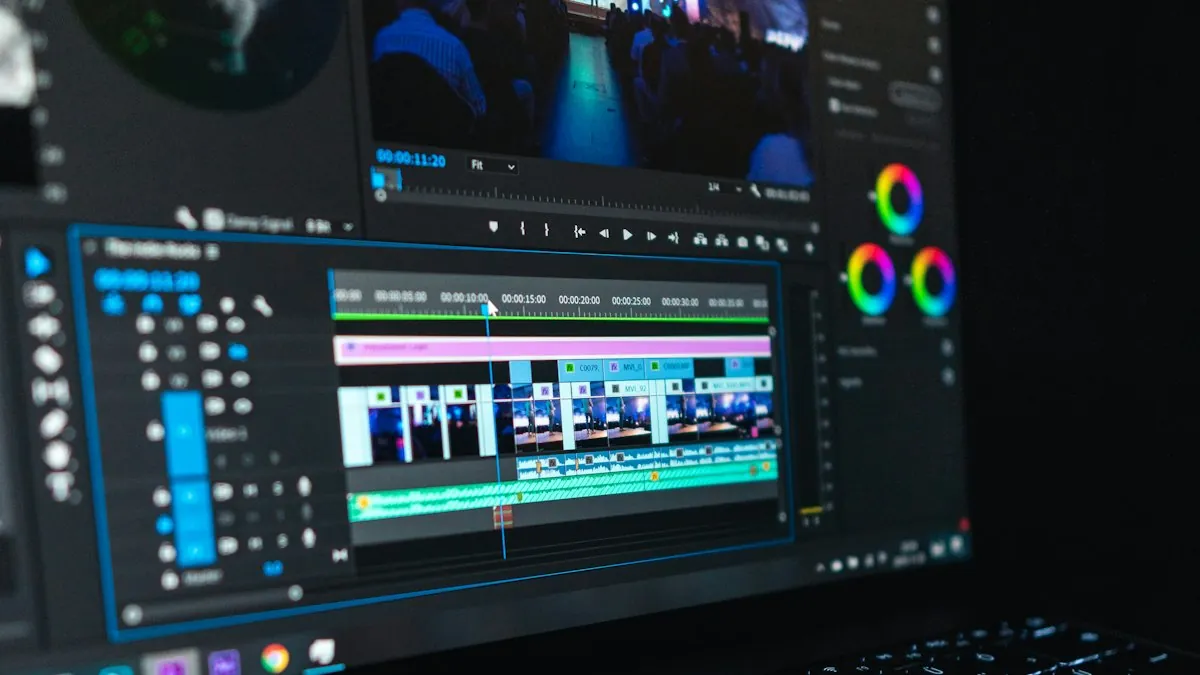
Ten years ago, typing captions for a 10-minute video took most of a day. Cleaning a noisy interview took experience and luck. Resizing one horizontal video into a vertical Reel meant moving the frame shot by shot. Today, AI does the first draft of all three in minutes.
That is the right way to think about AI in editing: it gives you a first draft of the boring parts. You still check it, fix it and make the creative decisions.
AI Features Worth Using (and Where to Find Them)
| Job | What the AI does | Where you find it | Check this yourself |
|---|---|---|---|
| Captions | Turns speech into timed captions | Premiere Pro (Speech to Text), DaVinci Resolve, CapCut desktop | Names, brand words, Hindi/Hinglish |
| Edit by text | Cut video by deleting words in the transcript | Premiere Pro text-based editing, DaVinci Resolve | Natural pauses and breaths |
| Noisy audio | Cleans voice, reduces background noise | Premiere Pro Enhance Speech, DaVinci Resolve (Studio) | Robotic sound if pushed too far |
| Vertical Reels | Keeps the subject centred when changing to 9:16 | Premiere Pro Auto Reframe, DaVinci Resolve Smart Reframe (Studio) | Hands, text and products cut off at edges |
| Extend a clip | Adds a few extra frames to a short shot | Premiere Pro Generative Extend[1] | Faces and motion looking unnatural |
| Scripts and hooks | Drafts scripts, titles and hooks | ChatGPT and similar assistants | Facts and your own voice |
A Real AI-Assisted Editing Workflow
- 1Transcribe first
Run speech-to-text on all talking clips. Now you can search your footage by words instead of scrubbing the timeline.
- 2Rough cut from the transcript
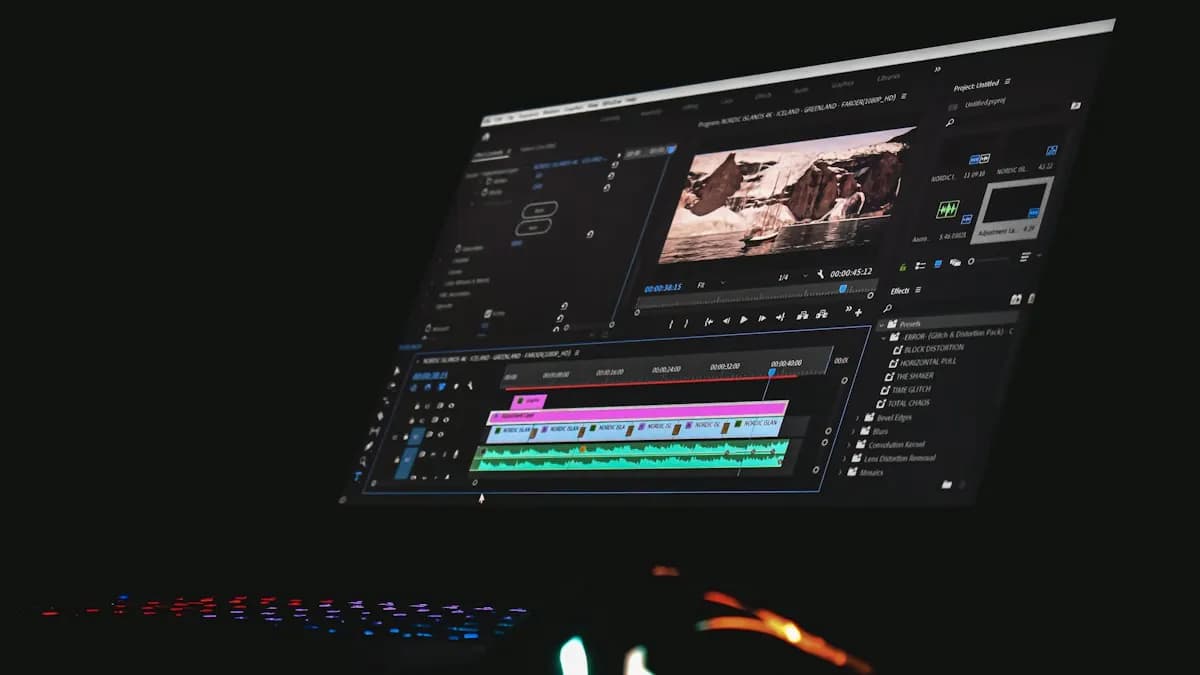
Delete the mistakes, repeats and long pauses in the text. The timeline follows. A 40-minute recording becomes a 12-minute rough cut quickly.
- 3Fine cut by hand
This is where AI stops. Tighten timing, add J and L cuts, choose b-roll, build rhythm. This is the skill clients pay for.
- 4Clean the audio
Use speech enhancement gently. Then balance voice and music by ear.
- 5Colour by hand
Correct first, then grade. AI 'auto colour' is a starting point, not a look.
- 6Captions and reframe
Generate captions, correct every line, then auto-reframe for Reels and Shorts and fix any shots where it chose wrong.
Do AI Features Need a Powerful Laptop?
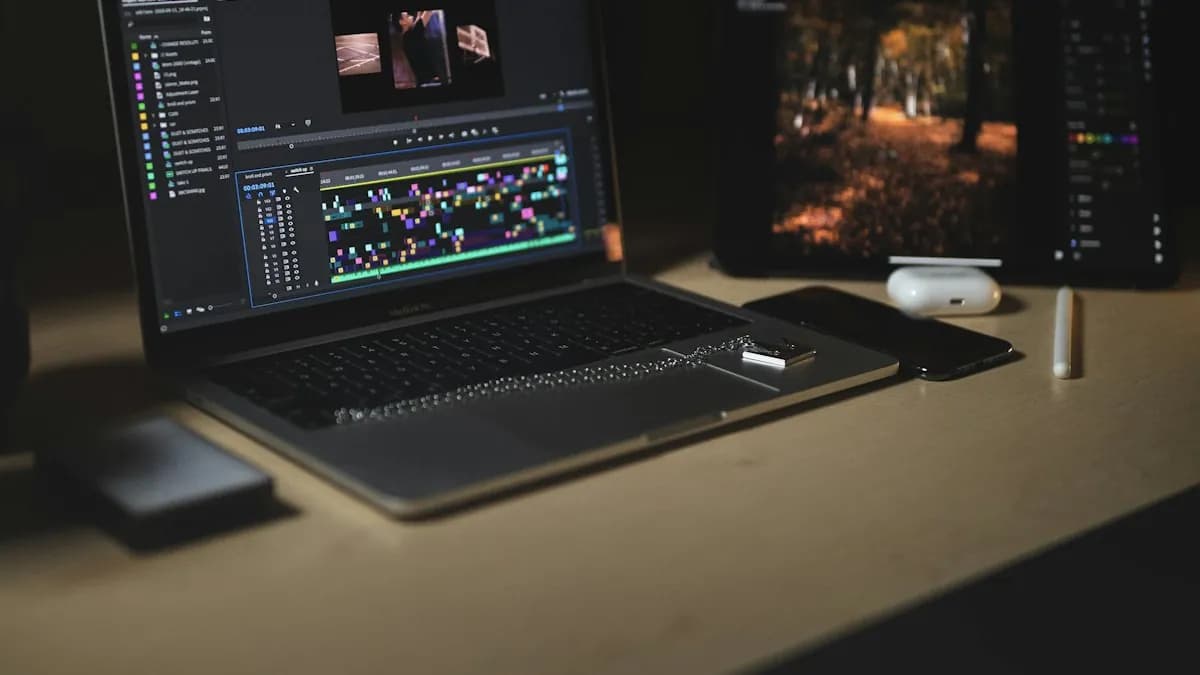
Some AI features run on the cloud and some run on your computer. Local features like transcription and speech cleanup run faster with a dedicated graphics card and 16 GB RAM, but a modern i5 laptop can still do them — it just takes longer. See our guide to the minimum laptop for video editing and speeding up Windows for editing.
Where AI Still Needs an Editor
- Story: AI does not know which moment will make the viewer feel something.
- Brand style: fonts, colours, intro and outro rules for a client's channel.
- Timing to music: cuts that land on the beat still need a human ear.
- Motion graphics: animated titles, lower thirds and logo reveals are a separate, well-paid skill. See video editing vs motion graphics.
- Accountability: when a client wants changes at 11 pm, they call a person, not a tool.
If you want to learn editing with AI tools built into the training, see the video editing course details.
Frequently Asked Questions
What are the best AI video editing tools?
For professional work, the most useful AI features are inside Premiere Pro and DaVinci Resolve: speech-to-text captions, transcript-based editing, speech enhancement, auto reframe and, in Premiere Pro, Generative Extend. ChatGPT-style assistants help with scripts and hooks.
Are there free AI video editing tools?
Yes. DaVinci Resolve has a free version that handles most formats up to Ultra HD, and several editors offer free auto captions. Some advanced AI tools need paid versions.
Can AI edit a YouTube video automatically?
AI can make a rough cut and captions, but a watchable YouTube video still needs a human to choose the story, pace, b-roll, colour and sound. AI saves time; it does not replace the editor.
Do I need a powerful computer for AI video editing?
Not always. Cloud-based AI features run on the provider's servers. Local AI features run faster with 16 GB RAM and a dedicated graphics card, but a modern i5 laptop can manage with patience.
References
- Generative Extend overview in Premiere — Adobe Help Center
- DaVinci Resolve — Blackmagic Design