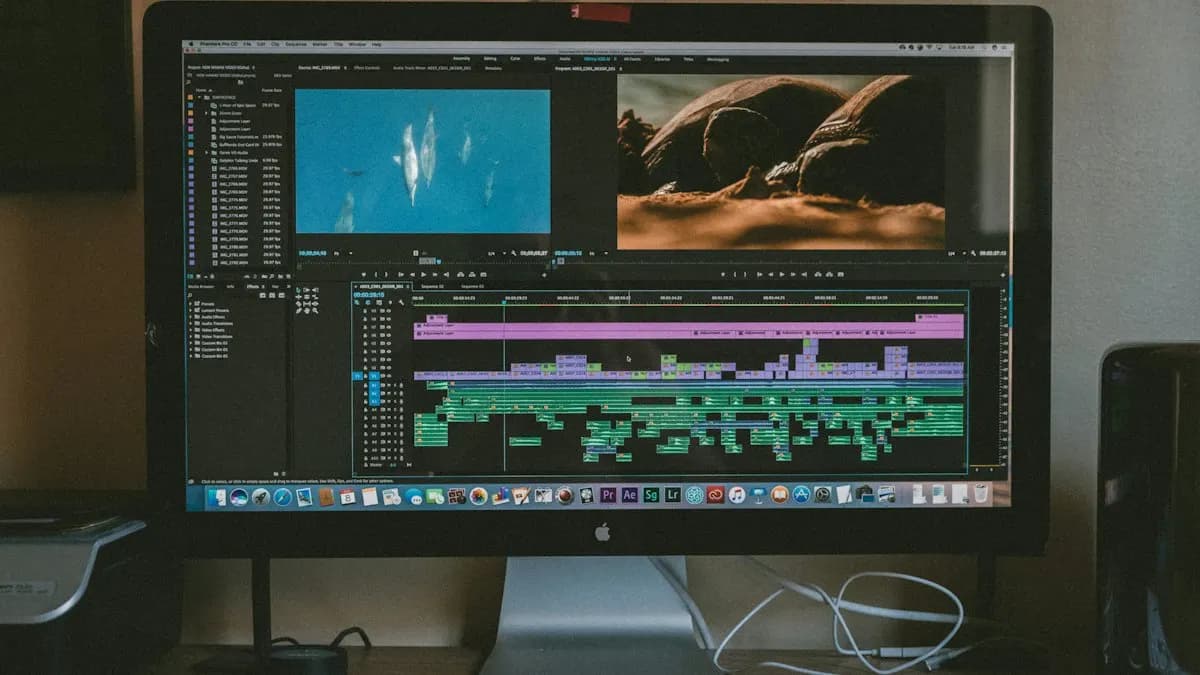
Why Would a Premiere Pro Editor Learn DaVinci Resolve?
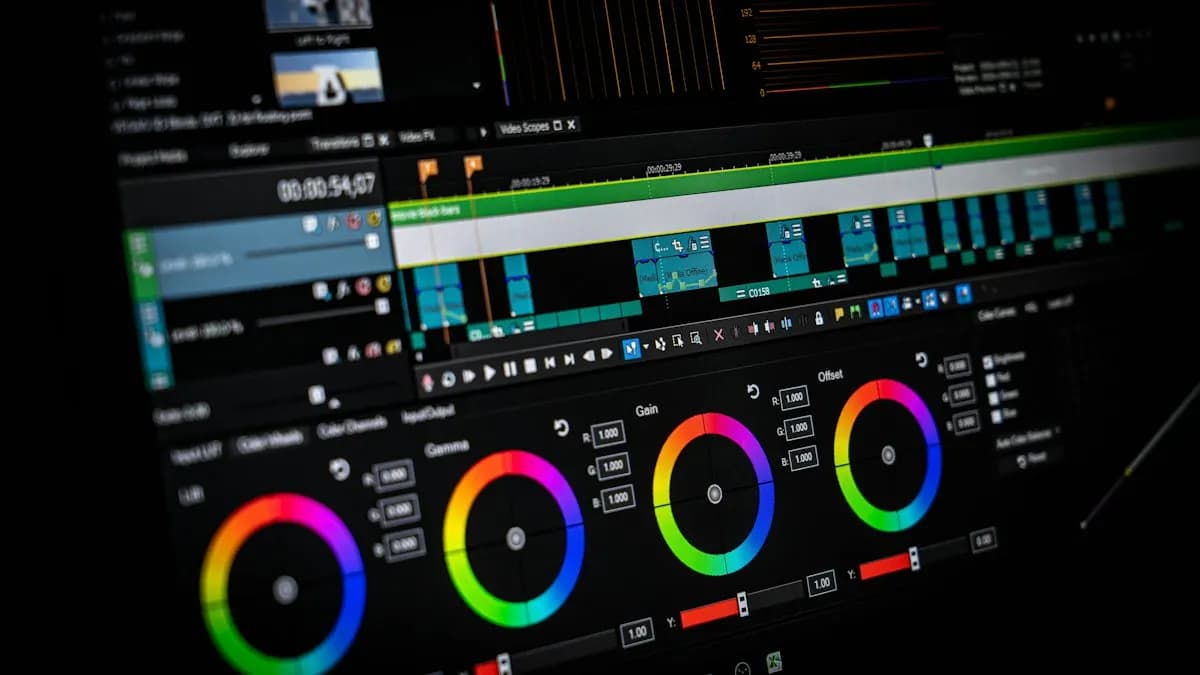
Mostly for colour. DaVinci Resolve started as a colour grading system and its Color page is still where many professional colourists work. Editors also like that Blackmagic Design offers a free version of Resolve, with a paid Studio version that adds the DaVinci AI Neural Engine tools such as Magic Mask[1].
Do professionals use DaVinci Resolve? Yes, especially for colour and finishing. Do Delhi studios and agencies hire editors for Resolve alone? Rarely. Most job posts we read still ask for Premiere Pro and After Effects. So learn Premiere first, then add Resolve. If you are still choosing an editing app, start with video editing for beginners.
Where Are Your Premiere Pro Tools in DaVinci Resolve?
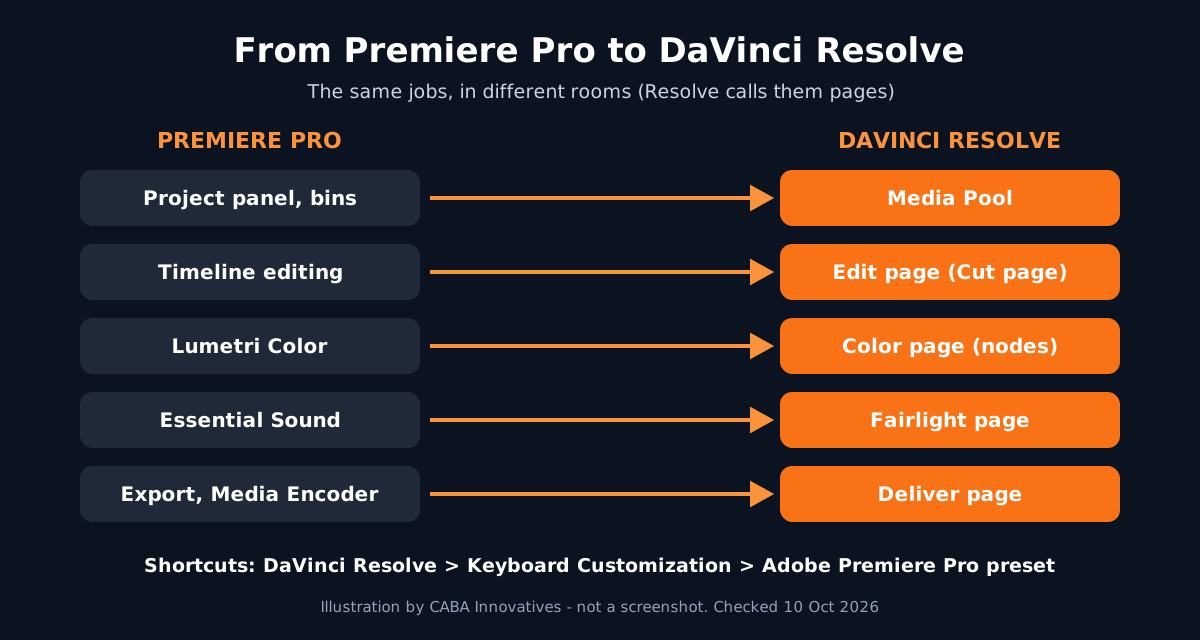
Resolve divides the work into pages, each a workspace for one task: Media, Cut, Edit, Fusion, Color, Fairlight and Deliver. Version 21 adds a Photo page[1]. The page buttons sit along the bottom of the screen.
| In Premiere Pro | In DaVinci Resolve |
|---|---|
| Project panel and bins | Media Pool (Media and Edit pages) |
| Timeline editing | Edit page (Cut page for fast rough cuts) |
| Lumetri Color | Color page, with nodes |
| Essential Sound / Audition | Fairlight page |
| Titles and effects with After Effects | Fusion page (node-based effects and motion graphics) |
| Export and Media Encoder | Deliver page, with a render queue |
Which DaVinci Resolve Settings Should You Set First?
- 11. Premiere shortcuts
Go to DaVinci Resolve > Keyboard Customization, open the preset menu and choose Adobe Premiere Pro. Users on Blackmagic's own forum note that not every key matches, so check the few you use most[2].
- 22. Project Settings before you import
Open Project Settings (the gear icon at the bottom right) and set timeline resolution and frame rate first. Changing the frame rate after footage is on the timeline is where many beginners get stuck.
- 33. Save and backups
In Preferences > User > Project Save and Load, turn on Live Save and Project Backups. Resolve keeps projects in a database, not loose files, so backups matter.
- 44. Memory and GPU
In Preferences > System > Memory and GPU, check that Resolve sees your graphics card. Resolve leans on the GPU much more than Premiere does.
- 55. Proxies for heavy footage
Right-click clips in the Media Pool to generate proxy media when 4K or phone HEVC footage stutters. It is the same idea as proxies in Premiere.
How Do You Move a Premiere Pro Timeline to DaVinci Resolve?
In Premiere Pro, select the sequence and use File > Export > Final Cut Pro XML. In Resolve, import it with File > Import > Timeline and point it to the same media. Cuts, clip positions and basic transforms usually come across. Effects, titles from Premiere and some speed changes often do not, so plan to rebuild those.
A common studio flow: edit in Premiere Pro, send the locked cut to Resolve for colour, then render the graded clips or the full film from the Deliver page.
How Does Colour Grading Work in DaVinci Resolve?
Instead of stacking Lumetri effects, Resolve uses nodes. Each node is one step. Add a new serial node with Alt + S (Option + S on Mac) and keep one job per node: balance first, then exposure, then the look. You can switch any node off to compare.
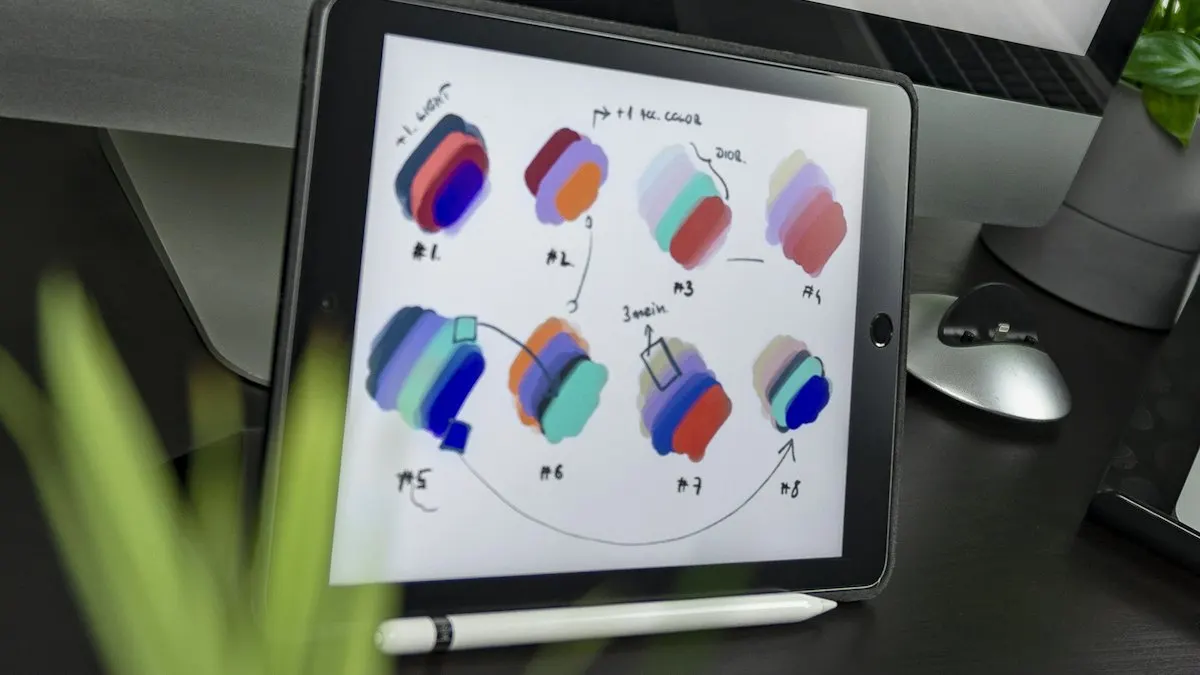
The Color page also has Power Windows, qualifiers and tracking for changing one part of the picture, like brightening a face[1]. In the Studio version, Magic Mask uses AI to isolate a person. Use it as a starting mask and check the edges frame by frame. AI saves time. It does not replace your eye.
Which DaVinci Resolve Projects Should You Build?
- A before and after colour Reel: 20 to 30 seconds, split screen, three different looks on the same footage.
- A Premiere to Resolve round trip: a short edit made in Premiere, graded in Resolve, delivered as a final file.
- An audio clean-up in Fairlight: a noisy phone interview cleaned and levelled for YouTube.
Worked example (project 1): shoot 3 short clips on your phone: indoors, outdoors and at night. Make a 1080 x 1920 vertical timeline. On the Color page add node 1 for balance (fix white balance with the colour wheels), node 2 for contrast and exposure and node 3 for the look (warm, cool or teal-orange). Copy the grade to the other clips and adjust node 1 for each. Export from the Deliver page with an H.264 preset. Put the before and after side by side in Premiere and export a Reel for your portfolio. Shooting tips are in shoot on phone, edit on laptop.
Why Does 1-to-1 Training Help Before You Switch Software?
Switching software is easy when your editing basics are strong and painful when they are not. In one-to-one training the trainer watches your screen, fixes timeline habits and sets your machine up properly. Once Premiere Pro, After Effects and sound editing are solid, moving to Resolve takes a few weeks of practice.
Our video editing course in Delhi is built on Premiere Pro, After Effects and sound editing, the tools Delhi studios ask for, plus graphics and AI tools, in the classroom or live online. Premium 1-to-1 students get the "100% Job Guarantee on Premium 1-to-1" under written terms. Timings and fees are on the video editing course page. Learning from another city? See video editing course online.
Frequently Asked Questions
Is DaVinci Resolve easy to learn for Premiere Pro users?
Yes. The editing ideas are the same. Switch to the Adobe Premiere Pro keyboard preset, learn where each tool lives (Edit, Color, Fairlight, Deliver pages) and most editors are comfortable in a few weeks.
Is DaVinci Resolve better than Premiere Pro?
Resolve is stronger for colour grading. Premiere Pro is more common in Indian studios and agencies and works closely with After Effects. Many professionals use both.
Can I use Premiere Pro shortcuts in DaVinci Resolve?
Yes. Go to DaVinci Resolve > Keyboard Customization and choose the Adobe Premiere Pro preset. Check your most-used keys, because not every shortcut matches.
How do I open a Premiere Pro project in DaVinci Resolve?
Export the sequence from Premiere with File > Export > Final Cut Pro XML, then import it in Resolve with File > Import > Timeline. Rebuild effects and titles that do not transfer.
Does CABA Innovatives teach DaVinci Resolve?
CABA's video editing course is built on Premiere Pro, After Effects and sound editing. Students who want Resolve for colour can add it once those basics are solid.
References
- DaVinci Resolve 21: product overview (pages, Color, Fairlight, Deliver, free and Studio versions)- Blackmagic Design
- Premiere Pro keyboard layout for DaVinci Resolve (user discussion)- Blackmagic Design Forum