What Does a YouTube Video Editor Actually Do?
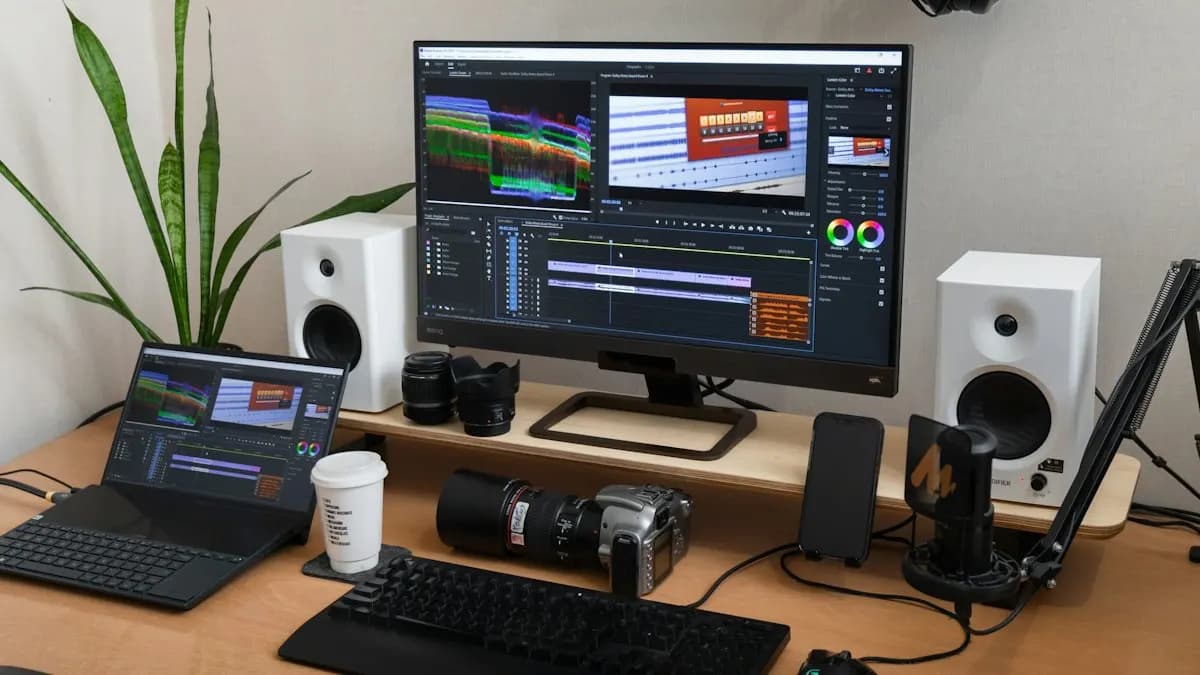
A creator records an hour of talking. Your job is to turn it into a 12-minute video people finish. You cut the slow parts, fix the sound, add b-roll and screen recordings, put on captions and titles, then export it the way YouTube likes. Many channels also want three or four Shorts cut from the same recording.
Different channels need different styles. A finance channel wants clean graphs and calm pacing. A gaming channel wants fast cuts and sound effects. A podcast wants two-camera switching and clear audio. Learn the basics once and you can adapt to each.
| Format | What the editor does | Key skill |
|---|---|---|
| Long video (8 to 20 min) | Story cut, b-roll, graphics, chapters | Pacing for retention |
| Shorts (up to 3 min, vertical) | Pick the best moment, reframe, captions | Strong first 2 seconds |
| Podcast | Multi-camera switching, sound levels | Audio cleanup |
| Tutorials | Screen recording zooms, callouts | Clear visual steps |
Which Skills Do YouTube Channels Want From an Editor?
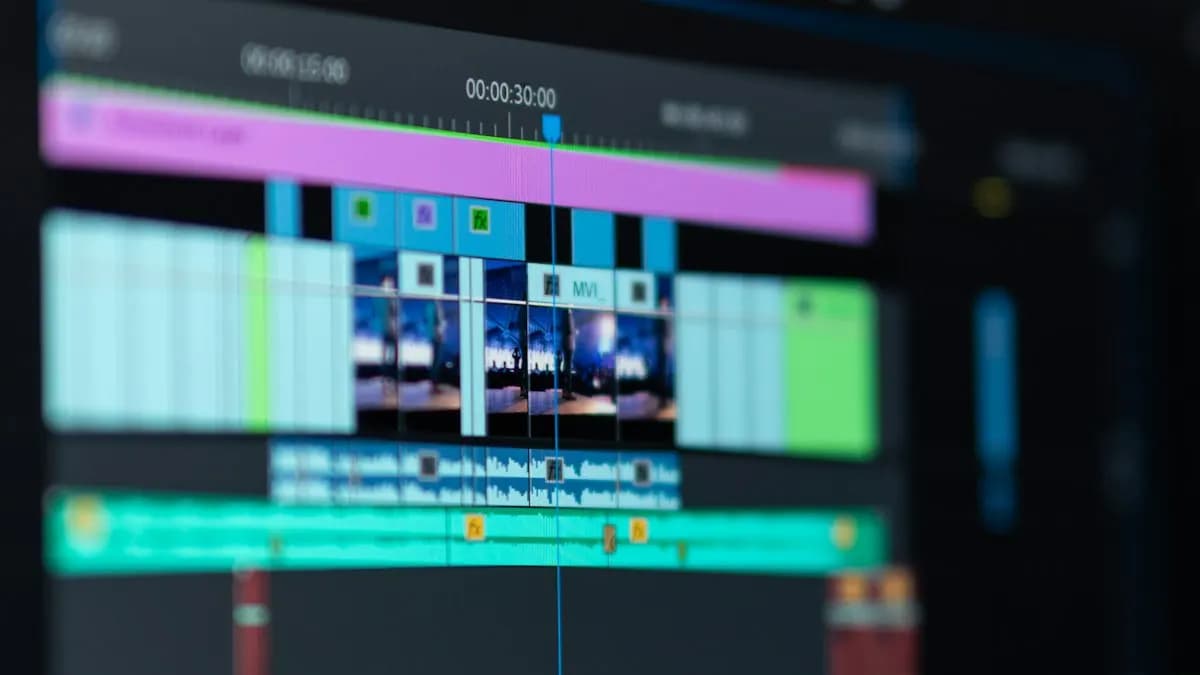
- Cutting for retention: remove pauses and repeats, use J and L cuts so speech flows, change the shot every few seconds on talking videos.
- Sound: clean fan and room noise, balance voice and music, avoid music that can bring a copyright claim. Our guide to Adobe Audition noise reduction covers the cleanup.
- Captions and titles: most viewers watch on phones, many with sound low.
- Simple motion graphics: lower thirds, animated text, zooms and callouts made in After Effects.
- Thumbnails: a big face, three or four words and strong contrast, made in Photoshop.
- Export settings: the right format and bitrate so YouTube does not blur your work.
Editing on a phone app is fine for your own Reels, but channels hire editors who work on a laptop with professional software. Shoot on a phone if you like; edit on a computer, as we explain in shoot on phone, edit on laptop.
What Export Settings Does YouTube Recommend?
YouTube publishes its own recommended upload settings[1]. A fresher who knows them looks professional on day one:
| Setting | YouTube's recommendation |
|---|---|
| Container | MP4 (Fast Start) |
| Video codec | H.264, progressive scan, High Profile |
| Frame rate | Same as recorded (24, 25, 30, 48, 50 or 60 fps) |
| 1080p bitrate | 8 Mbps at 24 to 30 fps, 12 Mbps at 48 to 60 fps |
| 4K bitrate | 35 to 45 Mbps at 24 to 30 fps |
| Audio | AAC-LC (or Opus), 48 kHz |
For Shorts, YouTube says they can be up to 3 minutes long and are uploaded as vertical videos[2]. Edit Shorts in a vertical 9:16 sequence instead of squeezing a wide video. If Premiere Pro feels slow while you edit, see our tips to make Premiere Pro faster.
A 3-Project Portfolio That Gets YouTube Editing Work
- 1One long video
Take a 40-minute talk or interview (ask a friend to record one) and edit it to 10 minutes with b-roll, captions, chapters and clean sound.
- 2Three Shorts from the same footage
Pick three moments, reframe them vertical, add bold captions and a hook in the first two seconds.
- 3A thumbnail set
Three Photoshop thumbnails for the long video, so a channel owner sees you can help with clicks too.
Worked example: ask a local fitness coach to record a 50-minute talk at home. Cut it to a 9-minute video, three Shorts and two thumbnails. That one project shows every skill a channel asks for. If the coach posts it on his channel, you also get a real link to share.
AI and Agentic AI in YouTube Editing
Premiere Pro's Enhance Speech uses AI to clean voice recordings. Adobe's AI assistant for Premiere (public beta) can carry out several editing steps from one plain request[3]. ChatGPT, Claude and Gemini help draft titles, descriptions and chapter lists from a transcript. Auto captions save hours of typing.
What the human still decides: which moment is the hook, whether a cut changes what the creator meant, whether captions spell names right and whether the music is licensed. Channels trust editors who check these. CABA's courses now teach AI and agentic AI workflows inside the curriculum, with the editor reviewing every AI step.
YouTube Video Editor Jobs in Delhi: What Posts Ask For
On 16 October 2026 Internshala listed 100 fresher video editing openings in Delhi[4]. Three that mention YouTube, in our own words (company names left out):
- Video editor for Reels and social media, Delhi and Noida. Edit short videos, Instagram Reels and YouTube Shorts. Skills listed: Premiere Pro, After Effects, audio editing, motion graphics and colour correction. Pay shown: ₹2 to 5 lakh a year.
- Video editing intern, Delhi. Edit YouTube videos for the company's own channel and a marketing channel. Skills listed: Premiere Pro, Photoshop and Illustrator. Stipend shown: ₹4,000 to ₹5,000 a month, job offer of up to ₹2.5 lakh a year after.
- Video editor intern, Delhi. Edit Reels, YouTube Shorts and promo videos with motion graphics and AI video generation. Stipend shown: ₹10,000 to ₹12,000 a month, job offer of up to ₹3 lakh a year after.
Many YouTube editors also freelance for two or three channels once they have a portfolio. Start with a job or internship to learn deadlines and feedback, then add freelance clients.
How Much Does a YouTube Video Editor Earn in India?
| Stage | Typical monthly salary (Delhi NCR) |
|---|---|
| Fresher (first job) | ₹12,000 to ₹15,000 |
| After 1 year | ₹18,000 to ₹22,000 |
| After 2 to 3 years | ₹30,000 to ₹35,000 |
These figures come from our own students' placements. Editors who only cut often stay near ₹25,000 for years. Those who add motion graphics usually earn 30 to 40% more over time, which is why many move on to our motion graphics course after their first job. For the bigger picture, read is video editing a good career.
Do You Need a Course to Become a YouTube Editor?
You can learn on your own, but most self-taught editors spend months stuck on settings, sound and slow software. A course with a trainer at your screen cuts that time and gives you a portfolio that channels take seriously. If you are starting from zero, read how to become a video editor with no experience first.
Our video editing course in Delhi runs as 3 months of graphics (Photoshop, Illustrator) and 3 months of video (Premiere Pro, After Effects, sound editing), in South Delhi or live online. The Premium plan carries a 100% Job Guarantee; see the job guarantee terms. Ask our counsellor how the video editing course with placement fits YouTube work.
Frequently Asked Questions
How do I become a YouTube video editor with no experience?
Learn Premiere Pro, sound cleanup, captions and Photoshop thumbnails, then build a portfolio of one long video, three Shorts and a thumbnail set. Apply to internships and channel jobs with that portfolio.
Which software do YouTube video editors use?
Most professional YouTube editors in India use Premiere Pro, with After Effects for motion graphics, Audition for sound and Photoshop for thumbnails. Some use DaVinci Resolve.
How long can a YouTube Short be?
YouTube's help page says Shorts can be up to 3 minutes long and are uploaded as vertical videos.
How much does a YouTube video editor earn in India?
In our placements, freshers earn about ₹12,000 to ₹15,000 a month, rising to ₹30,000 to ₹35,000 in 2 to 3 years. Editors who add motion graphics usually earn more over time.
Does CABA Innovatives train students for YouTube editing jobs?
Yes. CABA's video editing course covers Photoshop, Illustrator, Premiere Pro, After Effects and sound editing, with portfolio projects such as long videos, Shorts and thumbnails.