
Loading amazing content...
Loading amazing content...
Practical Editing Basics guides - tips, fixes and career advice. Part of our Video Editing section. Course details →
 Video Editing
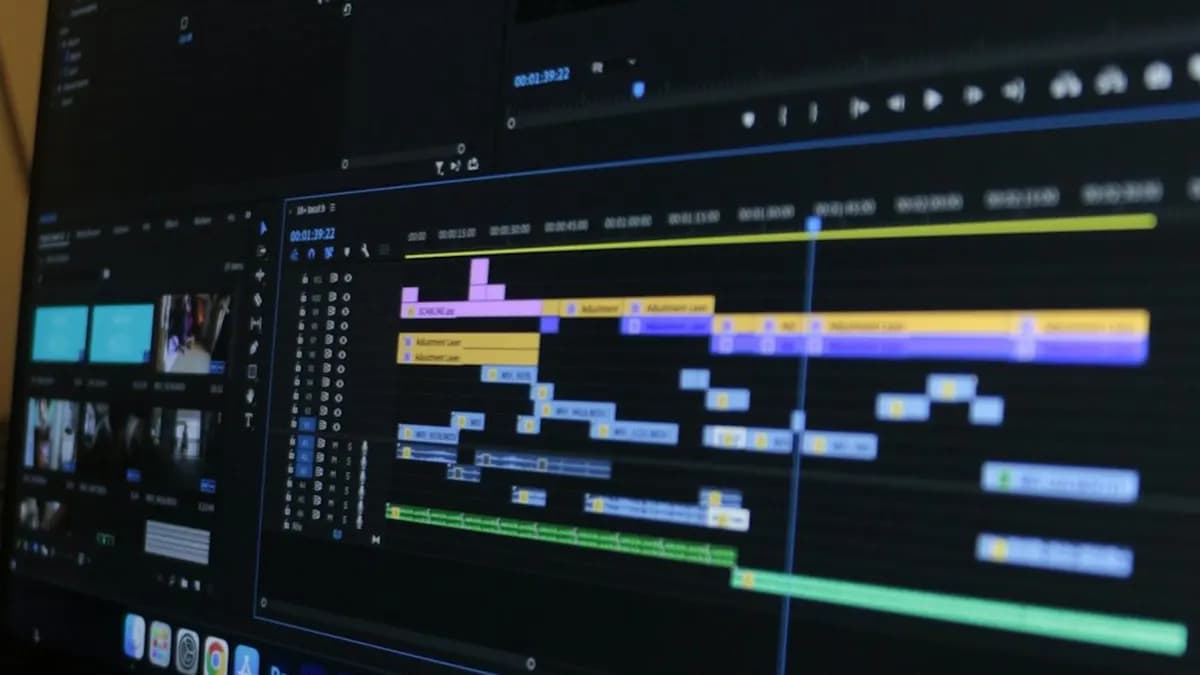
Most people who want to learn video editing open a tutorial, cut a few clips and get stuck. The problem is not talent. It is the order. Here is the learning path that works, stage by stage, with how long each part takes.
 Video Editing
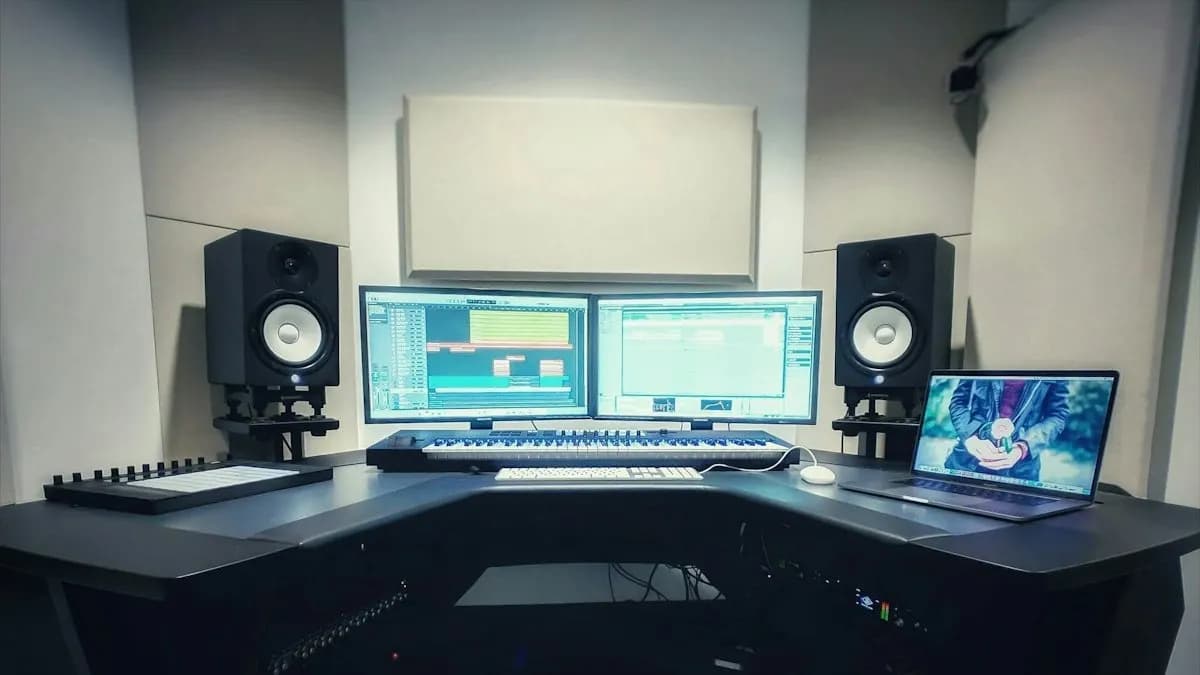
Every Reel, ad, wedding film and YouTube video you watch was shaped by an editor. Here is what video editing actually means, the steps every edit goes through, the types of editing work, the software used and where it can take you.
 Video Editing
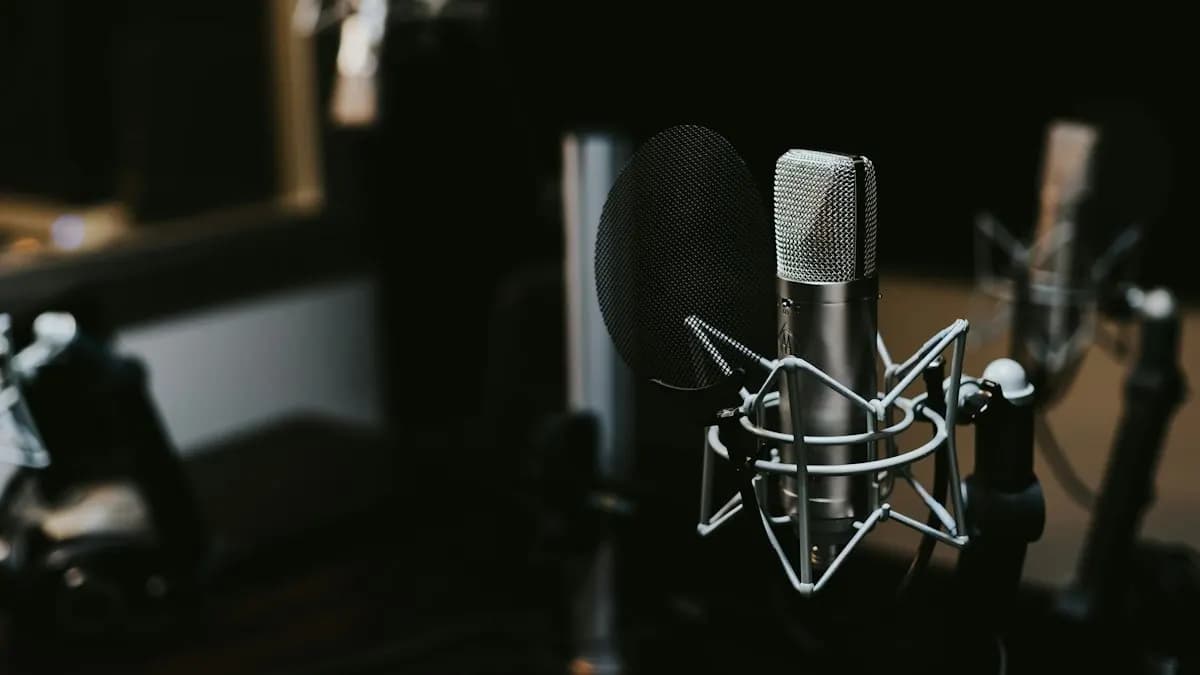
A clean voice-over makes a cheap video feel professional. A muddy one ruins good visuals. Here is how to record a voice-over in Adobe Audition, fix mistakes with Punch and Roll, clean it with the Essential Sound panel and set the right loudness, with every menu checked on Adobe's help pages.
 Video Editing
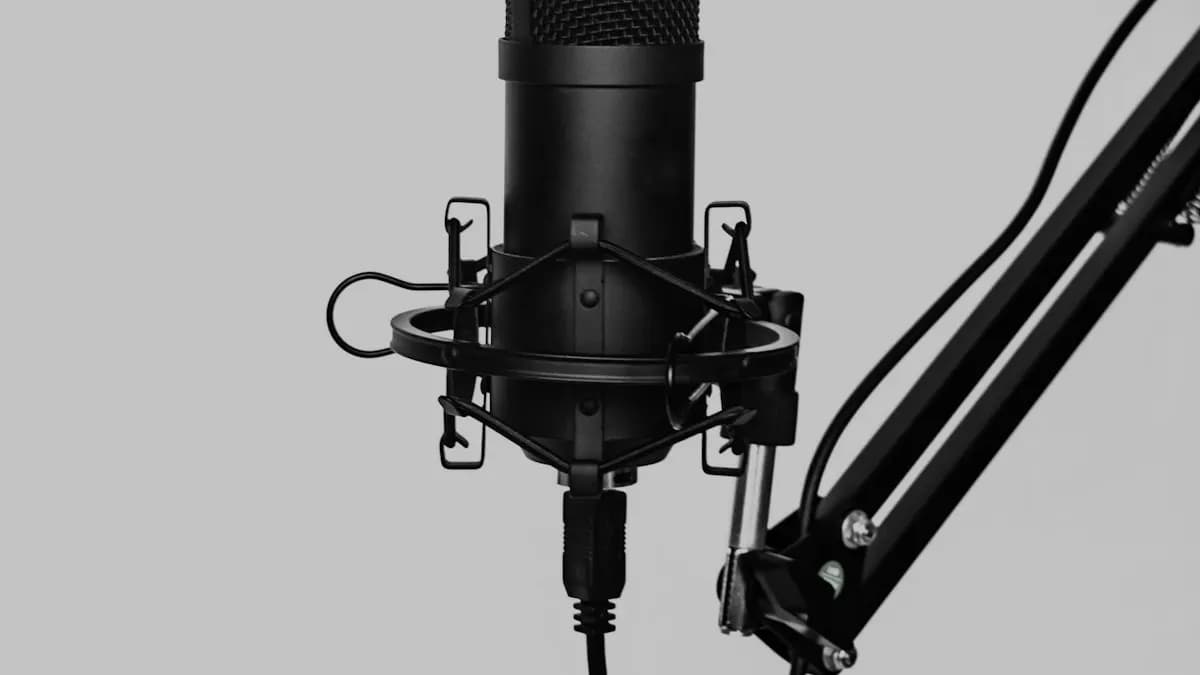
A fan, an AC, traffic outside the window: most videos shot in Indian homes and offices carry background noise. Adobe Audition can clean it in minutes if you use the right effect and do not overdo it. Here are the steps, the settings that matter and how editors send clips from Premiere Pro.
 Video Editing
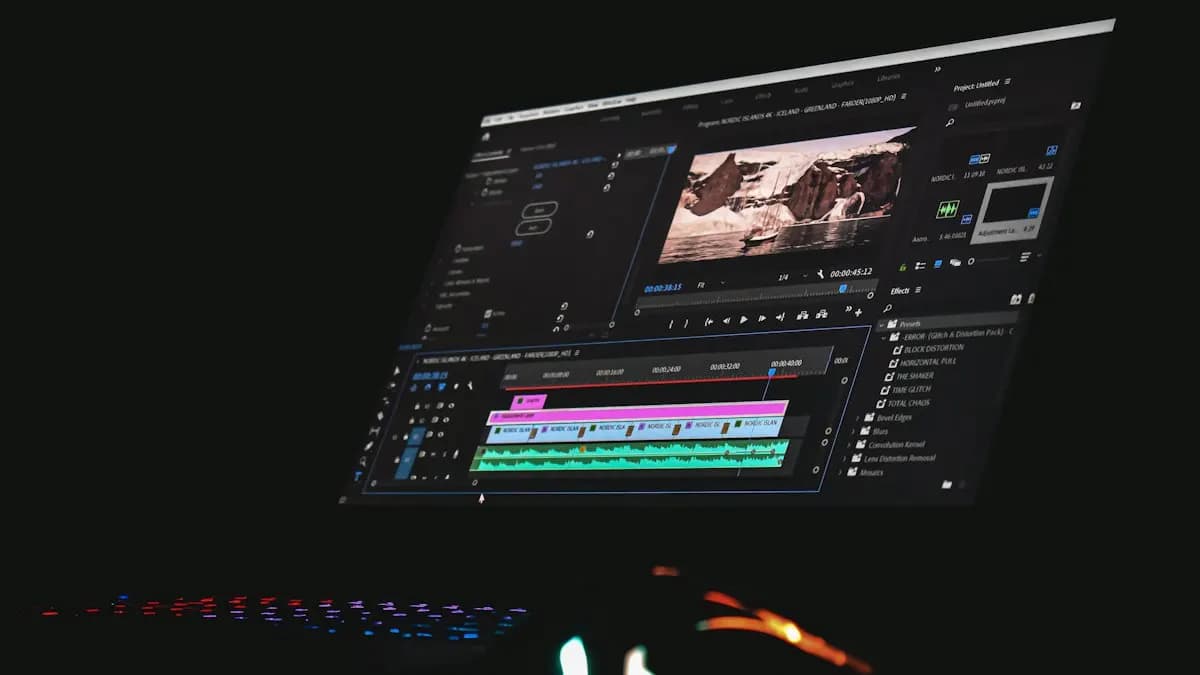
Every professional edit follows the same 8 steps, from importing clips to the final export. Learn that workflow once and any software becomes easier. Here is the order, the cuts every editor uses and a 4-week practice plan.