Can AI Make a Complete Video Ad on Its Own?
Not yet, at least not one a brand will pay for. Today's AI video tools generate short clips from a text prompt. Google's Veo, for example, makes clips of up to 8 seconds[1]. That clip may look stunning, but an ad also needs the right logo, exact product, readable text, music, sound effects and a clear call to action.
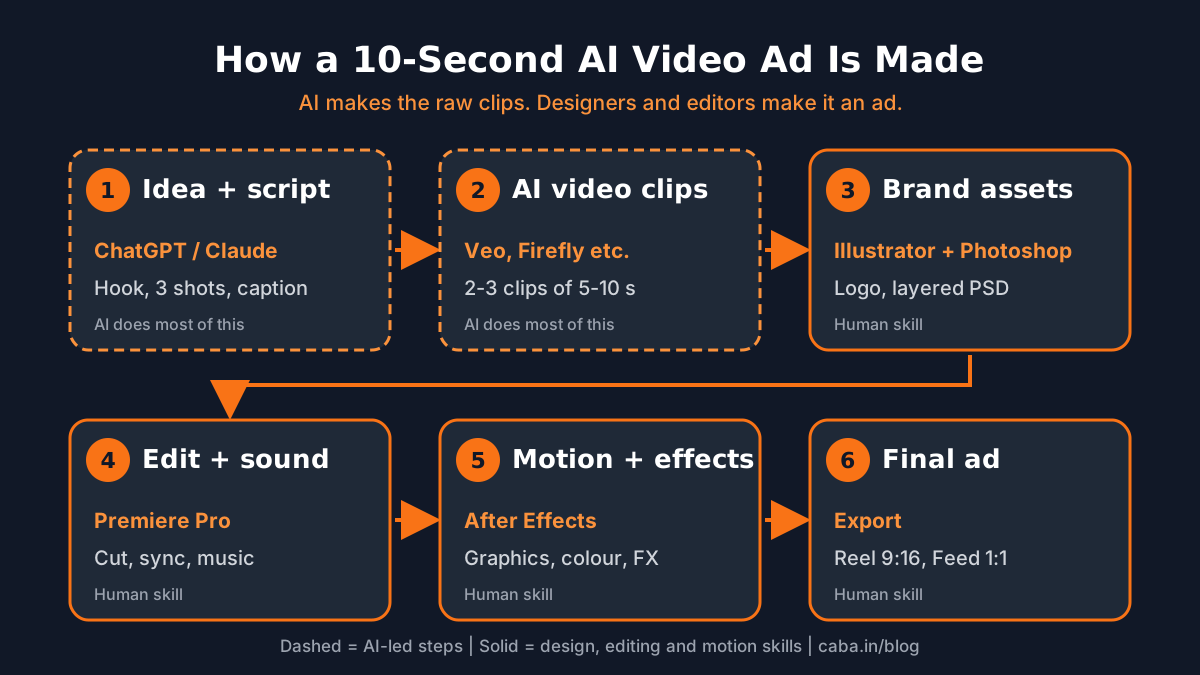
So the people getting paid for AI ads are not the ones who only type prompts. They are editors and motion designers who use AI as one more source of footage. Here is the workflow most of them follow.
Step 1: How Do You Plan the Ad With ChatGPT or Claude?
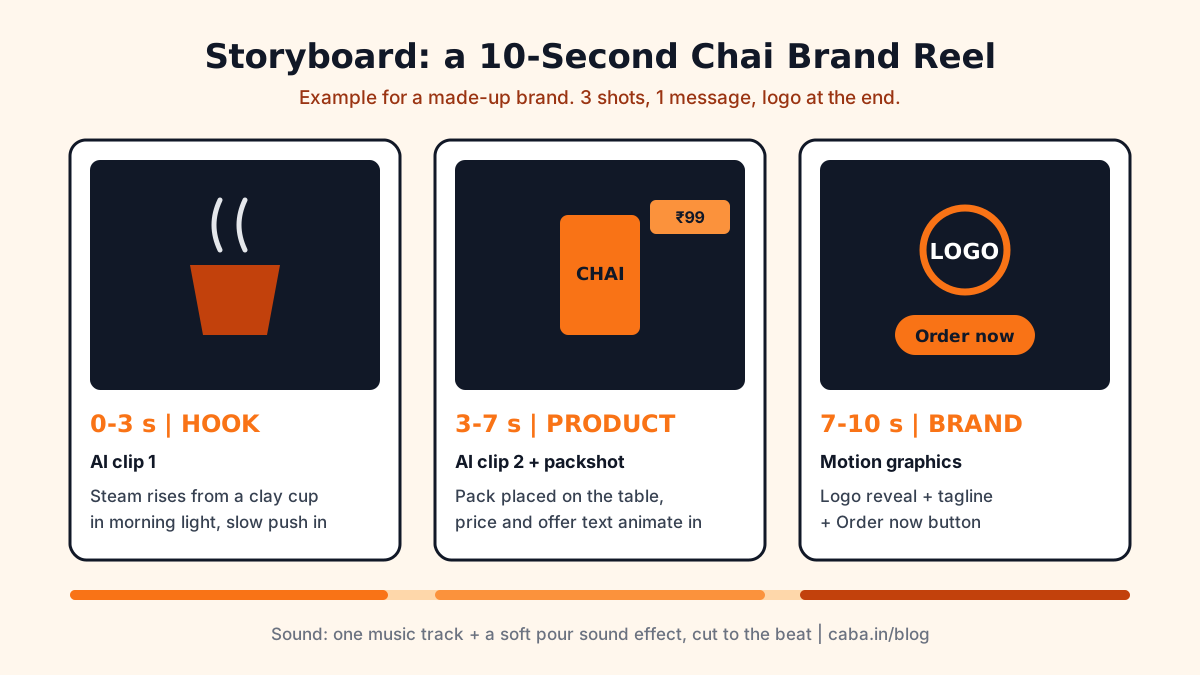
Ten seconds is very short. Plan it as three shots: a hook (0 to 3 seconds), the product (3 to 7 seconds) and the brand with a call to action (7 to 10 seconds). Use ChatGPT or Claude to draft the script and shot list, then cut it down yourself.
Write a 10-second Instagram Reel ad for [brand], a [product] for [audience] in India. Give me 3 shots: hook (0-3s), product (3-7s), brand + call to action (7-10s). For each shot write: what we see, camera movement, on-screen text (max 5 words) and sound. Keep it simple enough to make with AI video clips plus motion graphics.
Replace the words in [brackets]. Ask for 3 versions and pick one.
Step 2: How Do You Generate the AI Video Clips?
Turn each shot into a detailed video prompt: subject, setting, light, camera move and style. Generate several versions of each shot and keep only the best 2 or 3 clips. Use the same style words in every prompt so the clips look like they belong together.
Close-up of a clay cup of hot masala chai on a wooden table by a window, steam rising, soft golden morning light, slow camera push-in, shallow depth of field, warm cinematic colour, realistic, 9:16 vertical, no text, no logos.
Keep 'no text, no logos'. Text and logos are added later in design software, where they stay sharp and correct.
Step 3: Why Do You Still Need Photoshop and Illustrator?
The client's logo, product pack and offer text must be exact. AI images often bend letters and change logos. So the logo and icons are built or cleaned up in Illustrator as vectors and the product visuals are finished in Photoshop.
Many clients also ask for the full layered PSD, because the same artwork is reused for posters, banners and print. ChatGPT can suggest background ideas and layouts; the finishing happens in Photoshop. Our guide to AI Photoshop prompts and finishing steps shows that part.
Create a clean background for a chai brand end screen: warm orange and cream gradient, soft steam shapes on the right, empty space on the left for a logo and a button, flat modern style, 1080x1920, no text.
Use it as a starting layer only. Place the real logo and text in Photoshop or After Effects.
Step 4: How Are the Clips Edited and Synced in Premiere Pro?
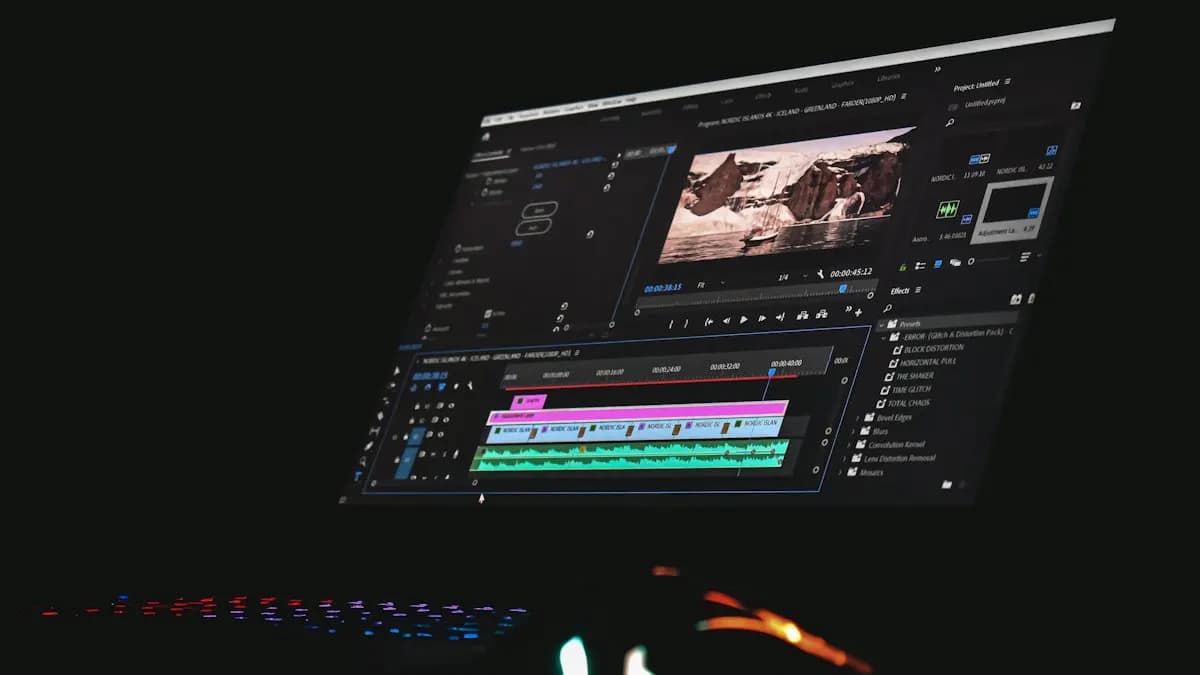
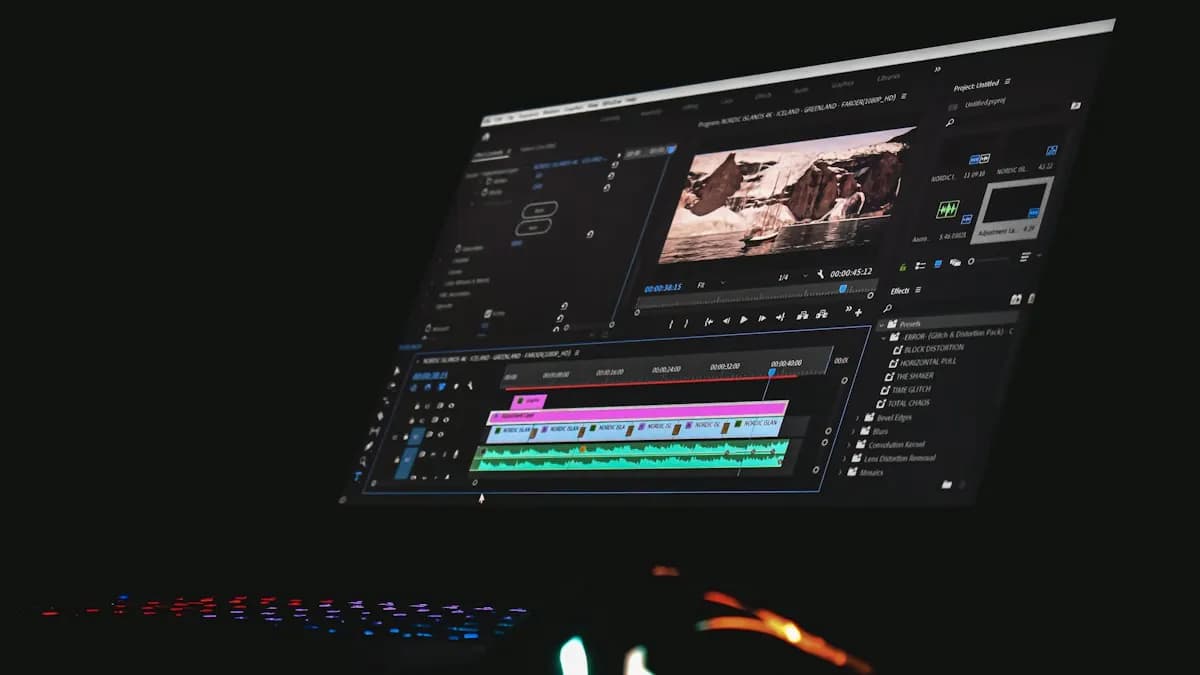
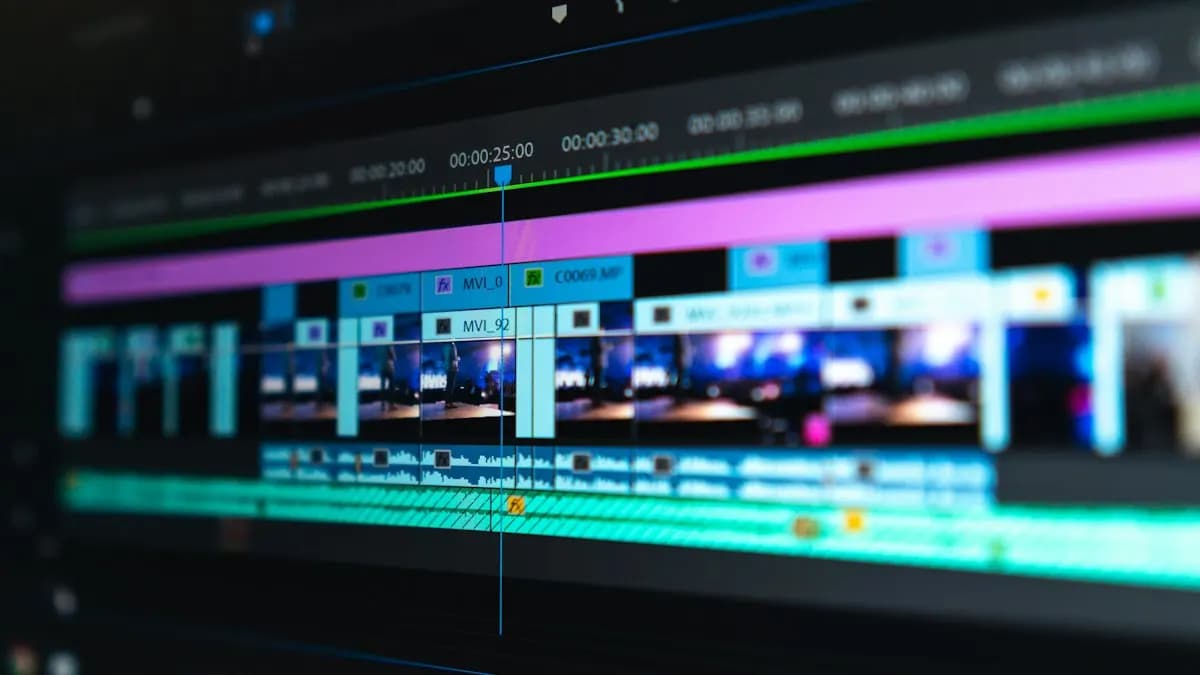
In Premiere Pro the AI clips, product shots and music come together. The editor trims each clip to the beat, keeps the hook short, syncs sound effects and adds captions, since many people watch Reels on mute. New to this part? Start with video editing for beginners.
Give me 5 on-screen hook lines (max 5 words each) and 3 short captions with 2 hashtags each for a 10-second Reel ad for [brand]. Tone: warm, simple, Indian audience. No exaggerated claims.
Pick lines that match the picture. Test two hooks if you are running paid ads.
Step 5: What Does After Effects Add to an AI Ad?
This is where an AI clip starts to look like a brand ad. In After Effects the motion designer animates the price tag and text, reveals the logo, matches colour across clips that came out with different looks and adds effects such as light leaks or steam where needed. The finished piece goes back to Premiere Pro for the final mix, with a last touch-up in After Effects if something needs it.
These are motion graphics skills. If you want to see where they lead, read After Effects for beginners and the motion graphics designer salary guide.
Step 6: How Do You Export the Ad for Social Media?
- Instagram Reels, YouTube Shorts: vertical 9:16 (1080x1920).
- Feed posts: square 1:1 or 4:5.
- YouTube and websites: horizontal 16:9.
- Keep text away from the edges: app buttons cover the bottom and sides of vertical videos.
Where Does AI Still Need a Skilled Human?
- Product accuracy: AI cannot be trusted to show the client's exact pack or logo.
- Consistency: the same character or product can change between clips.
- Text and hands: still the most common AI mistakes.
- Timing and sound: pacing, music cuts and sound design decide whether people watch till the end.
- Client changes: clients ask for edits. A layered project can be changed in minutes; a flat AI clip often has to be made again.
Made Your First AI Ad? Get Free Feedback From a CABA Trainer
Try it yourself. Use the prompts above, make your own 3-shot, 10-second ad and finish it in any editing software you have. Then send it to us.
Where Can You Learn to Make AI Video Ads Properly?
This article gives you the map, not every button. Each step above takes real practice: prompt writing, layered design, editing to the beat and motion. That practice is what clients pay for.
If you want to learn the full workflow on real projects, see our video editing course in Delhi, where AI tools are part of the editing training. For the After Effects side, the motion graphics course goes deeper into animation and effects.
Frequently Asked Questions
Can AI make a full video ad by itself?
AI can make short clips, but a finished ad still needs the real logo and product, readable text, sound, editing and a call to action. Most professional AI ads are finished by editors and motion designers.
How long are AI-generated video clips?
Most AI video tools make clips of about 5 to 10 seconds. Google's Veo makes clips of up to 8 seconds, which can be extended or combined in editing.
Which software is used to finish AI video ads?
Commonly Photoshop and Illustrator for brand artwork, Premiere Pro for editing and sound sync and After Effects for motion graphics, colour and effects.
Can I create video ads using AI for free?
Some AI tools offer free credits, but free plans are limited and may not allow commercial use. Check each tool's terms before using clips in a paid ad.
Do I need to label AI-made ads?
Platforms such as YouTube ask creators to disclose realistic content made or changed with AI. Check each platform's rules before publishing.
References
- Veo, Google DeepMind- Google DeepMind
- Disclosing use of altered or synthetic content- YouTube Help