
Why Do Projects Teach More Than Tutorials?
A tutorial shows you which button to press. A project makes you decide: which font, how big, what goes first, what to leave out. Those decisions are the actual job. Employers do not ask how many videos you watched. They ask to see work.
That is why the best graphic design projects for students look like small client jobs. A shop owner needs a logo. A coaching centre needs a Diwali post. A cafe needs a menu. If you can handle these, you can handle a first job. If you are just starting out, our graphic design course for beginners guide explains the basics to learn before you take on these briefs.
12 Graphic Design Projects for Students, From Easy to Hard
| # | Project | What it teaches | Main tool |
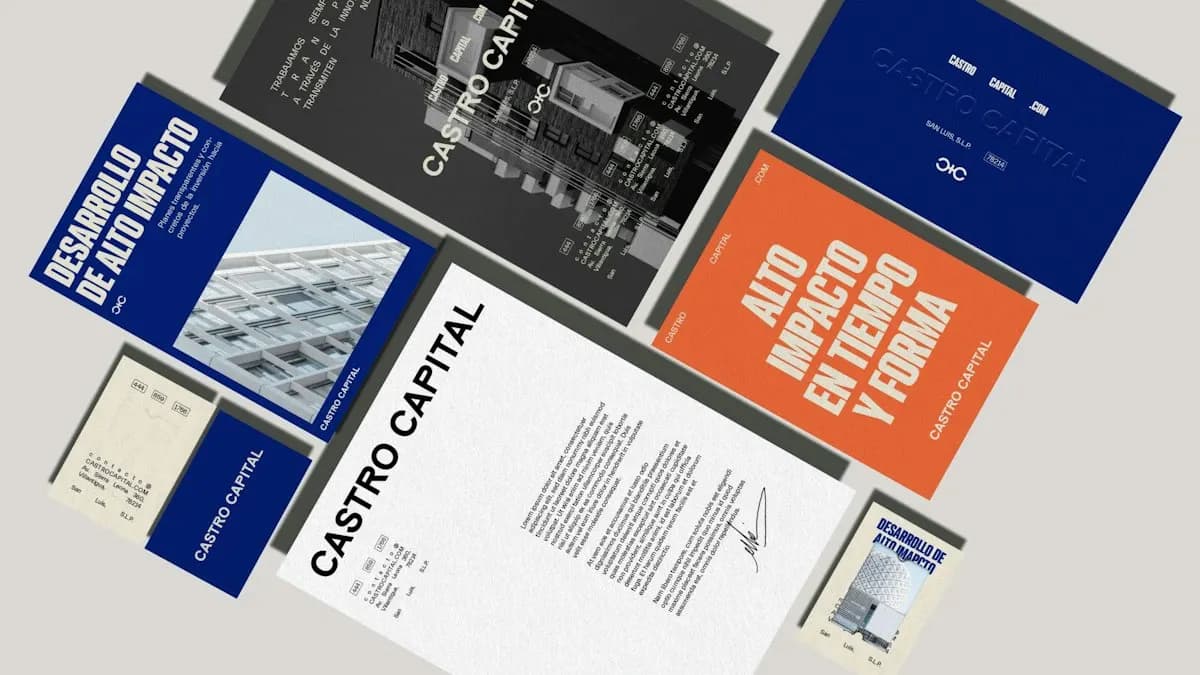
|---|---|---|---|
| 1 | Typography poster with one quote | Type sizes, spacing, hierarchy | Illustrator or Photoshop |
| 2 | Three social posts for one brand | Grids, colour, keeping a series consistent | Photoshop |
| 3 | Event flyer (A5) for a college fest | Fitting lots of information into a small space | Illustrator |
| 4 | Logo for a local shop | Sketching ideas, the Pen tool, vector shapes | Illustrator |
| 5 | Visiting card and letterhead for that logo | Using one look across items, print sizes | Illustrator |
| 6 | YouTube thumbnail for a tutorial video | Contrast, faces, short bold text | Photoshop |
| 7 | Product photo edit for an online seller | Selections, retouching, clean backgrounds | Photoshop |
| 8 | Two-page brochure or restaurant menu | Page layout, paragraph styles, print PDF | InDesign |
| 9 | Infographic on a simple topic | Turning numbers into icons and charts | Illustrator |
| 10 | Packaging label for a small brand | Dielines, mandatory text, print checks | Illustrator |
| 11 | Festive campaign kit (post, story, banner) | Resizing one idea for many formats | Photoshop and Canva |
| 12 | Redesign of a real poster you see daily | Critique, brief writing, before and after | Any |
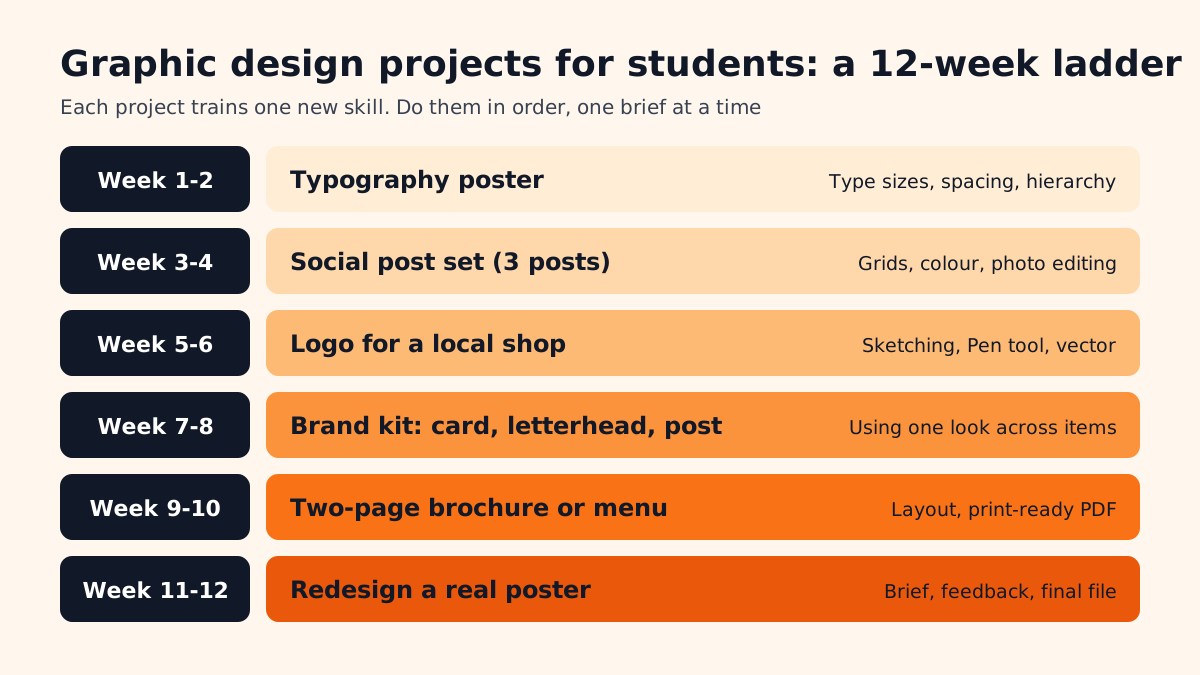
You do not need all 12 before applying for work. The six in the ladder above cover most of what a first job asks for. Add the others as you get faster.
How to Write a Brief for a Practice Project
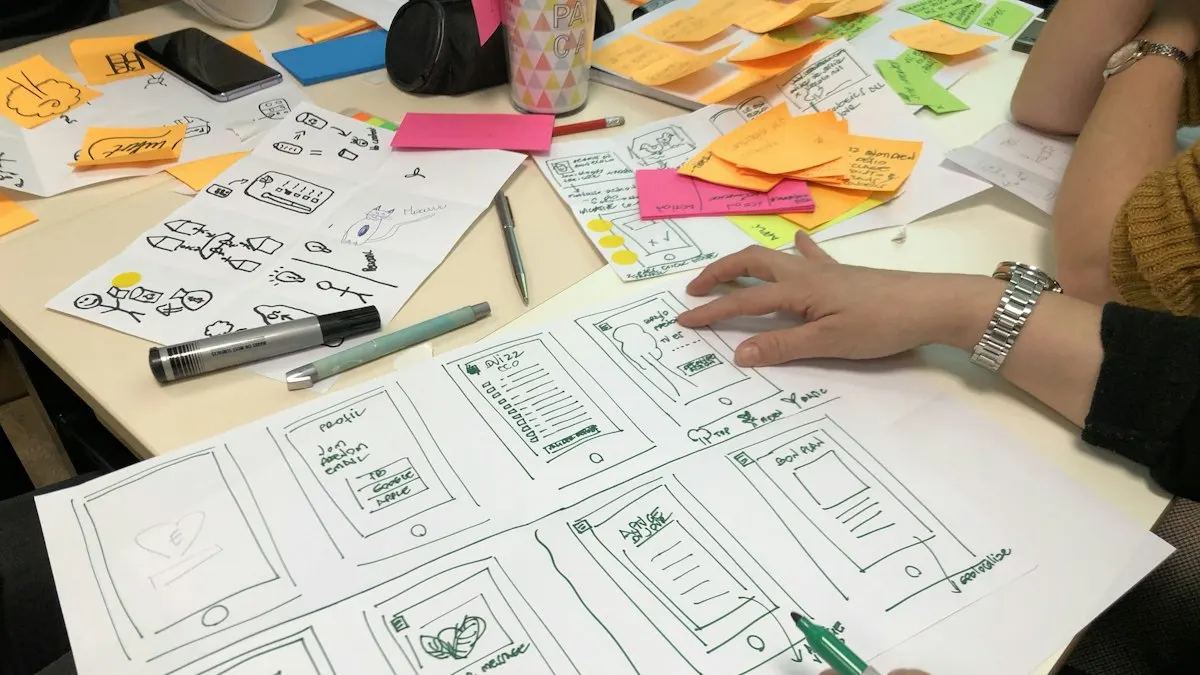
Most student work looks unfinished because there was never a brief. Before you open any software, write five lines on paper:
- 1Who is the client?
A real or made-up business with a name, a city and a type of customer. Say, a sweet shop in Lajpat Nagar that sells mostly to families.
- 2What is the piece?
One clear item: an Instagram post at 1080 x 1350 px, an A4 menu, a visiting card at 3.5 x 2 inches.
- 3What must it say?
The few words and details that cannot be missing: shop name, offer, phone number, address.
- 4What should it feel like?
Three words only, such as warm, festive, traditional. This guides your font and colour choice.
- 5When is it due?
Give yourself a deadline. Real clients do. Learning to finish on time is part of the skill.
A Worked Example: Logo for a Local Shop
Say you choose a small bakery called "Ghar Ki Bakery" in your area. Here is how project 4 would go:
- Brief: home-style bakery, customers are families and office workers, feel should be warm, simple and friendly.
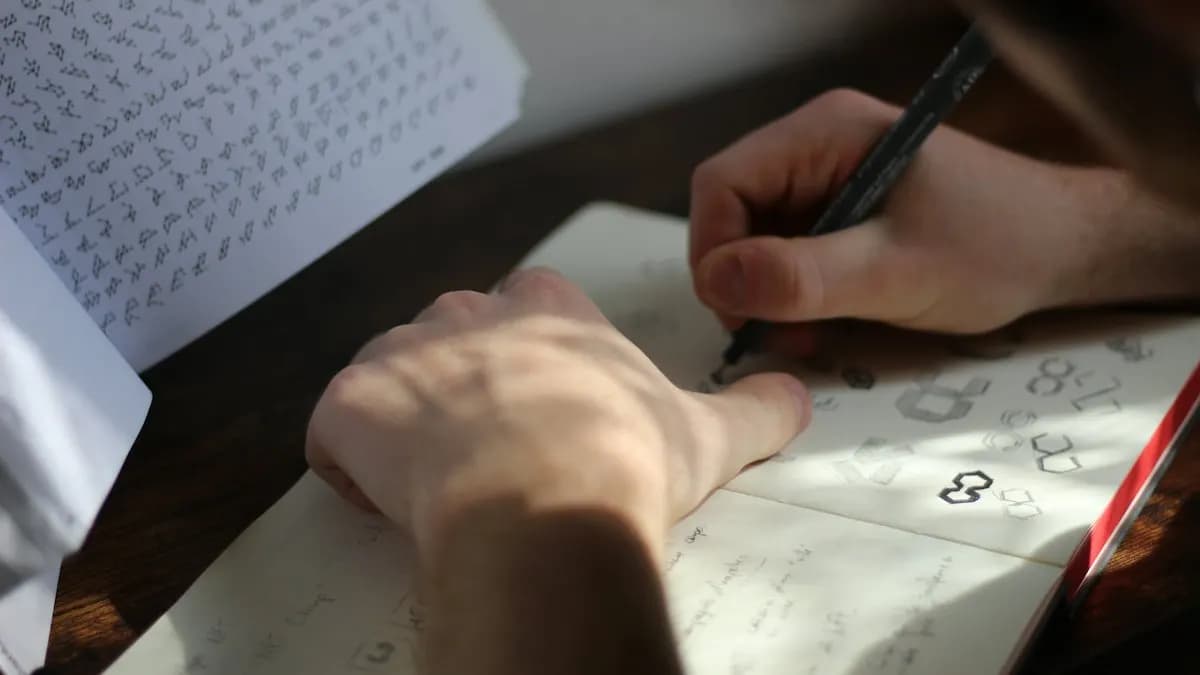
- Sketches: ten small ideas on paper: a rolling pin, a house shape, a loaf, the initials GKB. Pick the two that read well at small size.
- Vector build: draw the best idea in Illustrator with the Pen tool and simple shapes. Our logo design in Illustrator guide walks through these steps.
- Test: print it at 2 cm wide. Can you still read it? Try it in one colour only. Does it still work?
- Show it in use: place it on a paper bag, a shop board and an Instagram profile picture. This is what clients want to see.
How Do You Know a Project Is Good Enough?
Use this short check before you call any project finished:
- Can someone read the main message in three seconds?
- Is there one clear thing the eye goes to first?
- Are you using two fonts at most and no more than three or four colours?
- Is everything lined up to a grid or margin, not placed by eye?
- Is the file the correct size, colour mode (RGB for screen, CMYK for print) and resolution?
- Did one other person look at it and tell you what they understood?
If you are using fonts from the internet, check the licence first. Fonts on Google Fonts are open source and can be used in commercial work, which makes them a safe choice for student projects that may later go to real clients[1].
Which Projects Match What Employers Ask For?
We checked designer job posts for Delhi NCR on Internshala on 14 November 2026. Two examples, in our own words:
- An exam-preparation company in Greater Noida wants a creative designer for posters, banners, thumbnails and educational infographics. The listed software includes Photoshop, Illustrator, InDesign, CorelDRAW and After Effects, with at least 1 year of experience[2].
- A real estate firm in Gurgaon wants a creative designer for social media creatives, brochures, banners and presentations, plus some motion graphics for Reels[3].
Look at the overlap with the list above: posters, thumbnails, infographics, brochures, social sets. Students who finish these projects can show exactly the kind of work these posts describe.
AI and Agentic AI in Student Design Projects
AI tools are part of the work now, so use them in your projects too, in the right place. Photoshop Generative Fill can extend a background for a social post. Illustrator's Text to Vector Graphic can give a first draft of icons for an infographic. Canva's Magic Resize turns one festive post into a story and a banner. Some designers also set up an AI assistant such as ChatGPT or Google Gemini with the brief, so it suggests headlines and post ideas before they start.
What the student still decides: the idea, the type, the layout and whether the result is honest and readable. Write down in your project notes which parts were AI-made and which parts you built. Employers like that honesty. CABA's courses now teach AI and agentic AI workflows inside the curriculum, with a trainer checking every finished file.
From Projects to Portfolio to First Job
After 10 to 12 projects, pick your best 8 to 10. Show each one with the brief, two or three rough sketches and the final file in use. Our graphic design portfolio guide explains how to lay this out as a PDF and on Behance.
Pay grows with skill and experience. A typical ladder for graphic designers in Delhi NCR:
| Stage | Pay per month (Delhi NCR) |
|---|---|
| Fresher | ₹10,000 to ₹12,000 |
| After 1 year | ₹12,000 to ₹15,000 |
| After 3 years | ₹30,000 to ₹35,000 |
College students can do these projects alongside their degree; see graphic design for college students for how to fit them around classes.
Why Projects Go Faster With a Trainer
Doing projects alone works, but it is slow. You can spend a week on a logo without knowing why it feels wrong. A trainer looks at it for two minutes and says the letter spacing is too tight or the icon is too detailed to shrink. That feedback is where most of the learning happens.
Our graphic design course in Delhi is built around client-style briefs like the ones above, with one-to-one feedback on each project. It comes with a 100% Job Guarantee; read the job guarantee terms. See the module plan on the graphic design course page.
Frequently Asked Questions
What are good graphic design projects for students?
Start with a typography poster, a set of three social posts, a logo for a local shop, a visiting card and letterhead, a two-page brochure and a poster redesign. Each one trains a different skill.
How many projects should a beginner do before applying for jobs?
Aim for 10 to 12 finished projects and show the best 8 to 10 in your portfolio.
Can I use made-up clients for practice projects?
Yes, as long as you write a proper brief. Say in your portfolio that it is a practice project. Real local clients are even better when you can find them.
Which software do I need for these projects?
Photoshop and Illustrator cover most of them. InDesign helps for brochures and menus. Canva is useful for quick resizes.
Is it fine to use AI in student projects?
Yes, for drafts and quick edits, but note what AI made and finish the design yourself. Employers want to see your own decisions.