Which Graphic Design Tools Do You Really Need?
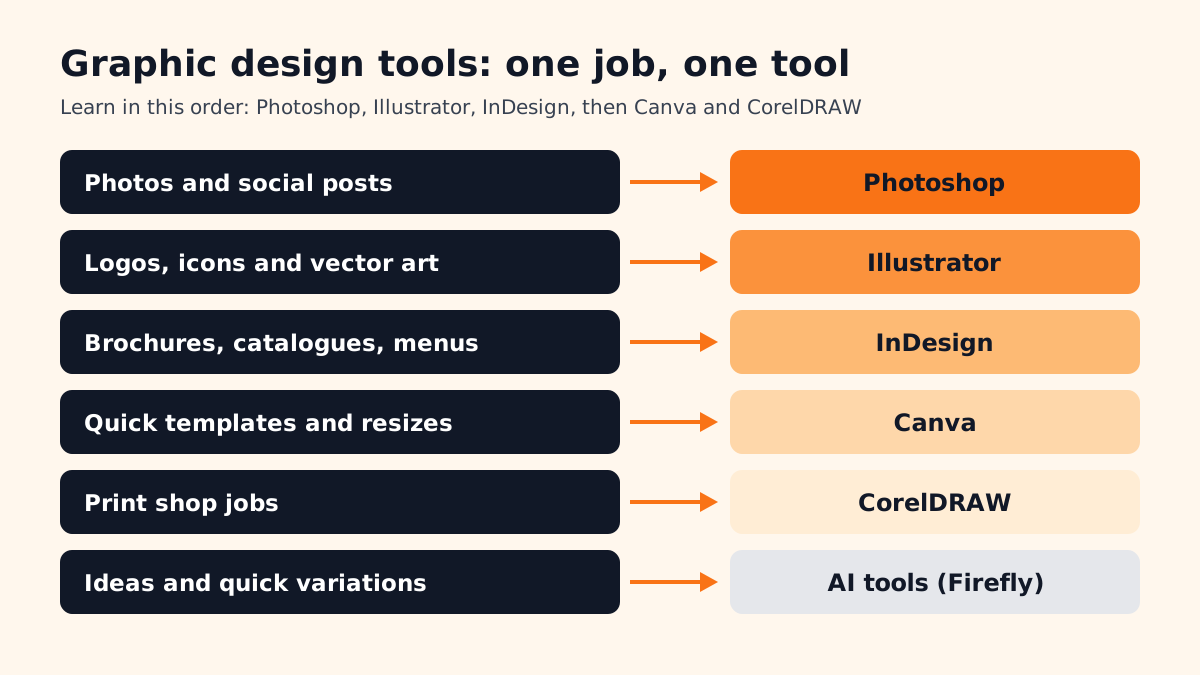
Most beginners ask the same question in their first week: there are so many apps, which ones matter? The honest answer is that a working designer uses four or five tools. Each one does a different job. Learn what the job is and the tool choice becomes simple.
| Tool | Main job | Typical work |
|---|---|---|
| Adobe Photoshop | Editing photos and pixel images | Social posts, ad creatives, thumbnails, photo retouching |
| Adobe Illustrator | Drawing vector art that stays sharp at any size | Logos, icons, illustrations, packaging artwork |
| Adobe InDesign | Laying out pages with lots of text | Brochures, catalogues, magazines, menus, reports |
| Canva | Fast design from templates | Quick social posts, presentations, simple flyers |
| CorelDRAW | Vector design, popular in print shops | Visiting cards, flex banners, stickers, print jobs |
| Adobe Firefly and other AI tools | Generating and changing images from text | Mood boards, background options, quick variations |
If you want to see how these tools fit into a full study plan, our graphic design course syllabus guide lays out the modules month by month.
What Tools Are Delhi Employers Asking For?
Job posts are the best test of what matters. We looked at graphic designer posts on Internshala for Delhi on 13 November 2026. Three examples, in our own words:
- An advertising agency in Delhi wants a designer for social media creatives, logos, packaging, brochures and catalogues. The listed skills are Photoshop, Illustrator, InDesign, CorelDRAW and After Effects, with at least 1 year of experience[1].
- An export company in Delhi wants a designer who builds vector artwork in Illustrator and CorelDRAW, edits images in Photoshop and checks proofs for alignment, type and colour before production[2].
- A marketing agency in Delhi wants digital creatives plus offline work such as standees, brochures, banners and signage. It also asks for basic video editing and motion graphics in Premiere Pro and After Effects[3].
Notice the pattern. Photoshop and Illustrator appear in every post. InDesign and CorelDRAW appear wherever print is involved. And more posts now want a little video and motion too, which is why designers who add After Effects later often move up faster.
In What Order Should a Beginner Learn Graphic Design Tools?
- 1Photoshop first
Layers, selections, masks and colour. Almost every first job involves social posts and photo edits, so this tool pays back fastest. Our Photoshop shortcut keys guide helps you work faster from week one.
- 2Illustrator next
The Pen tool, shapes, type and colour swatches. This is where logos and brand work happen; try the project in logo design in Illustrator.
- 3InDesign for print and long documents
Master pages, paragraph styles and exporting a print-ready PDF. One brochure project teaches most of it.
- 4Canva for speed
Once you understand design, Canva becomes a quick production tool for clients who want to edit posts themselves. Read our Canva course guide for what is worth learning.
- 5CorelDRAW if you aim at print shops
Many printing presses in Delhi still work in CorelDRAW. Our CorelDRAW vs Illustrator comparison helps you decide whether you need both.
Do You Still Need Pencil, Paper and Other Physical Tools?
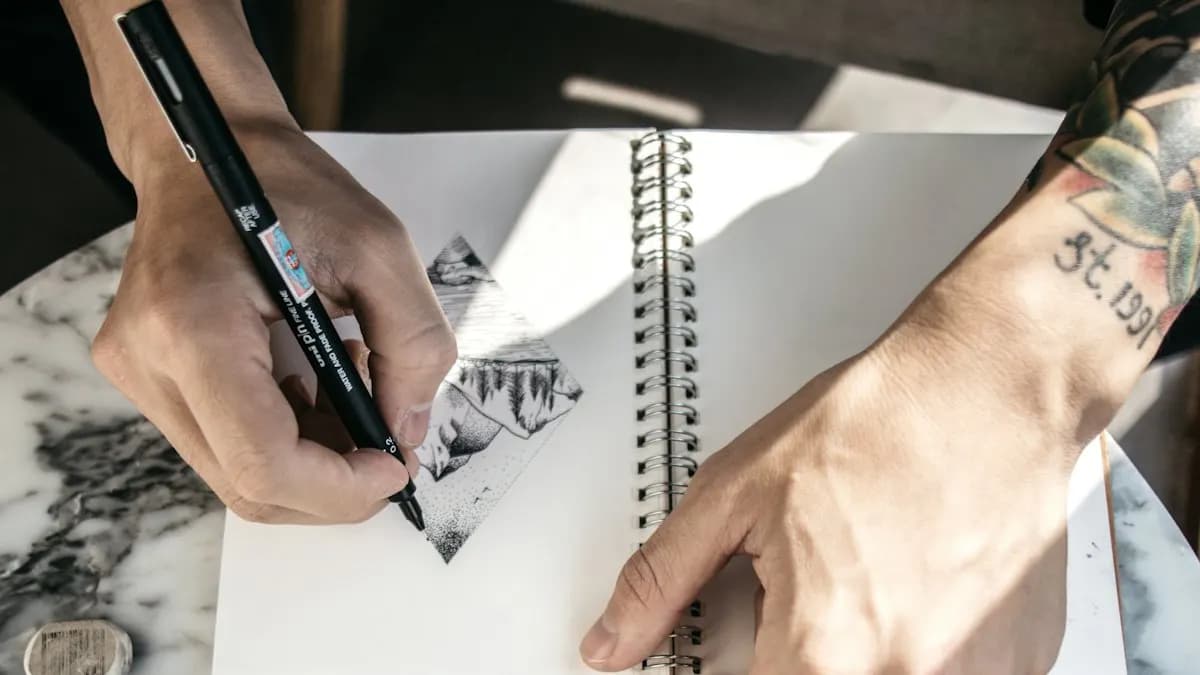
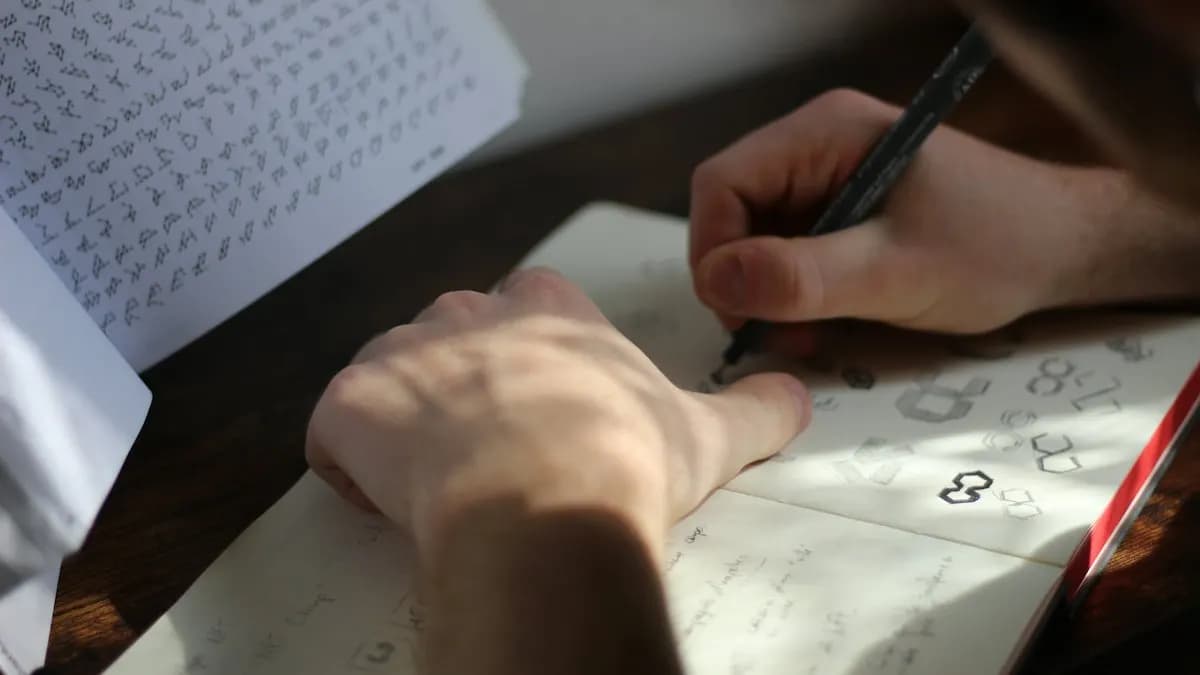
Yes. Most good designs start as small rough sketches. A sketchbook lets you try ten logo ideas in fifteen minutes, before you spend an hour on one in Illustrator. Other simple tools that help:
- Sketchbook and pencil for thumbnails and layout roughs.
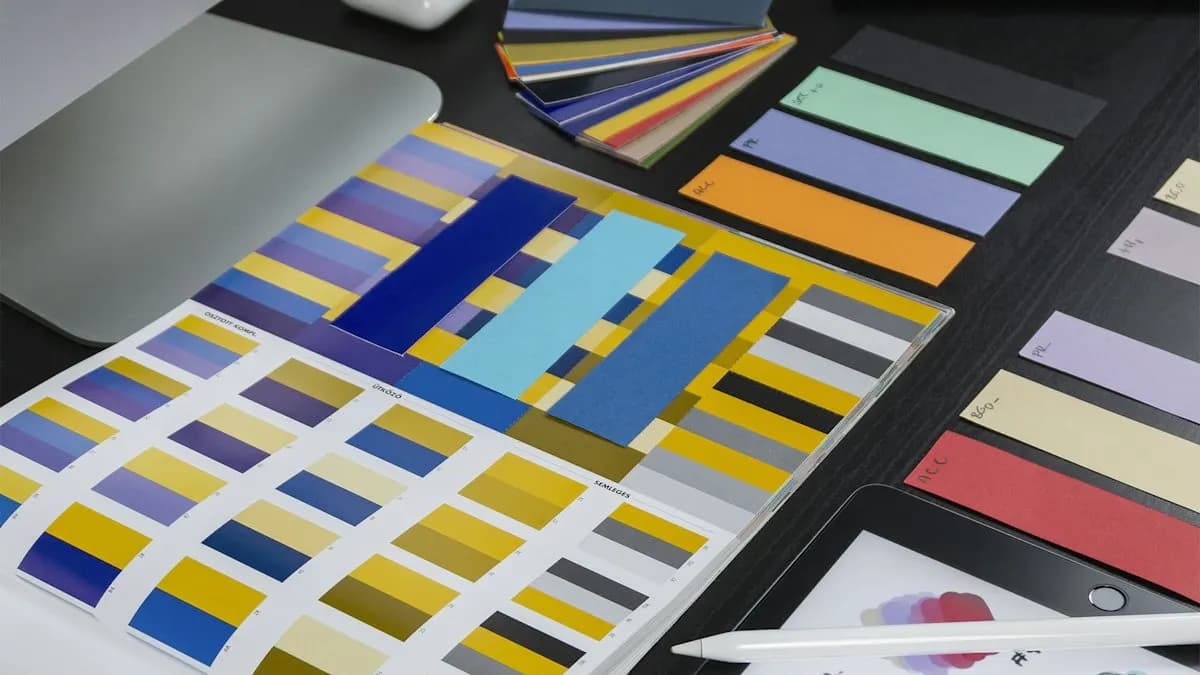
- A colour swatch book or printed colour chart so you know how a colour looks on paper, not only on screen.
- A ruler and a printed test page to check text size and margins before a print job.
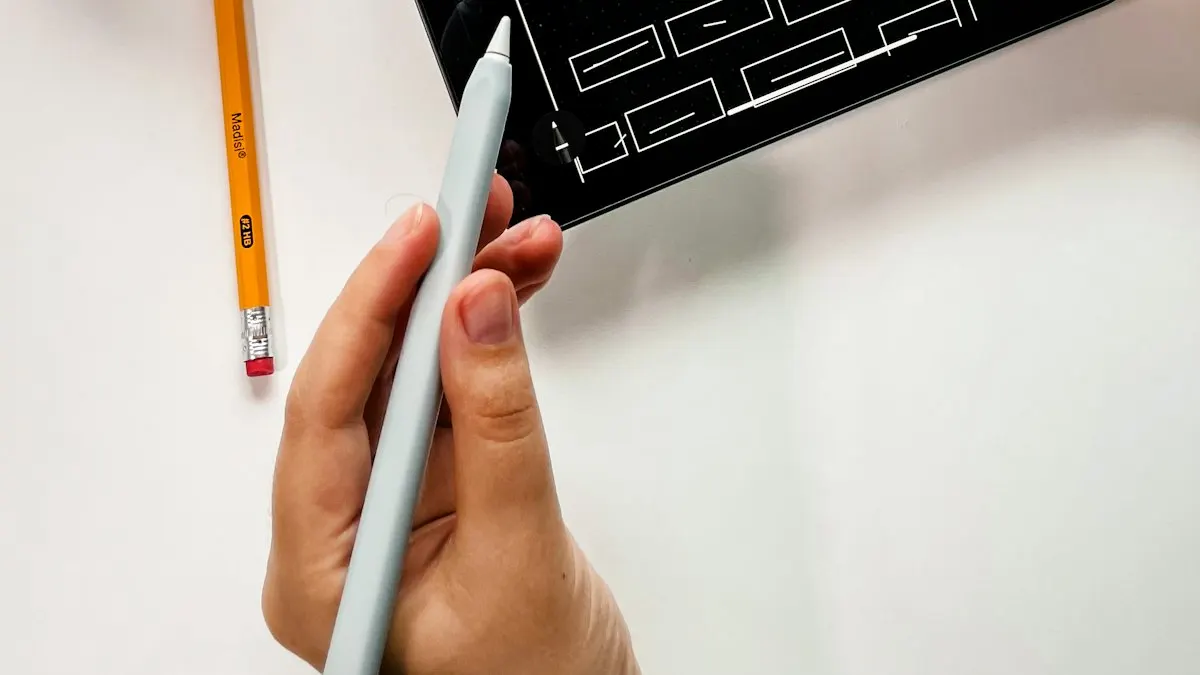
- A graphics tablet (optional) for illustration and photo retouching; a mouse is enough to start.
AI and Agentic AI Tools in Graphic Design Today
AI is now a normal part of the graphic design tools list. Designers use Adobe Firefly and Photoshop Generative Fill to try background options or extend an image. They use Illustrator's Text to Vector Graphic to generate first drafts of icons and scenes that they then fix by hand[4]. Canva has its own AI features for quick resizes and text drafts. Some studios also use AI agents, such as ChatGPT or Google Gemini set up with a brief, to suggest post ideas and headlines before the designer starts.
What the human still decides: the idea, the brand feel, the type and colour choices, whether an image is honest and whether the file is ready for print. AI output often has small errors, extra fingers, odd letters or wrong colours. A client only sees the final file. CABA's courses now teach AI and agentic AI workflows inside the curriculum, with the designer checking and finishing every piece.
Do More Tools Mean More Pay?
Pay follows skill and portfolio, not the number of apps on your CV. But designers who handle print, digital and a little motion do get more work. A typical ladder in Delhi NCR:
| Stage | Pay per month (Delhi NCR) |
|---|---|
| Fresher | ₹10,000 to ₹12,000 |
| After 1 year | ₹12,000 to ₹15,000 |
| After 3 years | ₹30,000 to ₹35,000 |
Learning the Tools With a Trainer vs On Your Own
Free tutorials teach you where the buttons are. What they rarely teach is why a layout is not working, or why your logo breaks at small sizes. A trainer sitting next to you fixes those habits in the first month, before they become hard to undo.
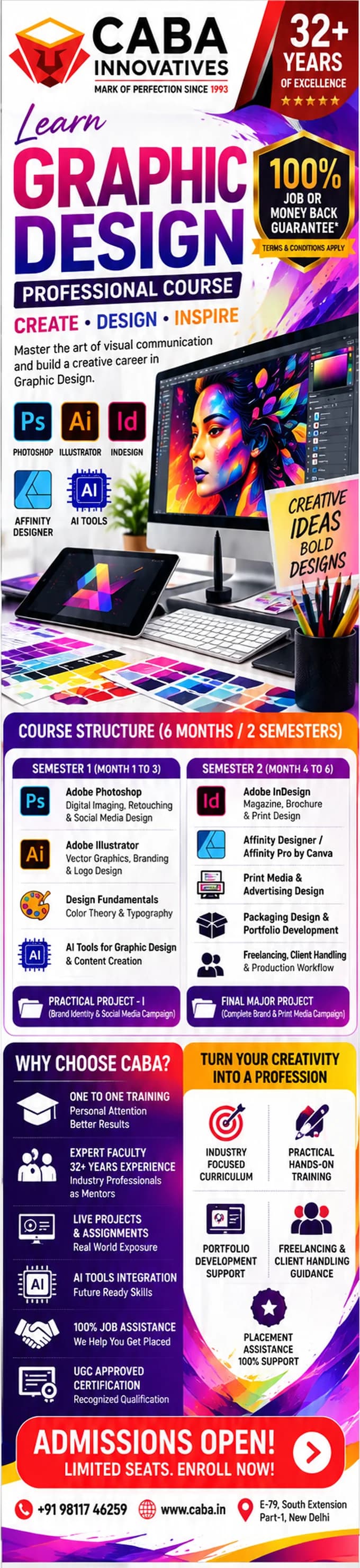
If you are comparing institutes, our checklist on choosing a graphic design institute in Delhi lists what to ask on your visit. Our graphic design course in Delhi covers Photoshop, Illustrator, InDesign, Canva and AI tools through real projects. It comes with a 100% Job Guarantee; read the job guarantee terms. See the full plan on the graphic design course page.
Frequently Asked Questions
What are the main graphic design tools for beginners?
Adobe Photoshop, Illustrator and InDesign, plus Canva for quick templates. CorelDRAW is useful if you want to work with print shops. AI tools such as Adobe Firefly help with ideas and quick edits.
Which graphic design tool should I learn first?
Photoshop, because most first jobs involve social media posts and photo edits. Learn Illustrator next for logos and vector work.
Is Canva enough to get a graphic design job?
Usually not on its own. Most job posts ask for Photoshop and Illustrator; Canva is a useful extra for fast work.
Do I need a graphics tablet for graphic design?
No. A mouse is enough to start. A tablet helps later for illustration and detailed photo retouching.
Can AI tools replace learning Photoshop and Illustrator?
No. AI tools give quick drafts, but employers still expect you to fix, finish and prepare files in the main software.
References
- Graphic Designer job in Delhi at an advertising agency, Internshala (seen 13 November 2026)- Internshala
- Graphic Designer job in Delhi at an export company, Internshala (seen 13 November 2026)- Internshala
- Graphic Designer job in Delhi at a marketing agency, Internshala (seen 13 November 2026)- Internshala
- Generate scenes, subjects and icons with Text to Vector Graphic- Adobe Help Center