CorelDRAW vs Illustrator: The Quick Comparison
| Point | CorelDRAW Graphics Suite 2026 | Adobe Illustrator |
|---|---|---|
| Type of software | Vector illustration and page layout | Vector illustration |
| Runs on | Windows, Mac and a web version[1] | Windows and Mac |
| How you buy it | Annual plan or one-time purchase[1] | Creative Cloud subscription |
| Where it is strong | Signage, large-format print, apparel, screen printing[1] | Branding, agencies, packaging, motion and web |
| Works closely with | Corel PHOTO-PAINT, Font Manager | Photoshop, InDesign, After Effects, Premiere Pro |
| AI features | Text-to-vector AI, AI background removal in PowerTRACE[1] | Adobe AI assistant (public beta) and Firefly features[2] |
Neither is "better" for every job. The right question is: which one does the work you want use?
Why Do Delhi Print Shops Still Use CorelDRAW?
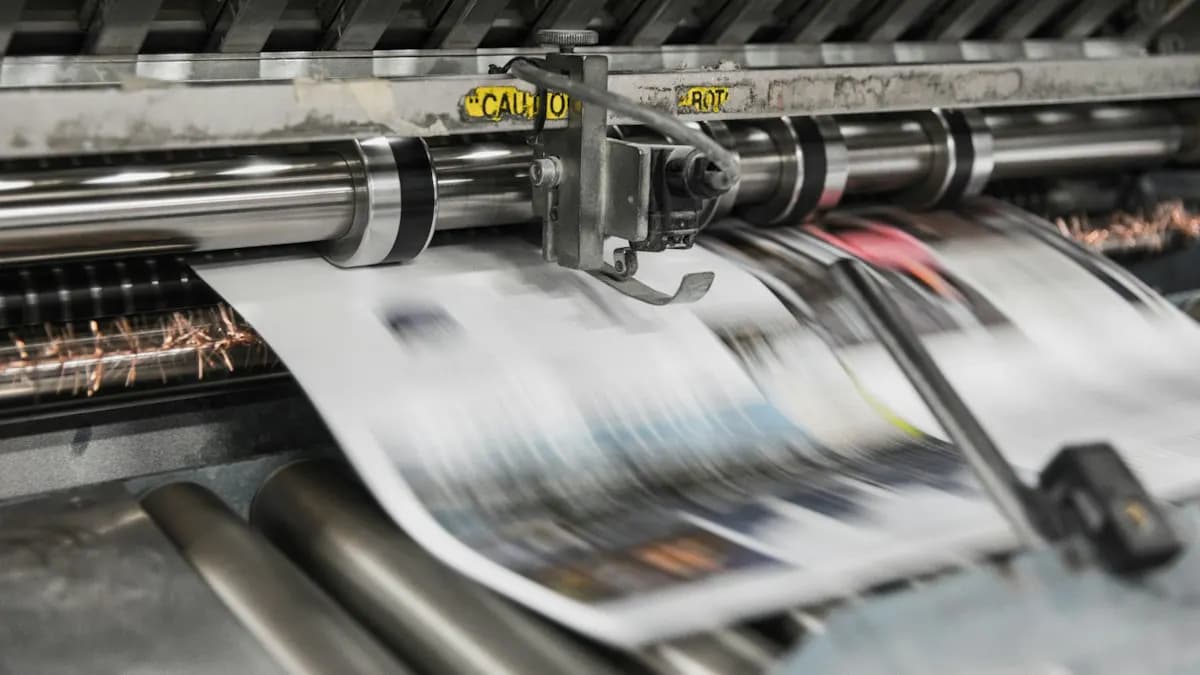
Visit a printing market like Chawri Bazar and you will often find flex, visiting card and wedding card shops working in CorelDRAW. Many operators learnt it first, shops share CDR files with each other and the one-time purchase option suits a small business. Corel itself names signage, large-format printing, apparel and screen printing among its main users[1].
Agencies and brand studios lean towards Illustrator. Their designers move artwork between Photoshop, InDesign and After Effects all day. Adobe files move between those apps without conversion. If you want motion graphics or video work later, Illustrator is the natural base.
What Do Delhi Job Posts Ask: CorelDRAW or Illustrator?
Often both. On 16 October 2026 Internshala listed 57 fresher graphic design jobs in Delhi[3]. Three in our own words (company names left out):
- Graphic designer at a printing company, Delhi. Skills listed: Photoshop, CorelDRAW, Illustrator, InDesign and video editing. Pay shown: ₹2 to 3 lakh a year.
- Junior graphic designer, Gurgaon. Social media posts, stories and ad creatives. Skills listed: Photoshop, CorelDRAW, Illustrator and InDesign. Pay shown: ₹2 to 3 lakh a year.
- Graphic design intern, Delhi. Logos, banners and social media graphics. Skills listed: Photoshop, CorelDRAW, Illustrator, Premiere Pro and After Effects. Stipend shown: ₹8,000 to ₹12,000 a month, job offer of up to ₹3 lakh a year after.
In all three, Illustrator sits right next to CorelDRAW. New to design? Start with our graphic design course for beginners guide. An employer is happy when you know Illustrator well and can open and fix a CorelDRAW file without fear.
How to Send a CorelDRAW File to an Illustrator User (and Back)
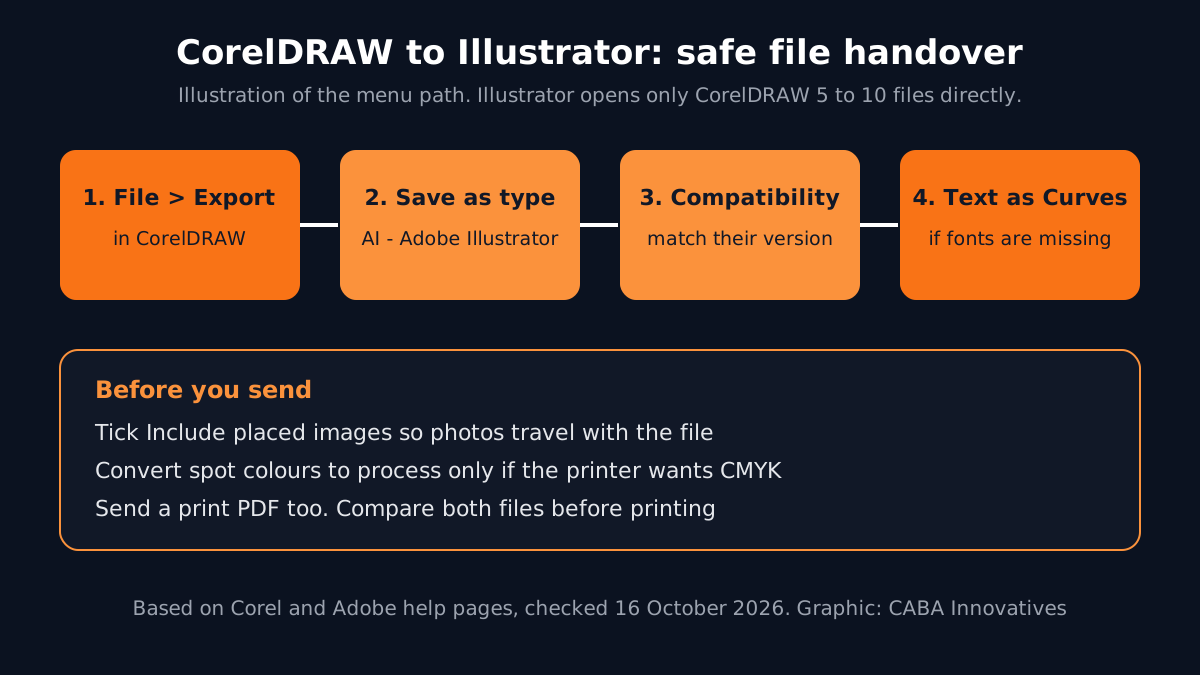
This is where freshers lose hours. Adobe's own help page says Illustrator can open CorelDRAW files only from versions 5 to 10[4]. Files from any recent CorelDRAW version will not open directly. So the CorelDRAW user should export:
- 1Open the export dialog
In CorelDRAW choose File > Export, then pick AI - Adobe Illustrator in the Save as type list[5].
- 2Pick the compatibility
Choose the Illustrator version the other person uses from the Compatibility list.
- 3Decide on text
Export text as Curves if the other person does not have the fonts; choose Text only if they do and need to edit it.
- 4Check colours and images
Use Convert spot colors to process only if the printer wants CMYK. Tick Include placed images so photos travel with the file.
- 5Send a PDF too
A print PDF is the safest backup. The receiver can compare and spot anything that changed.
Going the other way is easier: save from Illustrator as AI or PDF and the CorelDRAW user imports it. Always open the received file and compare it with a PDF before printing.
Print Settings That Matter in Both
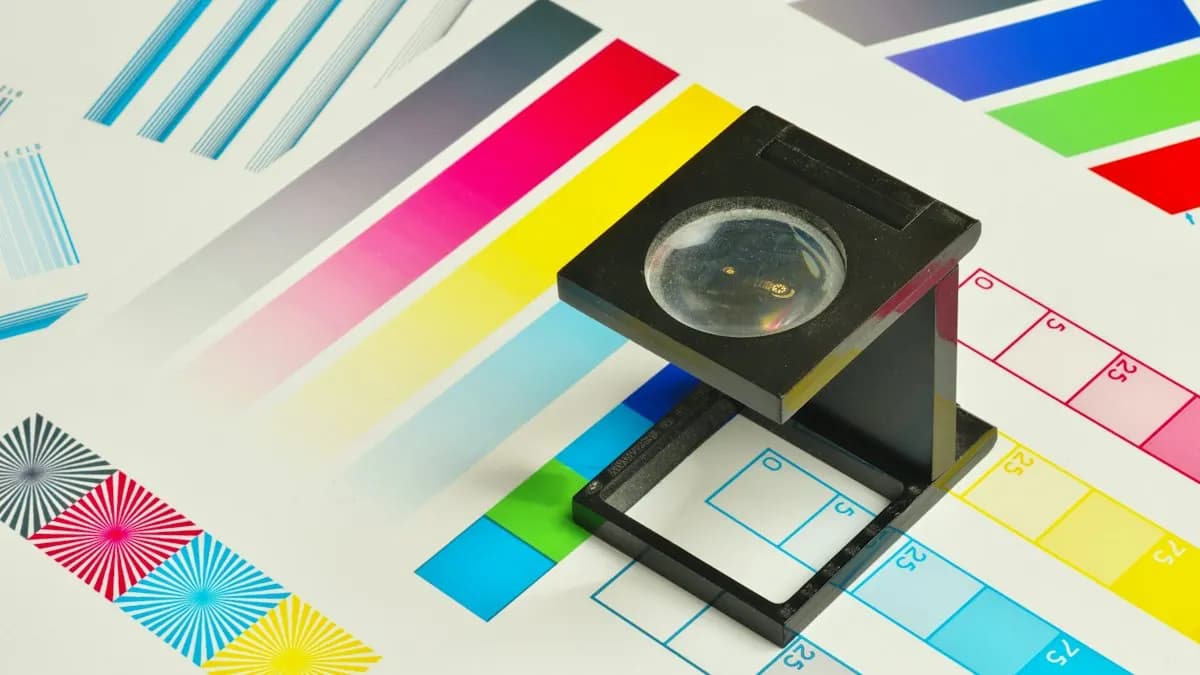
The software differs; the print rules do not. Before any flex, card or T-shirt file leaves your desk, check:
- Colour mode: CMYK for print, RGB for screens.
- Bleed: extra artwork beyond the cut line; ask the printer how much.
- Fonts: converted to curves or outlines on the final file.
- Images: linked or embedded at enough resolution for the print size.
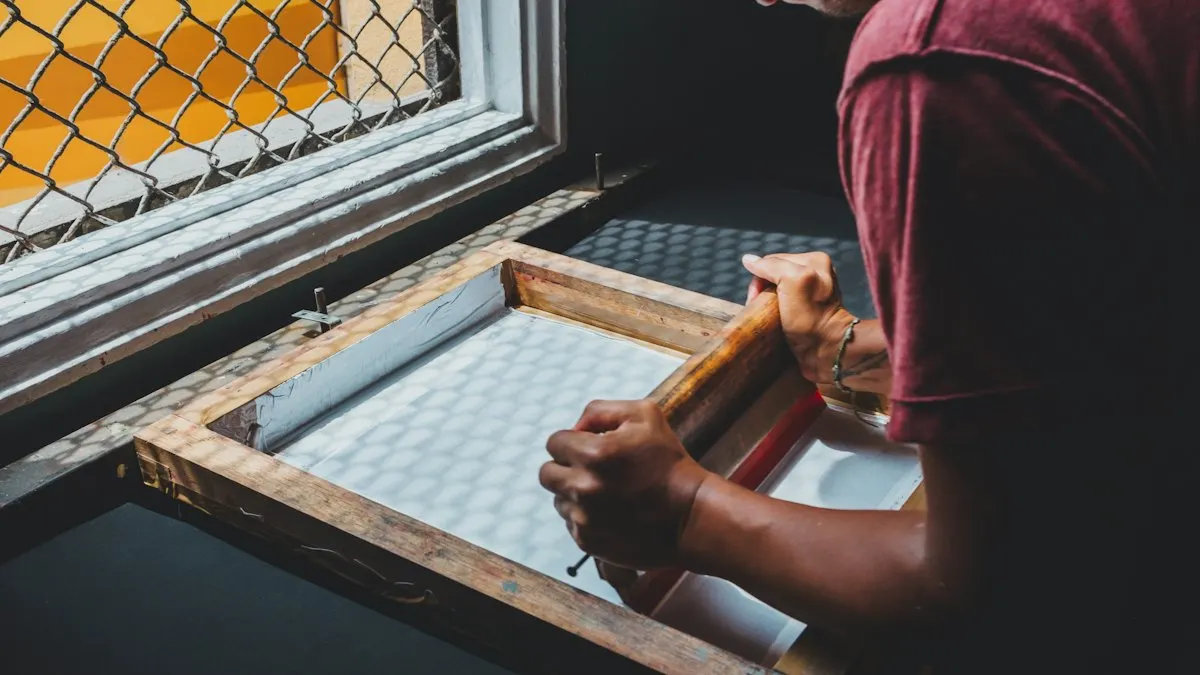
- Spot colours: keep them only if the printer is printing that ink, as in screen printing.
Our guide to Illustrator settings for print and screen shows these menus in Illustrator. For multi-page work, see InDesign brochure layout and preflight.
AI and Agentic AI in CorelDRAW and Illustrator
CorelDRAW Graphics Suite 2026 adds text-to-vector AI that turns prompts or existing artwork into editable vectors, plus AI background removal in PowerTRACE[1]. Adobe's AI assistant (public beta) in Illustrator, Photoshop and InDesign can carry out several design steps from one plain request[2]. ChatGPT and Gemini help with name ideas, taglines and brief summaries.
What the human still decides: whether an AI vector is clean enough to print (count the nodes), whether a logo is original and not too close to another brand and whether the colours match the client's brand. CABA's courses now teach AI and agentic AI workflows inside the curriculum. For a full view, read what an AI graphic design course should teach.
Portfolio Projects for CorelDRAW and Illustrator
- Shop flex banner (CorelDRAW): a 10 x 4 ft board for a local shop, CMYK, text in curves, print PDF.
- Logo and brand sheet (Illustrator): logo, colours, fonts and a business card set.
- T-shirt for screen printing (either): two spot colours, a separation preview and a mockup.
Worked example for the first one: take a sweet shop's old blurry logo, redraw it with the pen tool, set the board size, place the logo, name and phone number with clear hierarchy, add bleed, convert text to curves and export a print PDF. Then export the same artwork as an AI file and open it in Illustrator to prove the handover works. Two skills shown in one project.
Which Should You Learn First and How Does 1-to-1 Training Help?
For most careers, learn Illustrator first. It connects to Photoshop, InDesign and After Effects. It opens the door to agency, branding and motion jobs. Then spend a few weeks on CorelDRAW basics if you want print-shop or garment work. Our graphic design course in Delhi is built on Photoshop, Illustrator and InDesign, plus Affinity by Canva, Canva Pro and AI tools; the vector skills you learn there carry over to CorelDRAW.
Software habits form early. In 1-to-1 training a trainer watches your screen, stops messy node work before it becomes a habit, sets up your colour and document presets and checks your print files like a real printer would. The Premium plan carries a 100% Job Guarantee; see the job guarantee terms. Studying commerce or another subject? Read graphic design for commerce students, then ask about the graphic design course with placement.
Frequently Asked Questions
CorelDRAW vs Illustrator: which is better for a beginner?
For most beginners, Illustrator, because agencies, brand studios and motion work use it and it links with Photoshop, InDesign and After Effects. Add CorelDRAW basics later if you want print-shop, signage or garment work.
Can Illustrator open CorelDRAW files?
Only old ones. Adobe's help page lists CorelDRAW versions 5 to 10 (.cdr) as supported. For newer files, export from CorelDRAW as AI or PDF using File > Export.
Why do printers in India use CorelDRAW?
Many print, flex and garment shops learnt CorelDRAW first, share CDR files with each other and like the one-time purchase option. Corel names signage, large-format printing and apparel among its main users.
Which is better for screen printing, CorelDRAW or Illustrator?
Both can prepare spot-colour separations. Use the one your printer works in. Always send a print PDF along with the working file.
Does CABA Innovatives teach CorelDRAW?
CABA's graphic design course is built on Photoshop, Illustrator and InDesign, plus Affinity by Canva, Canva Pro and AI tools. The vector and print skills you learn there carry over to CorelDRAW.
References
- CorelDRAW Graphics Suite 2026 product page (viewed 16 October 2026)- Corel
- Adobe Unveils Major Expansion of Creative Agent Across Firefly and Creative Cloud Apps (18 June 2026)- Adobe Newsroom
- Graphic Design Fresher Jobs in Delhi (listings viewed 16 October 2026)- Internshala
- Supported file formats in Adobe Illustrator- Adobe Help Center
- Adobe Illustrator (AI) export- CorelDRAW Help