Why Most Beginners Get Stuck Choosing an Idea
After the first few tutorials, many learners open a blank composition and freeze. Tutorials show a cool effect, but they do not tell you what a client would pay for. The fix is simple: choose ideas from real work. If a brand would need it on Instagram, YouTube or a website, it is a good practice idea.
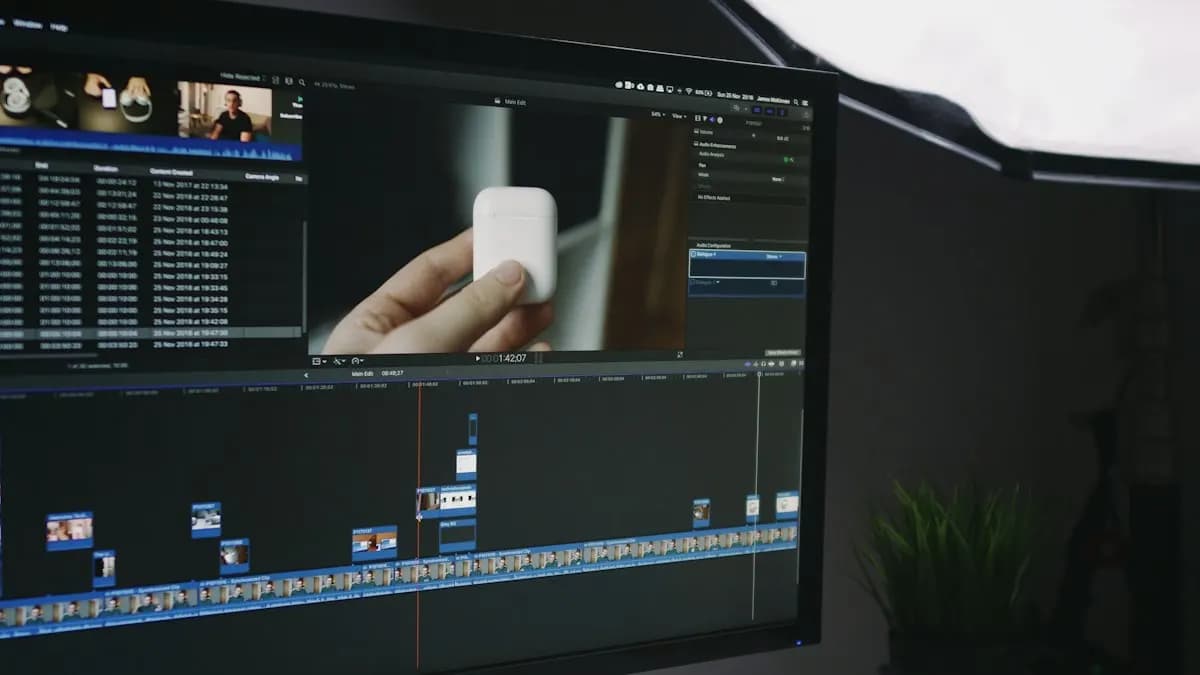
Look at a fresher motion graphic designer post from Mumbai seen on 13 November 2026. The role edits Reels and adds animated captions, kinetic typography, graphic cutaways, logo and number pops and transitions in After Effects. It asks for a portfolio or showreel[1]. That one post is almost a practice list on its own.
12 Motion Graphics Ideas for Beginners, Easy to Hard
| # | Idea | Skill it trains | Length |
|---|---|---|---|
| 1 | Bouncing ball with squash and stretch | Keyframes, easing, timing | 3 to 5 s |
| 2 | Animated captions for a 15-second Reel | Text layers, timing to speech | 15 s |
| 3 | Lower third with name and title | Shape layers, masks, clean exits | 5 s |
| 4 | Number counter for a sale or stat | Slider control, simple expression | 5 s |
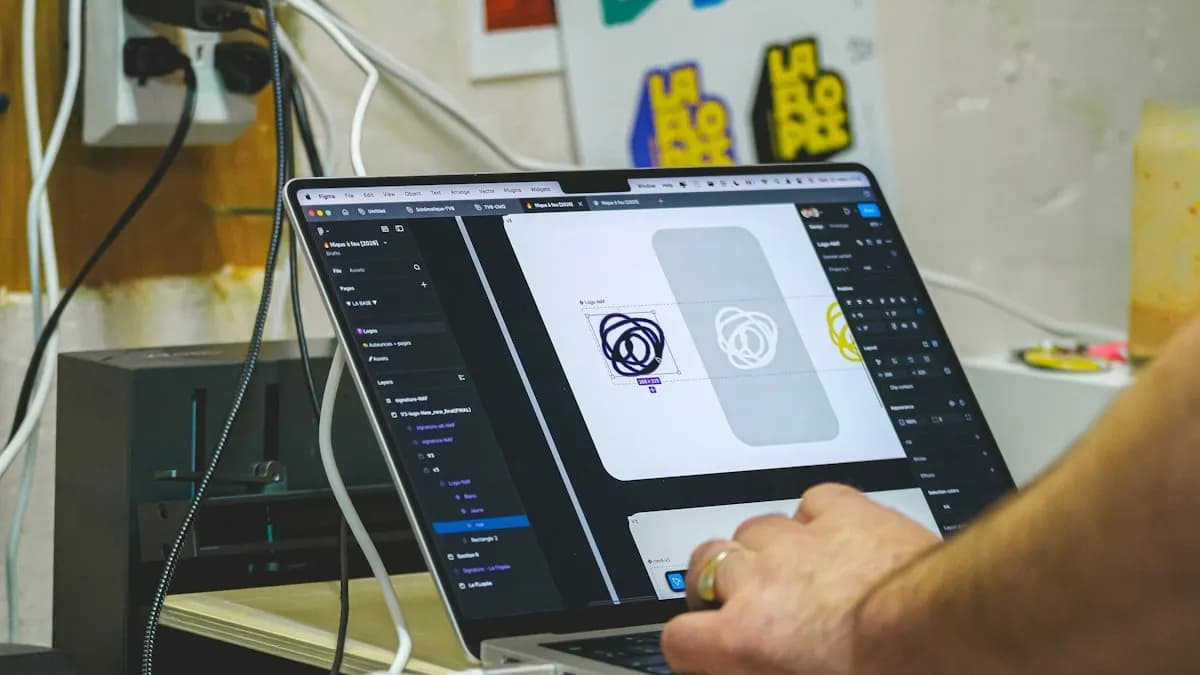
| 5 | Logo reveal for a local shop | Trim Paths, Easy Ease, sound sync | 5 to 8 s |
| 6 | Icon set animation (5 icons) | Shape animation, consistency | 10 s |
| 7 | Kinetic typography on a short quote | Text animators, rhythm | 10 to 15 s |
| 8 | Loading or progress animation | Loops, expressions | 3 s loop |
| 9 | Social media ad with product and price | Layout in motion, hierarchy | 10 to 15 s |
| 10 | Text that follows a moving object | Motion tracking | 5 to 10 s |
| 11 | Infographic: three facts with charts | Graph animation, data on screen | 20 s |
| 12 | 30-second explainer for an app or service | Storyboard, scenes, voice-over sync | 30 s |
Ideas 5 and 7 have full step-by-step guides on our blog: logo animation in After Effects and kinetic typography in After Effects.
How to Turn One Idea Into a Finished Project
Worked example: idea 4, a number counter for a sweet shop's Diwali offer that reads 30% off.
- 1Write a one-line brief
Sweet shop, Instagram story, 9:16, warm colours, the number must be readable in one second.
- 2Sketch three frames
Start, middle and end. Paper is faster than software for this.
- 3Build the layout as a still
Get the type, colours and spacing right before any movement.
- 4Animate the number
Drive the number with a Slider Control and a simple expression, then add Easy Ease so it slows down at the end.
- 5Add one supporting move
A small pop on the percent sign or a light sparkle. One accent, not five.
- 6Add sound and export
A soft tick or whoosh on the final number. Export, then watch it on your phone.
Motion Graphics Topics That Work Well for Practice
Stuck on a subject? Use everyday Indian topics that brands actually post about:
- Festival offers: Diwali, Holi, Eid, Christmas sale countdowns.
- Local businesses: a gym's new batch, a cafe's new menu, a coaching centre's results.
- Explainers: how to pay a bill with UPI, how a delivery app works, how to book a test.
- Tech channels: a phone spec comparison with icons and numbers.
- Your own showreel opener: your name and skills in 5 seconds.
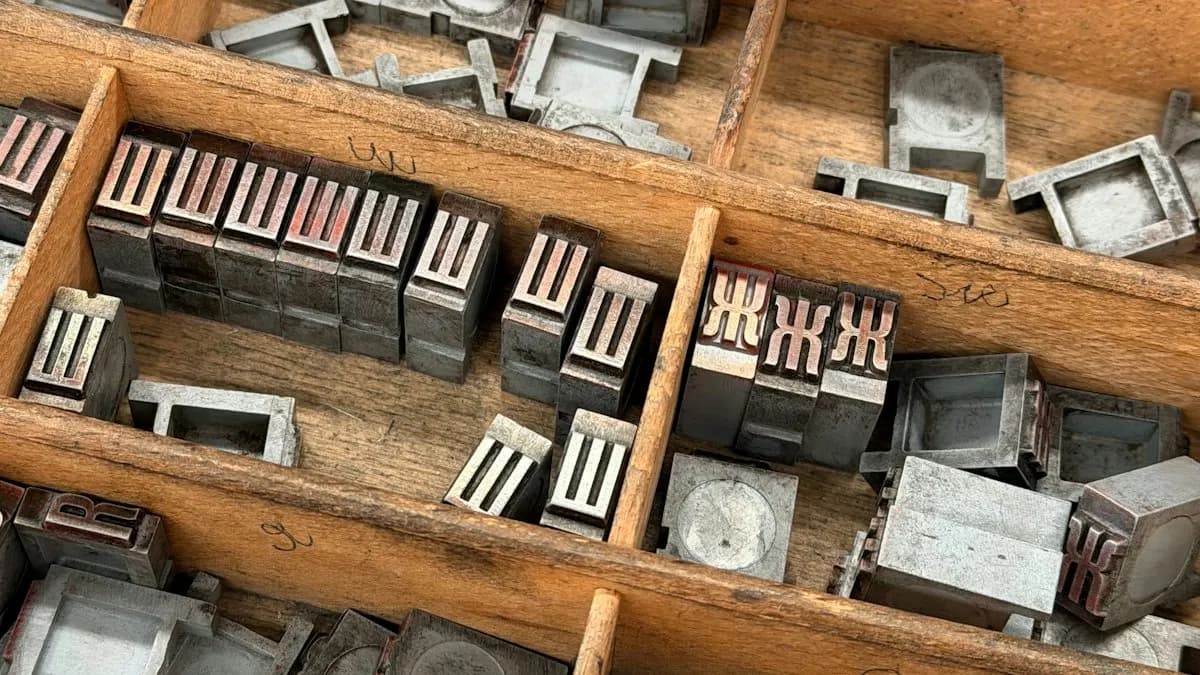
Text-heavy ideas use After Effects text animators: Animation > Animate Text, with a Range Selector controlling which letters move[2]. Once you have 6 to 8 finished pieces, our motion graphics portfolio guide shows how to cut them into a 30 to 60 second showreel.
AI and Agentic AI in Motion Graphics Projects
Motion designers now use AI for parts of the job. A remote motion graphics role seen this week asks for AI video tools such as Google Veo, Kling AI and Runway, with the final edit, motion graphics, colour and sound done in Premiere Pro and After Effects[3]. Designers also use Adobe Firefly to make background plates and textures. They use AI tools to create 3D elements that they then animate in After Effects. CABA does not teach 3D software; we teach this AI-plus-After-Effects route.
Some teams use AI agents to turn a script into a shot list or to draft storyboard frames. What the human still decides: the idea, the timing, what is readable on a phone and whether the brand looks right. CABA's courses now teach AI and agentic AI workflows inside the curriculum.
Where These Projects Can Lead
Practice pieces like these are what a motion graphics designer makes every week for brands and agencies. Typical pay in Delhi NCR:
| Stage | Pay per month (Delhi NCR) |
|---|---|
| First job | ₹15,000 to ₹18,000 |
| After 1 year | ₹28,000 to ₹32,000 |
| After 3 years | ₹40,000 to ₹45,000+ |
For a closer look at pay by role and city, read motion graphics designer salary in India.
Why Feedback Matters More Than More Ideas
Most beginners do not need more ideas. They need someone to say: your easing is too slow, the caption appears before the word is spoken, the logo needs a beat of stillness at the end. That feedback is what makes practice pieces look professional.
The short video below, from CABA's own YouTube channel, gives a 27-second look at motion graphics and animation training at CABA Innovatives in Delhi. It plays only when you click it.
Our motion graphics course in Delhi works through projects like these, with a trainer checking every piece. It comes with a 100% Job Guarantee; read the job guarantee terms. The full module plan is on the motion graphics course page.
Frequently Asked Questions
What are good motion graphics ideas for beginners?
Animated captions, a lower third, a number counter, a logo reveal, an icon set animation, kinetic typography on a quote and a short explainer. Each trains one After Effects skill.
How long should a beginner motion graphics project be?
5 to 15 seconds for most practice pieces. A 30-second explainer is a good goal after a few months.
Which software do I need for these projects?
Adobe After Effects for the animation, plus Illustrator or Photoshop for the artwork and Premiere Pro for editing it into videos.
How many practice projects do I need before applying for jobs?
Around 6 to 8 finished, polished pieces, cut into a 30 to 60 second showreel.
Can I use AI for motion graphics projects?
Yes, for backgrounds, textures and AI-made 3D elements, but the animation, timing and final edit are still done by you in After Effects.