What Is Motion Tracking in After Effects?
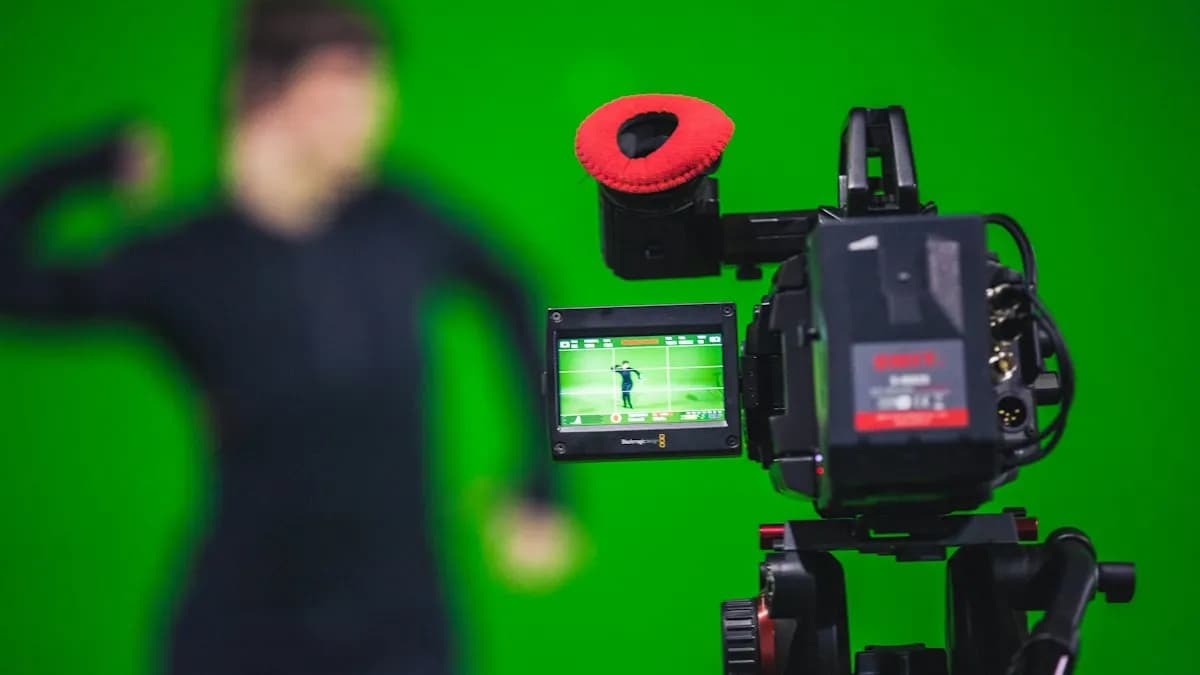
Adobe's help page puts it simply: motion tracking follows the movement of an object and applies that movement to another object, such as a layer or an effect point, so images and effects follow the motion[1]. After Effects does this by matching the pixels in a small area of one frame to the next frame, again and again.
Everyday uses in Indian agency work: a name tag that follows a speaker in an interview, a price label that sticks to a product in a Reel, an arrow that points to a moving car, or a phone screen replaced with an app demo. If you are new to the software, start with After Effects for beginners first.
What Are the Parts of a Track Point?
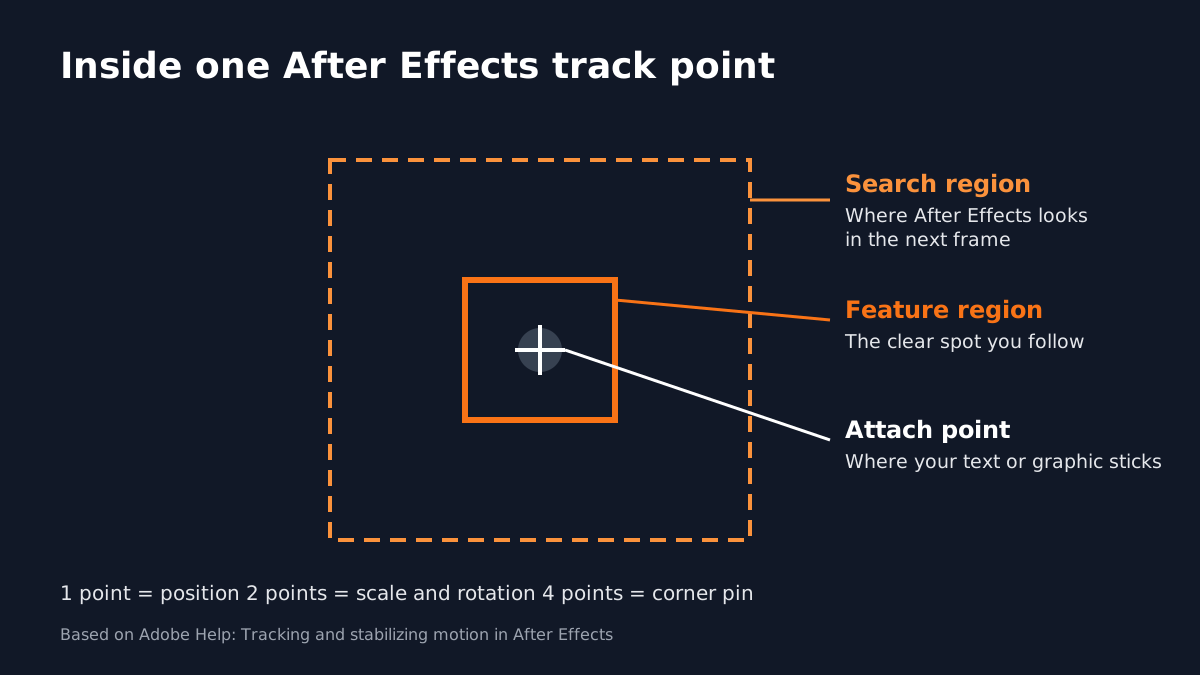
- Feature region (inner box): the thing you follow. It should be a clear, distinct spot, ideally one real object.
- Search region (outer box): where After Effects looks for that feature in the next frame. Small is faster but can lose fast movement.
- Attach point (the cross): where your target layer gets attached.
Adobe also notes that one track point records position, two record scale and rotation. Four are used for corner pinning, for example to lock a clip inside a screen or frame[1].
How Do You Track Text to a Moving Object, Step by Step?
- 1Open the Tracker
Select the footage layer and open Window > Tracker.
- 2Start a track
Click Track Motion. The Layer panel opens with Track Point 1.
- 3Place the point
Drag the feature region onto a sharp, high-contrast spot such as a button, a logo corner or an eye. Make the search region bigger if the object moves fast.
- 4Analyse
Click Analyze Forward and watch the box follow the feature. Stop and nudge it if it slips.
- 5Pick the target
Create a Null Object, click Edit Target and choose the null.
- 6Apply and parent
Click Apply (X and Y), then parent your text or graphic layer to the null and adjust its offset.
Once the text follows, animate it in with the After Effects graph editor for smooth easing, or try kinetic typography in After Effects.
When Should You Use Mocha AE Instead?
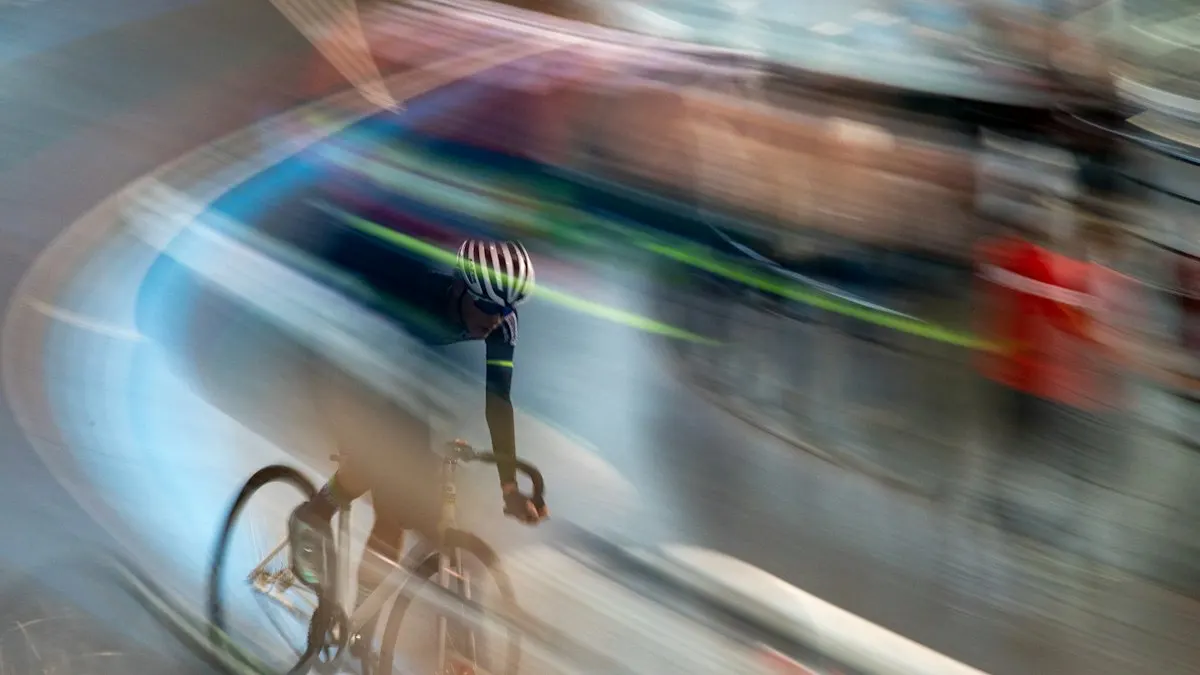
The point tracker struggles with motion blur, objects that leave the frame and flat surfaces that tilt, like a phone screen or a billboard. For these, After Effects includes the Mocha AE plug-in from Boris FX, which tracks whole planes instead of single points. Adobe's page lists the paths: Effect > Boris FX Mocha > Mocha AE, or Animation > Track in Boris FX Mocha. After tracking, choose Create Track Data and export as Corner Pin or Transform[1].
Why Is My After Effects Motion Tracking Not Working?
| Problem | What to try |
|---|---|
| Track point slides off | Choose a sharper, higher-contrast feature; enlarge the search region |
| Track is very slow | Make the search region smaller; trim the work area to the shot you need |
| Shot is blurry or tilts | Switch to Mocha AE and track the surface as a plane |
| Object leaves the frame | Track in Mocha AE or track a different feature that stays visible |
| Text jitters | Smooth the null's keyframes or offset the text from the exact track point |
Adobe notes that while tracking, After Effects sets the layer to Best quality and Full resolution so the feature is easier to find, which is one reason heavy 4K tracks feel slow on weaker laptops[1]. Our After Effects shortcuts list saves time while you fix keyframes.
Why Studios Expect Motion Designers to Track
Brand videos, YouTube explainers and ads now mix live footage with graphics in almost every project. A motion designer who can track cleanly finishes these jobs without sending them to a VFX team. It is also one of the first tasks a studio tests: here is a shot, put a label on this product. Editors who learn it move closer to motion graphics roles; our guide to what is video editing explains how the two jobs connect.
| Stage (motion graphics) | Pay per month (Delhi NCR) |
|---|---|
| Fresher | ₹15,000 to ₹18,000 |
| After 1 year | ₹28,000 to ₹32,000 |
| After 3 years | ₹40,000 to ₹45,000 and more |
3 Portfolio Projects to Practise Motion Tracking
- Interview name tag: a lower third that follows a speaker who moves a little.
- Product callouts: three labels that pop in and stick to a product as the camera moves.
- Screen replacement: an app demo placed into a phone screen with Mocha AE and a corner pin.
Worked example for the product callouts: shoot a 10-second phone clip moving slowly around a bottle on a table. Track the cap with one point, apply to a null, parent a label reading Natural, 500 ml. Repeat for the base and the label area. Animate each label in with an overshoot. Export a 1080 by 1920 Reel. Add it to your motion graphics portfolio.
AI and Agentic AI in Tracking Work Today
Rotoscoping and object selection, once slow hand work, are now helped by AI-assisted selection tools. AI video tools can generate draft B-roll or background plates. Some teams use AI agents to sort shots and suggest which ones need tracking or clean-up.
What the human still decides: which feature to track, whether the result looks real and whether a graphic belongs in the shot at all. A bad track breaks trust in a brand video in one second. CABA's courses now teach AI and agentic AI workflows inside the curriculum, with the motion designer checking every frame that goes out.
Why One-to-One Training Helps With Tracking
Tracking problems are specific to each shot. A trainer looking at your footage can tell in a minute that you picked a weak feature or should switch to Mocha AE. That kind of feedback is hard to get from a general tutorial.
Our motion graphics course in Delhi covers After Effects tracking, typography, animation and AI-assisted workflows on real projects. It comes with a 100% Job Guarantee; read the job guarantee terms. Details are on the motion graphics course page.
Frequently Asked Questions
How do you do motion tracking in After Effects?
Select the footage layer, open Window > Tracker, click Track Motion, place the track point on a clear feature, click Analyze Forward, then Edit Target to a null and Apply. Parent your text or graphic to the null.
How do I make text follow a moving object in After Effects?
Track the object with the point tracker, apply the track to a Null Object and parent the text layer to that null.
Why is my After Effects motion tracking not working?
Usually the feature is not distinct, the search region is too small for fast movement or the shot is blurry. Pick a sharper feature, enlarge the search region or use Mocha AE.
What is Mocha AE?
A planar tracking plug-in from Boris FX included with After Effects. It tracks whole surfaces and is best for screen replacement and difficult shots.
How many track points do I need?
One for position, two for position, scale and rotation. Use four for a corner pin such as a screen replacement.