What Is a Logo Animation and Why Do Brands Pay for It?
A logo animation brings a brand's logo to life for a few seconds. You see it at the start of YouTube videos, at the end of Instagram Reels, in shop ads on screens and in company presentations. Small businesses ask for it all the time because it makes every video they post look more professional.
For a new motion designer it is a perfect first project. It is short, the client already has the logo and it teaches the core skills of motion: timing, easing and sound sync. If you are still deciding whether motion is the right field, read what does a motion graphics designer do.
Five Logo Animation Styles Clients Ask For
| Style | What happens | Main tool in After Effects |
|---|---|---|
| Draw-on | Lines of the logo draw themselves, then fill | Trim Paths on shape layers |
| Pop and settle | Parts scale up, overshoot slightly and settle | Scale keyframes with Easy Ease and the Graph Editor |
| Mask reveal | The logo slides out from behind a shape | Track matte or mask |
| Letter by letter | The name types or bounces in one letter at a time | Text animators |
| 3D look | A 3D element spins in, then the flat logo appears | AI-made 3D element animated in After Effects |
A note on 3D: CABA's motion graphics course does not teach 3D software such as Blender, Cinema 4D or Maya. For a 3D look we create the 3D element with an AI tool, then animate it in After Effects and finish in Premiere Pro, as explained in 3D motion graphics with AI and After Effects.
Step 1: Prepare the Logo in Illustrator
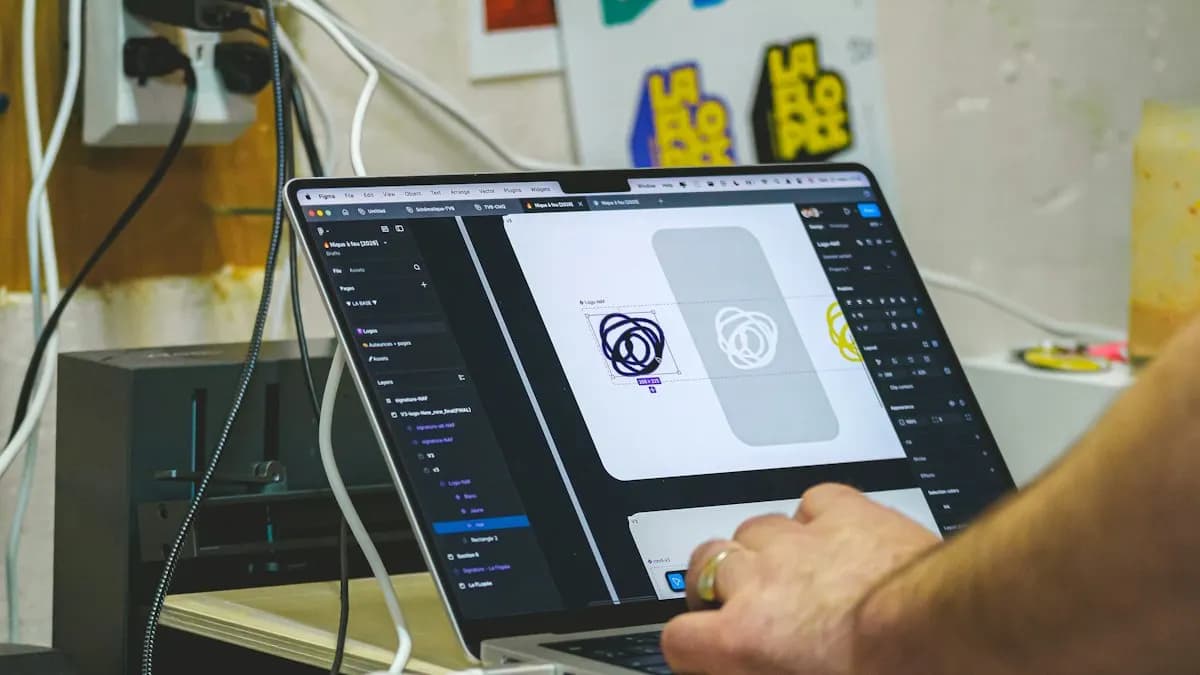
Ask the client for the vector logo (AI, EPS, SVG or PDF), never only a JPG. Then open it in Illustrator and get it ready:
- Split parts onto separate layers: icon, each word, tagline. Anything that moves on its own needs its own layer.
- Name every layer clearly (icon, word-1, tagline). You will thank yourself in After Effects.
- Outline the text so fonts do not go missing on another computer.
- For a draw-on effect, keep the line parts as strokes, not filled outlines.
This kind of clean file preparation is part of good graphic design classes in Delhi; motion designers who learnt Illustrator properly finish logo jobs much faster.
Step 2: Import and Convert to Shape Layers
- 1Import as a Composition
Choose File > Import > File, select the Illustrator file and set Import Kind to Composition so each layer stays separate[1].
- 2Set the composition size
1920 x 1080 for YouTube intros, 1080 x 1920 for Reels end cards. Our After Effects settings for Instagram Reels guide covers the vertical setup.
- 3Convert each part
Select a logo layer and choose Layer > Create > Create Shapes from Vector Layer. A matching shape layer appears above it and the original is muted[1].
Step 3: Animate With Keyframes, Trim Paths and Easing
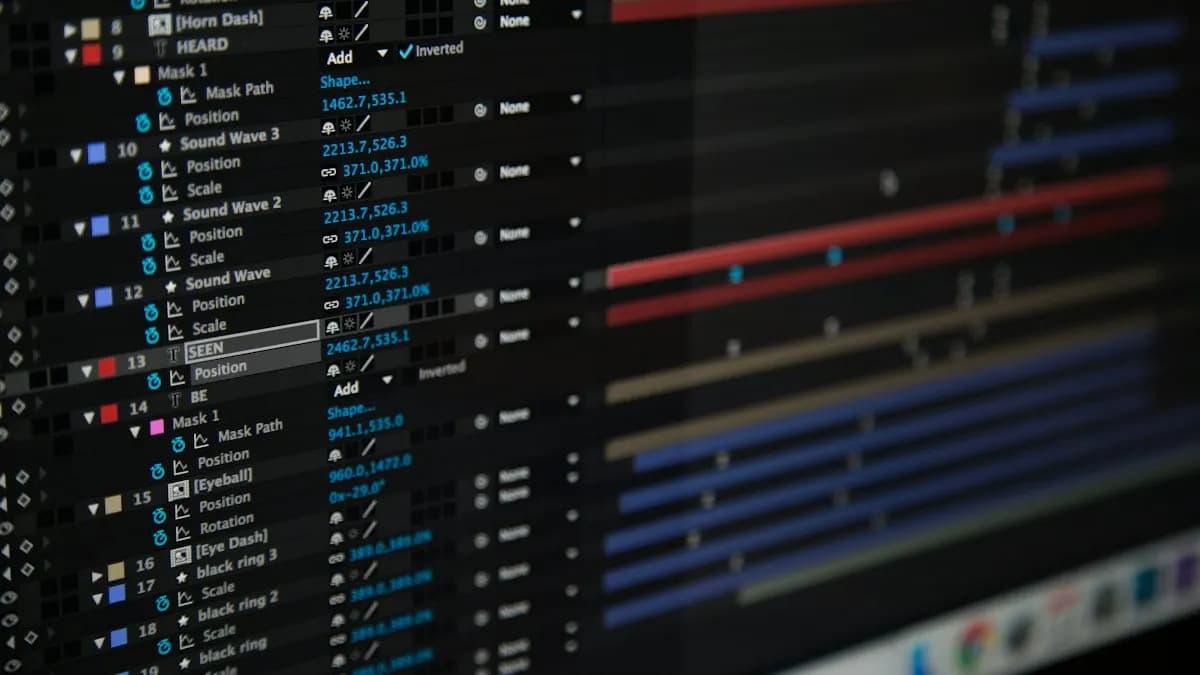
- Draw-on lines: add Trim Paths to the shape and keyframe its End property from 0% to 100%. Adobe's help notes you can animate the Start, End and Offset properties of Trim Paths[2].
- Pop in: keyframe Scale from 0% to about 110% and then 100% a few frames later, so it overshoots and settles.
- Smooth motion: select the keyframes and press F9 for Easy Ease, then shape the speed in the Graph Editor so moves start fast and land gently.
- Stagger: offset each part by 2 to 4 frames so the icon, name and tagline arrive one after another.
Speed matters here. Learn the keys for position, scale, rotation and opacity from our After Effects shortcuts list; trained designers finish a logo job far faster because their hands already know the keys.
Step 4: Add Sound and Export
A logo animation feels finished only with sound. Use a licensed whoosh, click or music sting and line up the biggest visual moment (the logo landing) with the strongest sound hit. Keep the whole piece between 3 and 5 seconds.
Export from the Render Queue as H.264 for web and social use; Adobe explains the Output Module settings on its H.264 export page[3]. Many clients also want a version with a transparent background for use over their own videos, so ask before you export.
Three Logo Animation Projects for Your Portfolio
- Local shop intro: a 4-second draw-on reveal for a sweet shop or cafe logo, 1920 x 1080, for YouTube.
- Reels end card: a 3-second pop-and-settle version of the same logo in 1080 x 1920 with the handle below it.
- Brand refresh: take an old logo of a family business, redraw it cleanly in Illustrator, then animate a mask reveal.
Worked example (hypothetical): say a Lajpat Nagar sweet shop wants an intro for its Diwali videos. You split the logo into the icon (a diya), the shop name and the year. The diya draws on with Trim Paths in 1 second, the name pops in letter by letter over the next second and the year fades up as a soft bell sound lands at 3 seconds. Total time on screen: 4 seconds. That one file can be used on every video the shop posts for the season.
Do Delhi Employers Want Logo and Motion Skills?
On 21 October 2026 Internshala listed 76 motion graphics jobs in Delhi[4] and a fresher junior motion graphics post in its graphic design listing[5]. Three examples in our own words (company names left out):
- Junior motion graphics specialist, Delhi (fresher). Video editing and motion work. Skills listed: Photoshop, After Effects, Adobe Animate, animation and Canva. Pay shown: ₹2 to 2.2 lakh a year.
- Graphic and motion designer, Delhi, Gurgaon or Noida (1 year). Skills listed include Photoshop, Illustrator, Adobe Animate, animation, data visualisation and Canva. Pay shown: ₹3 to 3.5 lakh a year.
- Graphic designer with motion skills, Noida (1 year). Skills listed include After Effects, Figma, animation and motion graphics. Pay shown: ₹4 to 6 lakh a year.
The pattern is clear: designers who can also animate are offered more.
What Does a Motion Graphics Designer Earn?
| Stage | Typical monthly salary (Delhi NCR) |
|---|---|
| Fresher (first job) | ₹15,000 to ₹18,000 |
| After 1 year | ₹28,000 to ₹32,000 |
| After 3 years | ₹40,000 to ₹45,000 and above |
Over time motion designers usually earn about 30 to 40% more than video editors and the path can lead from brand executive to brand manager and brand director.
AI and Agentic AI in Logo Animation Today
AI now helps at both ends of the job. AI image tools can suggest motion ideas or make a 3D-looking element and Adobe has announced an AI assistant for After Effects (private beta) that can carry out tasks from a text request[6]. Searches such as "logo animation prompt for Gemini" now appear in Google's own suggestions.
What the human still decides: whether the motion fits the brand, the exact timing to the sound and that the logo is never distorted. Clients notice a stretched logo instantly. CABA's courses now teach AI and agentic AI workflows inside the curriculum, with the designer checking every frame.
Learn Logo Animation in Our Motion Graphics Course
Our 10-month motion graphics course in Delhi starts with Illustrator, Photoshop, InDesign and Affinity by Canva, then moves to Premiere Pro and After Effects with AI. Logo animation is one of the projects you build, alongside Reels, explainers and ads. Classes run at South Extension Part 1 and live online, in 1-to-1 and group formats.
The Premium plan carries a 100% Job Guarantee; read the job guarantee terms. New to the software? Start with After Effects for beginners, then see the full syllabus on our motion graphics course with placement page.
Frequently Asked Questions
How do you make a logo animation in After Effects?
Prepare a layered logo in Illustrator, import it into After Effects as a Composition, convert each part with Layer > Create > Create Shapes from Vector Layer, animate with keyframes, Trim Paths and Easy Ease, add a sound and export as H.264.
How long should a logo animation be?
Most logo animations run 3 to 5 seconds. Intros for YouTube can be slightly longer; Reels end cards are usually about 3 seconds.
Can AI make a logo animation?
AI tools can suggest ideas and make elements, but a professional logo animation still needs a designer to keep the logo accurate, match the brand and time the motion to sound in After Effects.
Do I need Illustrator for logo animation?
It helps a lot. Most logos arrive as vector files and splitting them into named layers in Illustrator is the first step before animating in After Effects.
Is logo animation a good skill for jobs?
Yes. Brands and agencies need short logo animations for videos and ads and Delhi job posts for designers with After Effects skills show higher pay than design-only posts.
References
- Creating shapes (Convert vector art footage to shape; import Illustrator as Composition)- Adobe Help Center
- Shape attributes, paint operations and path operations for shape layers (Trim Paths)- Adobe Help Center
- Exporting H.264 from the After Effects Render Queue (updated 8 April 2026)- Adobe Help Center
- Motion Graphics Jobs in Delhi (listings viewed 21 October 2026)- Internshala
- Graphic Design Fresher Jobs in Delhi (listings viewed 21 October 2026)- Internshala
- Adobe Unveils Major Expansion of Creative Agent Across Firefly and Creative Cloud Apps (18 June 2026)- Adobe Newsroom