What Motion Graphics Go Into a Reel?
| Element | What it does | Usually made in |
|---|---|---|
| Hook text | A bold line in the first seconds that says what the Reel is about | After Effects |
| Captions | Spoken words on screen for people watching without sound | Premiere Pro, After Effects |
| Lower thirds | Name, title or price shown near the speaker | After Effects template |
| Callouts and icons | Arrows, circles and labels that point at a product | After Effects with Illustrator art |
| Logo sting | A one or two second logo animation at the end | After Effects |
| Simple infographics | Numbers or steps that build on screen | After Effects |
Moving words are a big part of this. Our kinetic typography in After Effects guide shows how to animate text word by word.
Where Should Text Go in a Reel?
Reels are vertical (9:16). Meta's guide for Reels ads suggests leaving at least 14% of the top, 35% of the bottom and 6% on each side free from text, logos or other key elements, so the profile icon, caption and buttons do not cover them[1]. The same guide recommends 1440 x 2560 pixels for Reels ads.
- Keep the hook line in the upper middle of the frame, below the top 14%.
- Place lower thirds above the bottom 35%, not at the very bottom like on YouTube.
- Use large, heavy fonts and a solid or blurred strip behind text on busy footage.
- Hold each line long enough to read twice on a phone.
How Do Designers Make Reels Motion Graphics?
- 1Plan to the sound
Mark the beats and the spoken lines. Graphics land on these moments.
- 2Design the look
Make the fonts, colours, icons and logo in Illustrator or Photoshop so every Reel matches the brand.
- 3Animate in After Effects
Build the hook, lower third, callouts and logo sting in a 1080 x 1920 composition with eased keyframes.
- 4Turn repeat pieces into templates
Export lower thirds and captions as Motion Graphics templates (.mogrt) so they can be edited in Premiere Pro[2].
- 5Finish in Premiere Pro
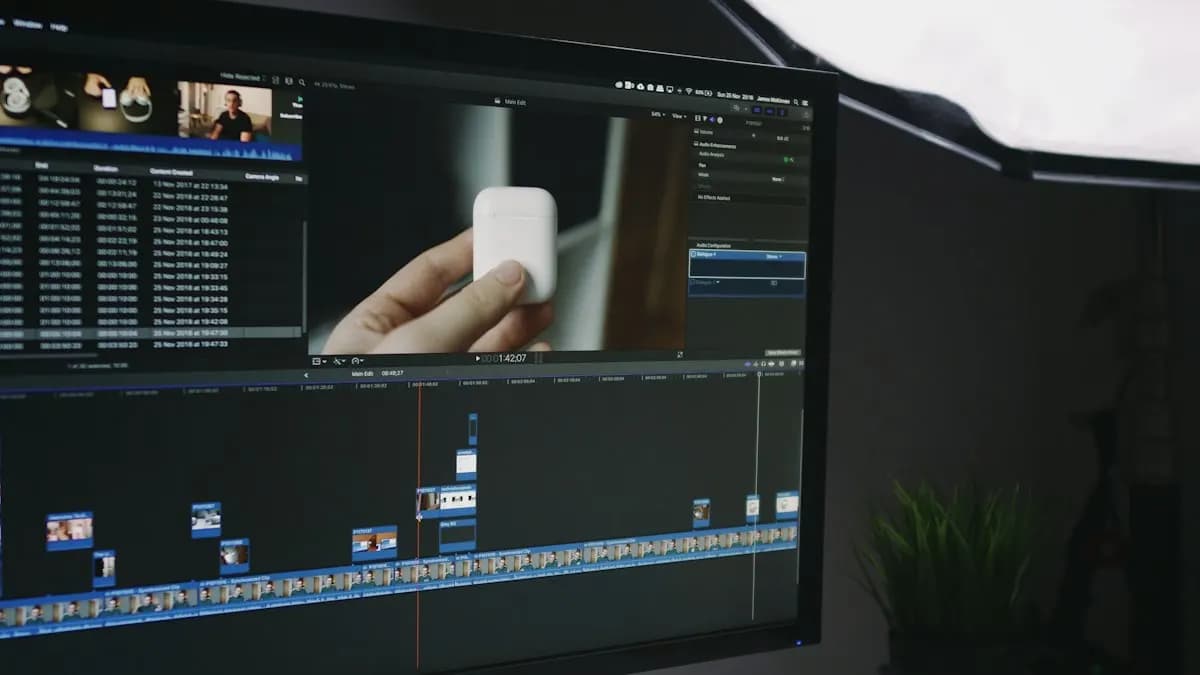
Cut the footage, add the templates, captions and music, then export.
- 6Check on a phone
Watch it on a real phone before posting. Our After Effects settings for Instagram Reels guide covers the export.
Adobe's help page explains that a Motion Graphics template packs the design and only the controls you choose, so editors can change the text without breaking the animation[2]. That is how agencies keep dozens of Reels on brand.
Worked Example: A 15-Second Festive Reel
Say a bakery in Saket wants a Diwali gift box Reel (a hypothetical example):
- 0 to 2 seconds: hook text "Diwali boxes are here" pops in on the first beat.
- 2 to 9 seconds: three product shots, each with a small callout naming the sweet.
- 9 to 12 seconds: a lower third with the box name and "order on WhatsApp" above the bottom safe zone.
- 12 to 15 seconds: a one-second logo sting and the shop's area name.
Once the lower third and callouts are templates, the next five Reels take a fraction of the time. A set like this also makes a strong motion graphics portfolio piece.
See Motion Graphics Training in Action
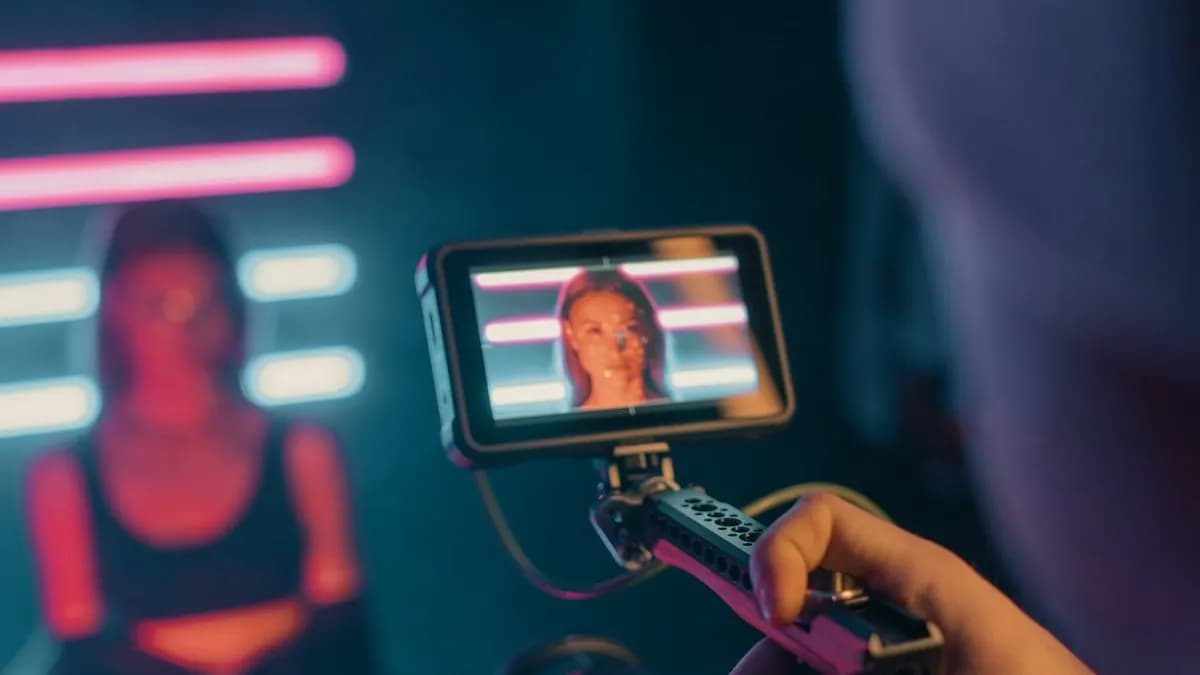
In class, students practise the same pieces described above: animated text, logo stings and templates, then use them inside edited videos.
Who Hires for Reels Motion Graphics in Delhi?
On 31 October 2026, Internshala showed 63 motion graphics jobs in Delhi[3]. Three posts, in our own words:
- Video editor at a hospital group, Delhi, 1 year of experience. Work includes Instagram Reels and YouTube Shorts. Skills: video editing, Premiere Pro, Final Cut Pro and motion graphics. Pay shown: ₹3 to 4.2 lakh a year.
- Junior video editor, Delhi, 1 year of experience. Skills: Photoshop, Illustrator, Premiere Pro, AI video generation and motion graphics. Pay shown: ₹2 to 3.2 lakh a year.
- Video editor at a media and advertising firm, Delhi (hybrid), freshers welcome. Skills: video editing, CapCut, motion graphics and advertising. Pay shown: ₹2 to 3.5 lakh a year.
| Stage | Motion graphics designer pay per month (Delhi NCR) |
|---|---|
| Fresher | ₹15,000 to ₹18,000 |
| After 1 year | ₹28,000 to ₹32,000 |
| After 3 years | ₹40,000 to ₹45,000 and more |
Over time, motion graphics work tends to pay more than editing alone. Read is motion graphics a good career for the growth path.
AI and Agentic AI in Reels Motion Graphics Today
Editors use AI captions, AI-made backgrounds and AI-generated 3D objects for Reels. Adobe announced an AI Assistant for After Effects in private beta in June 2026, which can carry out steps from a typed request[4]. On 3D, CABA does not teach 3D software such as Blender or Cinema 4D; students create 3D elements with AI tools, animate them in After Effects and use them in Premiere Pro.
What the human still decides: the hook, the timing to the sound, the brand look and whether every word and price is right. CABA's courses now teach AI and agentic AI workflows inside the curriculum, with a human check before anything is posted.
Learn Motion Graphics for Reels and Beyond
Our motion graphics course in Delhi covers Illustrator, Photoshop, After Effects and Premiere Pro with AI tools, from text animation and templates to full brand videos.
The course comes with a 100% Job Guarantee; read the job guarantee terms first. See student work on the motion graphics course page.
Frequently Asked Questions
What are motion graphics for Reels?
They are the animated text, captions, lower thirds, product callouts, icons and logo stings placed on a vertical Reel to make it clear and on brand.
Which software is used for motion graphics in Reels?
Designers usually animate in After Effects, prepare art in Illustrator or Photoshop and finish the Reel in Premiere Pro. Some creators use mobile apps for simple text.
Where should I place text on an Instagram Reel?
Meta suggests keeping the top 14%, bottom 35% and 6% on each side free from text and logos so the app's buttons and captions do not cover them.
Do video editors need motion graphics for Reels?
Many Delhi job posts for video editors now list motion graphics too, especially for Reels and Shorts.
Does CABA teach 3D for Reels?
No. CABA does not teach 3D software. Students create 3D elements with AI tools, animate them in After Effects and use them in Premiere Pro.
References
- Video ad specs on Instagram Reels (viewed 31 October 2026)- Meta Ads Guide
- Work with Motion Graphics templates (updated 11 May 2026)- Adobe Help Center
- Motion Graphics Jobs in Delhi (listings viewed 31 October 2026)- Internshala
- Adobe Unveils Major Expansion of Creative Agent Across Firefly and Creative Cloud Apps (18 June 2026)- Adobe Newsroom