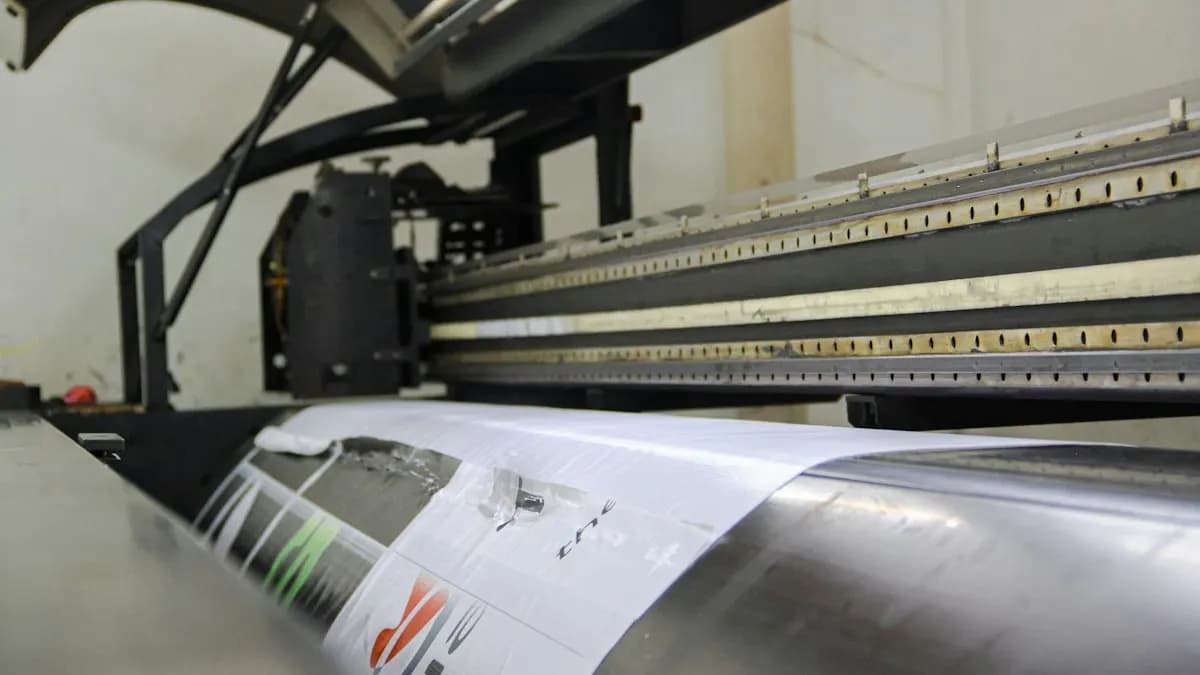
What Does a Graphic Designer at a Printing Press Do?
| Job | What the designer prepares | Usual software |
|---|---|---|
| Visiting cards and letterheads | Layout, logo placement, both sides ready to print | CorelDRAW, Illustrator |
| Wedding and event cards | Layouts in English and Indian scripts, foil or emboss layers | CorelDRAW, Illustrator, Photoshop |
| Flex banners and hoardings | Large layouts that read from far away | CorelDRAW, Photoshop |
| Labels, stickers and packaging | Artwork placed on the printer's die line | Illustrator, CorelDRAW |
| Brochures, menus and books | Multi-page layout with clean text styles | InDesign |
Most days are a mix of new designs, small changes for walk-in customers and preparing files for the machine. Speed matters. So does getting it right the first time.
Which Print Checks Save a Costly Reprint?
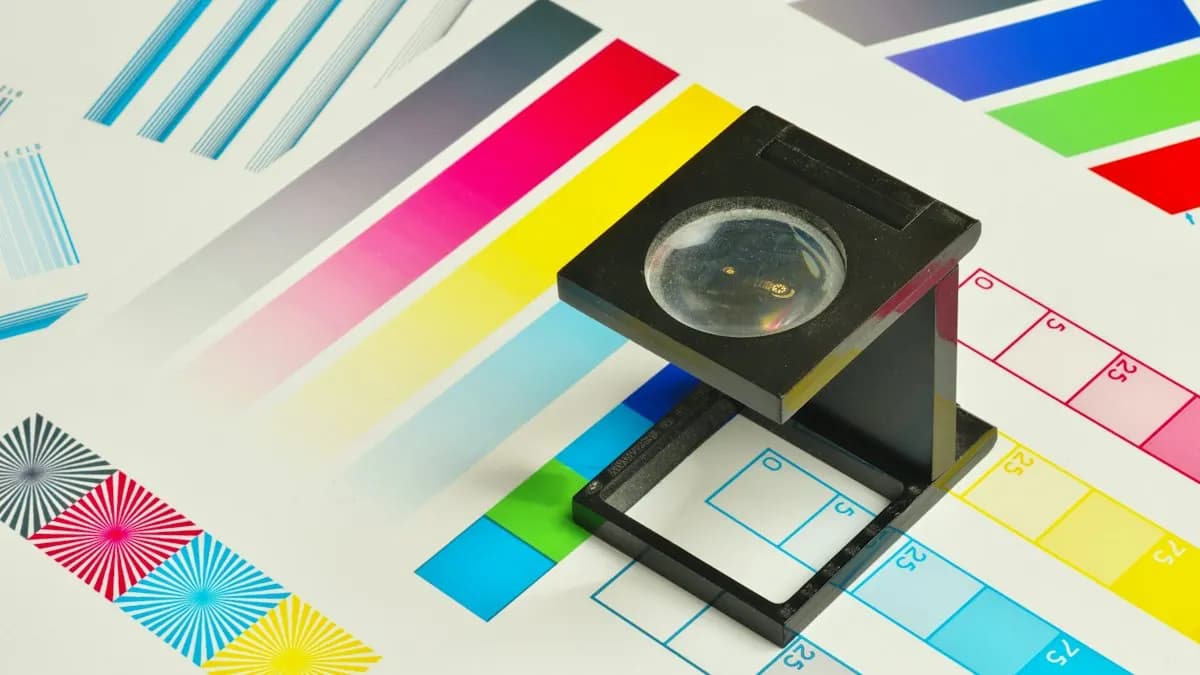
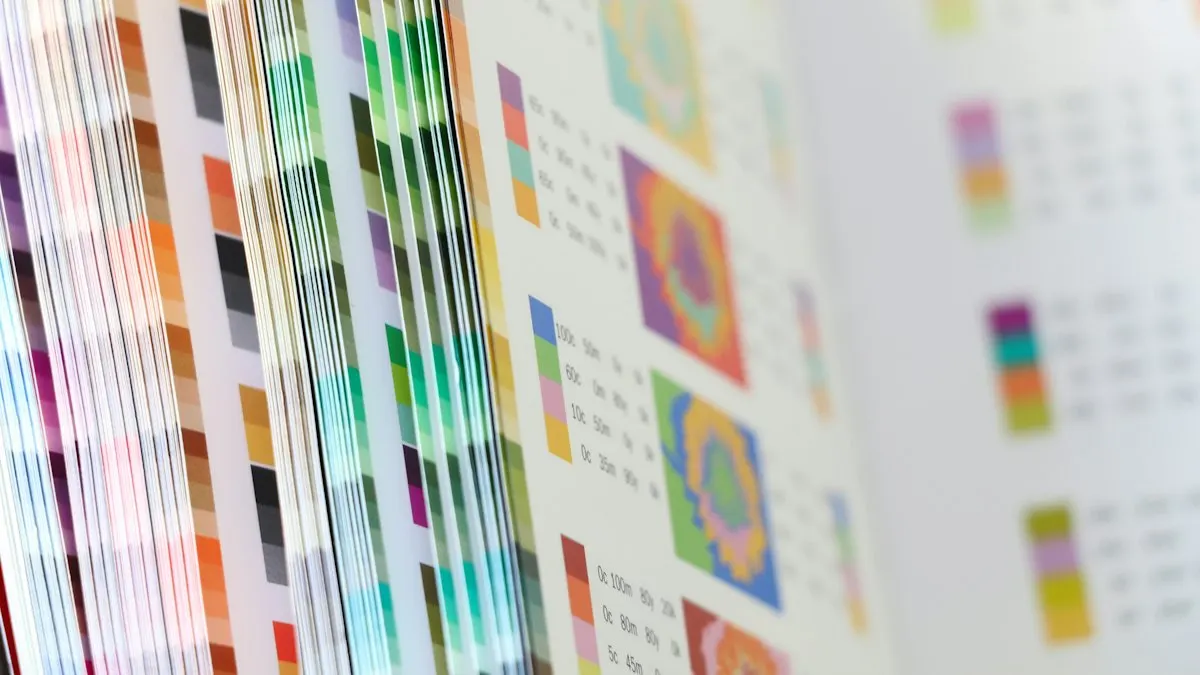
- Colour mode. Set print jobs in CMYK. Bright screen colours can look duller on paper, so check a proof.
- Bleed. Extend the background past the trim line. Many printers ask for about 3 mm, but always ask your printer first.
- Resolution. Photos should be high resolution at the final print size; most printers ask for around 300 ppi for small prints. Large flex can use less because people read it from far away.
- Fonts. Convert text to outlines or curves before sending, or send the fonts, so the text does not change on the printer's computer.
- Spellings and numbers. Phone numbers, dates and names come from the customer in writing. One wrong digit means the whole batch is wasted.
Our Illustrator settings for print guide shows these settings step by step. InDesign brochure layout and preflight covers multi-page jobs.
CorelDRAW or Illustrator for Print Jobs?
Many Indian print shops still work in CorelDRAW, while agencies and brands often send Illustrator files. A print designer who can open, fix and export both is more useful. Read CorelDRAW vs Illustrator for the differences and how to hand files between them.
Photoshop is needed for photo cleanup on almost every job. InDesign matters when the shop prints menus, brochures, school magazines or books.
Who Hires Print Designers in Delhi and What Do They Pay?
On 30 October 2026, Internshala listed 14 CorelDRAW jobs in Delhi[1]. Three print and packaging posts, in our own words (company names left out):
- Graphic designer at a printing company, Delhi, freshers welcome. Skills listed: Photoshop, CorelDRAW, Illustrator, InDesign and some video editing. Pay shown: ₹2 to 3 lakh a year.
- Graphic designer at a packaging and labels maker, Delhi, 1 year of experience. Skills listed: Photoshop, CorelDRAW and Illustrator. Pay shown: ₹3.36 to 4.2 lakh a year.
- Graphic designer, Noida, 1 year of experience. Work listed: print layouts for flex banners and hoardings in Photoshop, CorelDRAW, Illustrator and InDesign. Pay shown: ₹2.4 lakh a year.
| Stage | Graphic designer pay per month (Delhi NCR) |
|---|---|
| Fresher | ₹10,000 to ₹12,000 |
| After 1 year | ₹12,000 to ₹15,000 |
| After 3 years | ₹30,000 to ₹35,000 |
Small local shops often pay at the lower end, while packaging firms and larger presses pay more for experience. New to design? Start with our roadmap on how to become a graphic designer.
Worked Example: A Day at a Print Shop
Say you work at a print shop in Chandni Chowk during wedding season (a hypothetical example):
- 10 am: A customer brings a rough card sketch. You make two layouts in CorelDRAW and show them on screen.
- 12 pm: Fix spellings in Hindi and English with the customer, then convert all text to curves.
- 2 pm: A sweet shop's flex banner: large type, CMYK, the right size for the frame.
- 4 pm: A label on the printer's die line for a pickle brand, exported for the plate maker.
- 6 pm: Check every file against your print checklist and send them to the machine room.
AI and Agentic AI in Print Design Work Today
Print designers use Photoshop's Generative Fill to extend photos for wide banners and CorelDRAW's AI tools for background removal and tracing. Adobe's AI Assistant, in public beta in Photoshop, Illustrator and InDesign since June 2026, can carry out several editing steps from one request[2].
What the human still decides: the final colours on paper, every spelling and number and whether the file is safe to print. A printing machine does not forgive AI mistakes. CABA's courses now teach AI and agentic AI workflows inside the curriculum, with a human check before anything goes to print.
Learn Print and Digital Design Together
Our graphic design course in Delhi covers Photoshop, Illustrator, InDesign, Canva and AI tools, with print projects such as cards, brochures and packaging, plus print settings practice.
The course comes with a 100% Job Guarantee; read the job guarantee terms first. See student print work on the graphic design course page and book a counselling visit.
Frequently Asked Questions
What does a graphic designer do at a printing press?
They design and prepare print-ready files for visiting cards, wedding cards, flex banners, labels, brochures and packaging. They also check colour, bleed, resolution and fonts before printing.
Which software is used in printing press jobs?
CorelDRAW is common in Indian print shops. Photoshop, Illustrator and InDesign are also asked, depending on the work.
Do print shops hire fresher graphic designers?
Yes. Some Delhi print and media firms welcome freshers who can show clean, correct print files in a short test.
What is bleed in printing?
Bleed is extra background that runs past the trim line so no white edge shows after cutting. Many printers ask for about 3 mm; always confirm with your printer.
Is printing press experience useful later?
Yes. Knowing how print works helps in branding, packaging and agency jobs, where many designs still end up on paper.