Why Use InDesign for Brochures?
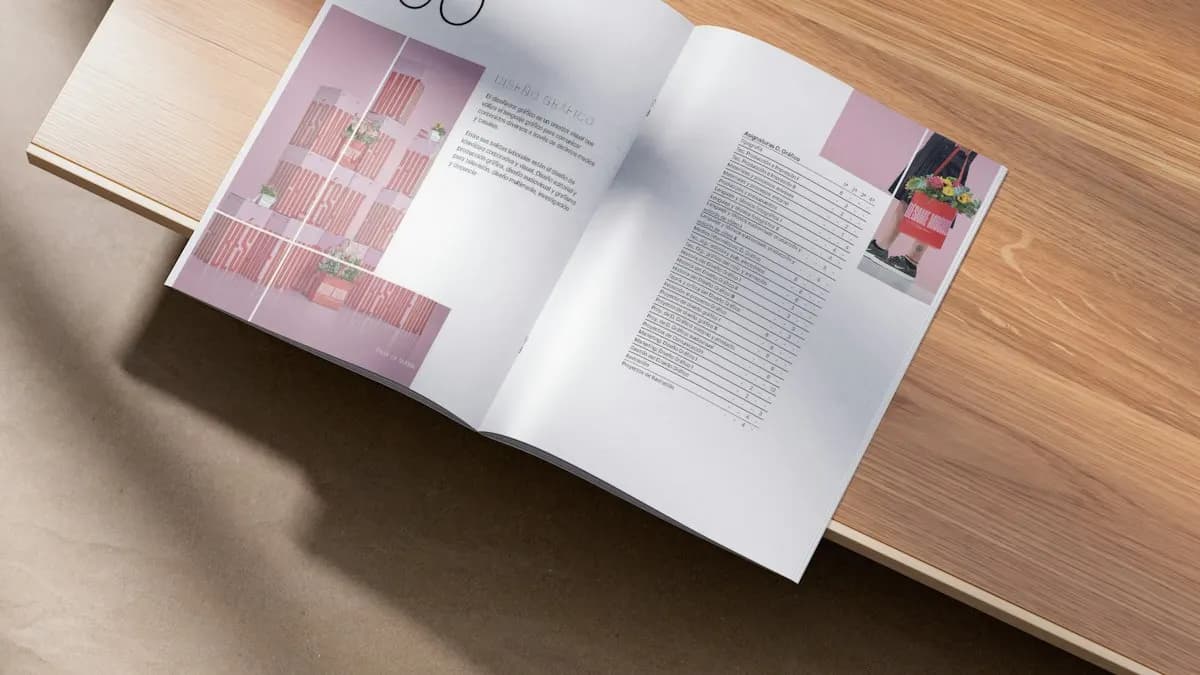
You can make a brochure in Photoshop or Canva. Many people do. The trouble starts when the client changes the text on page 3 and everything shifts. InDesign is built for pages: text flows from column to column, styles change every heading at once and the same logo sits on every page through a parent page.
Delhi still prints a lot: clinic leaflets, school prospectuses, property brochures, restaurant menus and books. On 12 October 2026 several fresher design posts on Internshala listed InDesign, including a typography designer role at a book publisher in Delhi and Noida[1]. If you already know layout from Illustrator settings for print, InDesign is the next step.
How Do You Set Up a Brochure Document in InDesign?
- 1Open the new document window
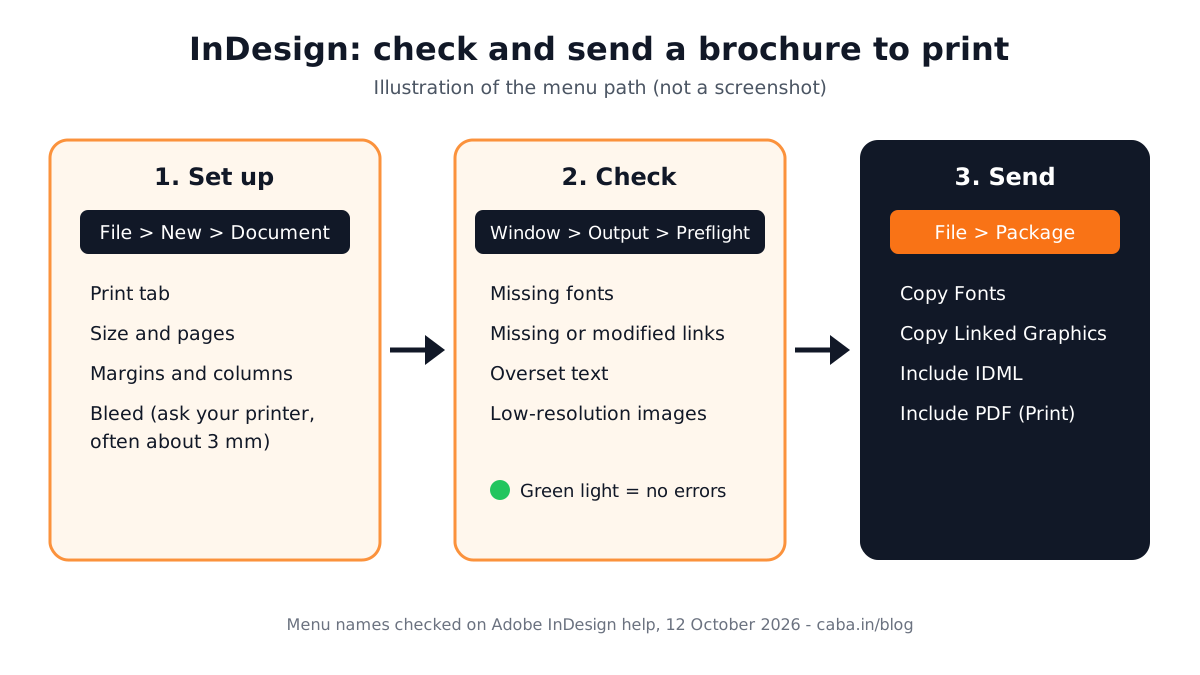
Go to File > New > Document and choose the Print tab[2].
- 2Set the size and pages
Enter the flat size of the brochure and the number of pages. Turn Facing Pages on for booklets and off for a single folded sheet.
- 3Set margins and columns
Margins keep text away from the trim. Columns give you the grid. For a trifold, three columns on one wide page is a simple start.
- 4Set bleed
Add bleed so background colours and photos run past the trim edge. Most printers ask for about 3 mm. Ask yours before you start.
- 5Create
Click Create. The red line outside the page shows the bleed area.
| Brochure type | Common flat size | Notes |
|---|---|---|
| Trifold (A4) | 297 x 210 mm | 3 panels, folds twice. The panel that folds in is often made 2 to 3 mm narrower. Get the printer's template. |
| Bifold (A4) | 297 x 210 mm | Folds once into A5. Good for menus and price lists. |
| Booklet (A5) | 148 x 210 mm per page | Pages in multiples of 4. Use Facing Pages. |
How Do You Lay Out a Brochure So It Looks Professional?
- Follow the grid. Snap text frames and images to the columns. Uneven gaps are the first thing a senior designer notices.
- Use paragraph styles. One style for headings, one for body text, one for captions. Change the style and every page updates.
- Use parent pages for repeating items like the logo, phone number and page numbers.
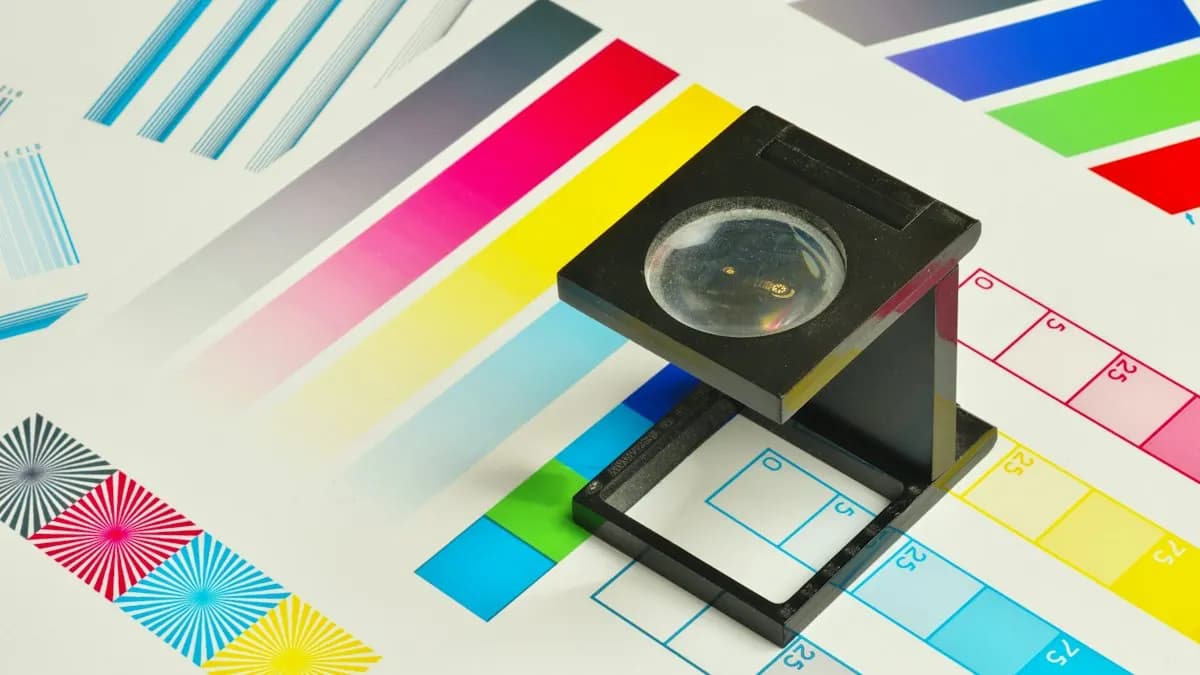
- Keep photos at print quality. Most printers ask for about 300 ppi at the size the photo is printed.
- Leave white space. A brochure that tries to say everything says nothing. One message per panel.
How Do You Use Preflight in InDesign?
Preflight is InDesign's built-in checker. When it is on, a small status light at the bottom of the document window turns red as soon as there is a problem[3].
- 1Open the panel
Go to Window > Output > Preflight[3].
- 2Read the errors
Errors are grouped by type, such as Links, Text or Color. Click the page number next to an error to jump straight to it.
- 3Fix the usual problems
Missing fonts, modified or missing links, overset text (text that does not fit its frame) and low-resolution images.
- 4Check the options
From the panel menu choose Preflight Options to pick the profile and which layers to check. Leave hidden layers out if they are not meant to print.
How Do You Package InDesign Files for the Printer?
Go to File > Package[4]. InDesign shows a preflight summary first. If there are alerts, cancel and fix them in the Preflight panel. Then choose a folder and tick what you need:
- Copy Fonts (fonts activated from Adobe Fonts are not copied).
- Copy Linked Graphics and Update Graphic Links In Package.
- Include IDML so someone on an older InDesign version can open the file.
- Include PDF (Print) to send a print-ready PDF along with the working file.
The result is one folder with everything the printer needs. Send that folder rather than a PDF alone when the printer asks for open files.
Can AI Help With InDesign Layouts?
Adobe is rolling out an AI Assistant in InDesign that can take a new brand PDF or an existing template and apply updates across every layout, including copy, styling and print-readiness checks[5]. Designers also draft brochure copy with ChatGPT, Claude or Gemini and then edit it to fit the panels.
The human still decides the message of each panel, the hierarchy, which photo leads and whether the file is truly ready. AI can apply a change to 40 pages. It cannot tell you that the clinic's phone number is too small for an older reader. CABA's courses now teach AI and agentic AI workflows inside the curriculum, with a human check at the end.
Why Does This Matter in a Design Job?
A print shop does not care how pretty the screen version looks. It cares whether the file prints correctly. Studios lose money when a job is reprinted because of a missing font or a photo that came out blurry. That is why many interviews include a simple test: lay out a page and send a print-ready file.
A fresher who sets bleed, uses styles and runs Preflight without being told looks like someone who has worked before. It is one of the quickest ways to stand out.
Which InDesign Projects Should You Build for Your Portfolio?
- A trifold brochure for a local clinic or coaching centre.
- A two-page restaurant menu with prices set in a clean table style.
- An 8-page exhibition catalogue for a college art show. If you are an art student, see graphic design for BFA students.
Worked example: a trifold for a dental clinic in South Delhi. Ask the printer for its A4 trifold template. Set bleed and three columns. Panel 1 (front): clinic name, one strong photo and a single line on what makes it different. Inside panels: services in short lines with small icons made in Illustrator, timings and a map. Back panel: phone number in large type, address and a QR code. Create paragraph styles for heading, body and contact. Run Preflight, fix the overset text on the services panel, then File > Package with a print PDF. Total time once you know the steps: about 2 hours.
Why Does 1-to-1 Training Help With InDesign?
Most InDesign mistakes are invisible on screen. A trainer sitting with you sees that the text frame is not on the grid, that a photo is linked from the Downloads folder or that a style was overridden by hand. Fixing those habits early saves you from your first reprint.
In 1-to-1 training the trainer watches your screen, sets up your preferences for your machine and gives you real print briefs at your pace. Our graphic design course in Delhi covers InDesign and print after Photoshop and Illustrator. The graphic design course online runs the same way live. Full details are on the graphic design course page.
Frequently Asked Questions
How do I make a brochure layout in InDesign?
Go to File > New > Document, choose Print, set the size, pages, margins, columns and bleed, then build the layout on the column grid with paragraph styles and parent pages.
What bleed should I use for a brochure in InDesign?
Most printers ask for about 3 mm of bleed on each side. Always confirm with your printer before you start, because some shops use different values.
Where is the Preflight panel in InDesign?
Go to Window > Output > Preflight. It lists errors such as missing fonts, broken links, overset text and low-resolution images. You can jump to each one.
How do I send InDesign files to a printer?
Run Preflight, fix the errors, then use File > Package to collect the InDesign file, fonts, linked images and an optional print PDF into one folder.
Does CABA Innovatives teach InDesign?
Yes. InDesign and print layout are part of CABA's graphic design course in South Delhi and live online, after Photoshop and Illustrator.
References
- Graphic Design Fresher Jobs in Delhi (listings viewed 12 October 2026)- Internshala
- Create new documents (InDesign help, viewed 12 October 2026)- Adobe
- Configure and use the Preflight panel (InDesign help, viewed 12 October 2026)- Adobe
- Package InDesign files for output (InDesign help, viewed 12 October 2026)- Adobe
- Adobe Unveils Major Expansion of Creative Agent Across Firefly and Creative Cloud Apps (18 June 2026)- Adobe Newsroom