What Software Do Interior Designers Use for a Client Presentation?
A client never sees your software. They see a PDF on WhatsApp, a printed booklet on the table or a short video on their phone. Behind that, five or six programs usually do the work, one after another.
| Stage | Software most studios use | What the client finally sees |
|---|---|---|
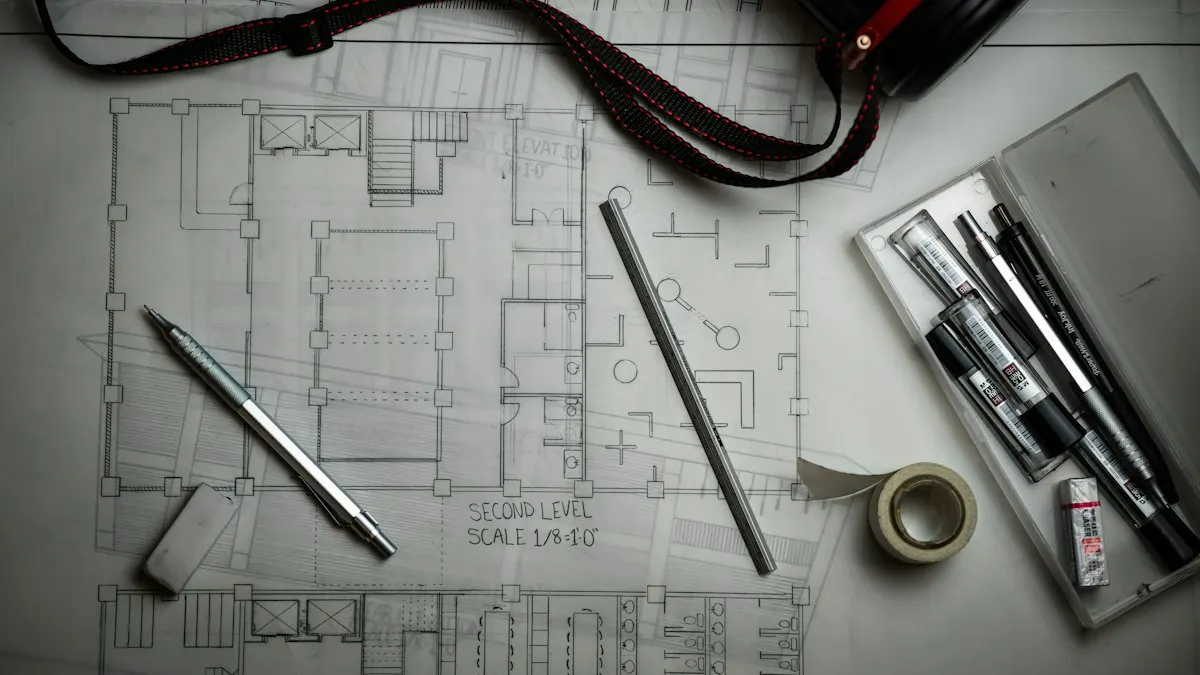
| 2D plans and elevations | AutoCAD, SketchUp LayOut | Clean, measured layouts |
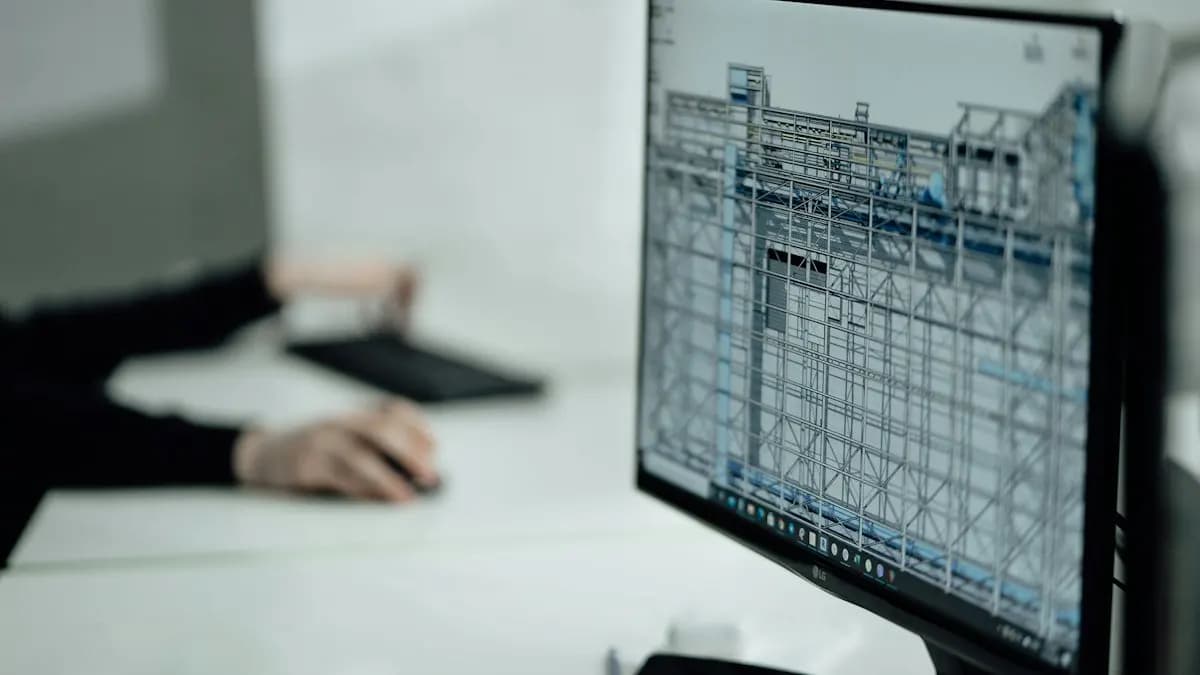
| 3D model | SketchUp, 3ds Max, Revit | The room in 3D, from any angle |
| Rendering | V-Ray, Lumion, Enscape, Twinmotion, D5 Render | Photo-like views with light and materials |
| Image finishing | Photoshop | Corrected colour, added people, plants and sky |
| Labels, icons, plan graphics | Illustrator | Sharp keys, arrows and coloured zoning plans |
| The deck itself | InDesign (PowerPoint or Keynote for simple decks) | A neat multi-page PDF or print booklet |
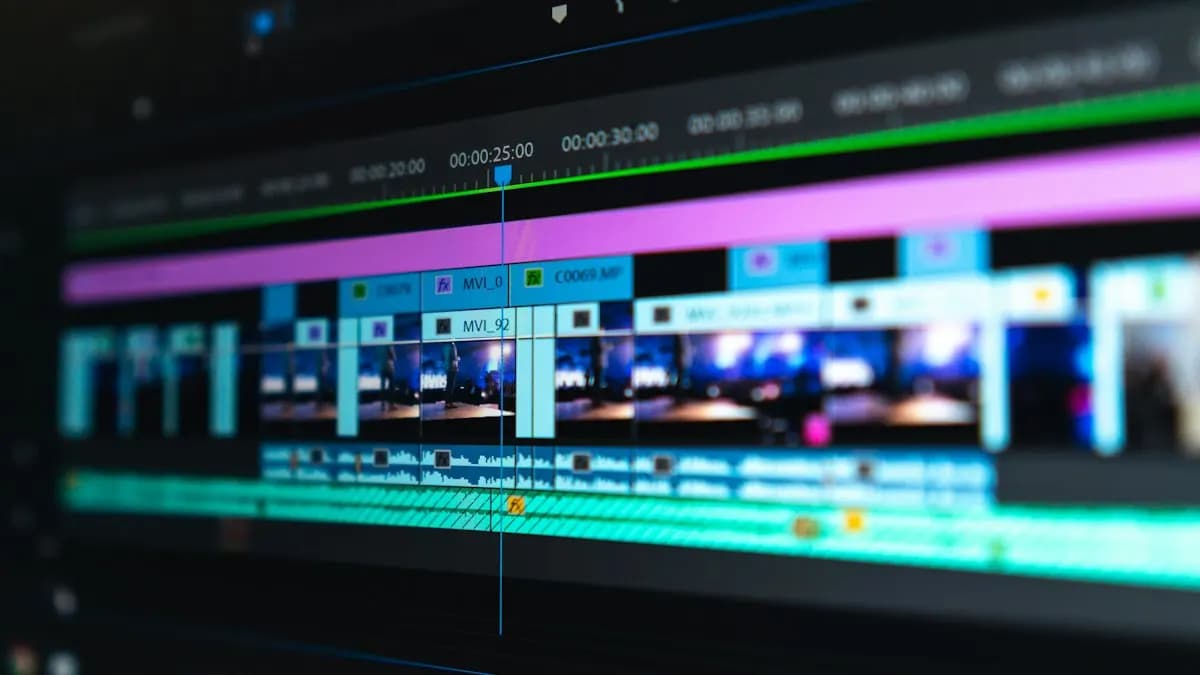
| Walkthrough or Reel | Premiere Pro, After Effects | A short video with text and music |
SketchUp's official help centre has tutorials for both the 3D model and LayOut, its tool for turning models into drawing sheets[1]. Real-time renderers like Twinmotion turn a CAD or BIM model into stills and videos quickly[2], which is why many small studios now skip slow overnight renders for early meetings.
Which Software Should You Learn First for Interior Presentations?
It depends on what you already know. Most interior design students and working designers in India already use AutoCAD or SketchUp. Their weak area is almost always the last three stages: finishing, layout and video.
- 1Photoshop
Fix render colour, add realistic people and plants, build mood boards. Every page of the deck passes through it.
- 2InDesign
Build one deck template with master pages, grids and fixed fonts. Reuse it for every client.
- 3Illustrator
Make plan keys, icons, your studio logo and coloured zoning plans that stay sharp in print.
- 4Premiere Pro or After Effects
Turn renders into a short walkthrough or a before-after Reel for Instagram and WhatsApp.
These four are graphic design and motion tools, not interior design tools. That is exactly why many interior designers feel stuck: their course taught planning, not presentation. If you are new to the field, our guide on what is graphic design explains the basics in simple words.
PowerPoint vs InDesign: Which Is Better for an Interior Design Deck?
| Point | PowerPoint / Keynote | InDesign |
|---|---|---|
| Learning time | A few days | A few weeks |
| Best for | Live presenting in a meeting | PDF decks, print booklets, portfolios |
| Layout control | Basic | Precise grids, master pages, text styles |
| Print quality | Often needs fixing | Print-ready PDF with correct margins |
| Long documents (20+ pages) | Gets slow and messy | Handles easily |
Adobe's InDesign guide covers master pages, styles and PDF export in detail[3]. Online template tools are fine for a quick social post, but a client deck that carries your name should come from a proper layout file you control.
How Do You Put an Interior Design Presentation Together?
- Export from your 3D or CAD tool at full size: plans as PDF, renders as high-quality JPG or PNG.
- Finish every render in Photoshop: straighten verticals, match colour across views, add soft people and plants.
- Make plan graphics in Illustrator: room labels, a north arrow, a colour key for zones.
- Place everything in one InDesign template: cover, brief, mood board, plans, views, material palette, budget, next steps.
- Export two PDFs: a small one (under 10 MB) for WhatsApp and email, a full-quality one for print.
- Cut a 15 to 30 second video from the best views for the client and for your Instagram.
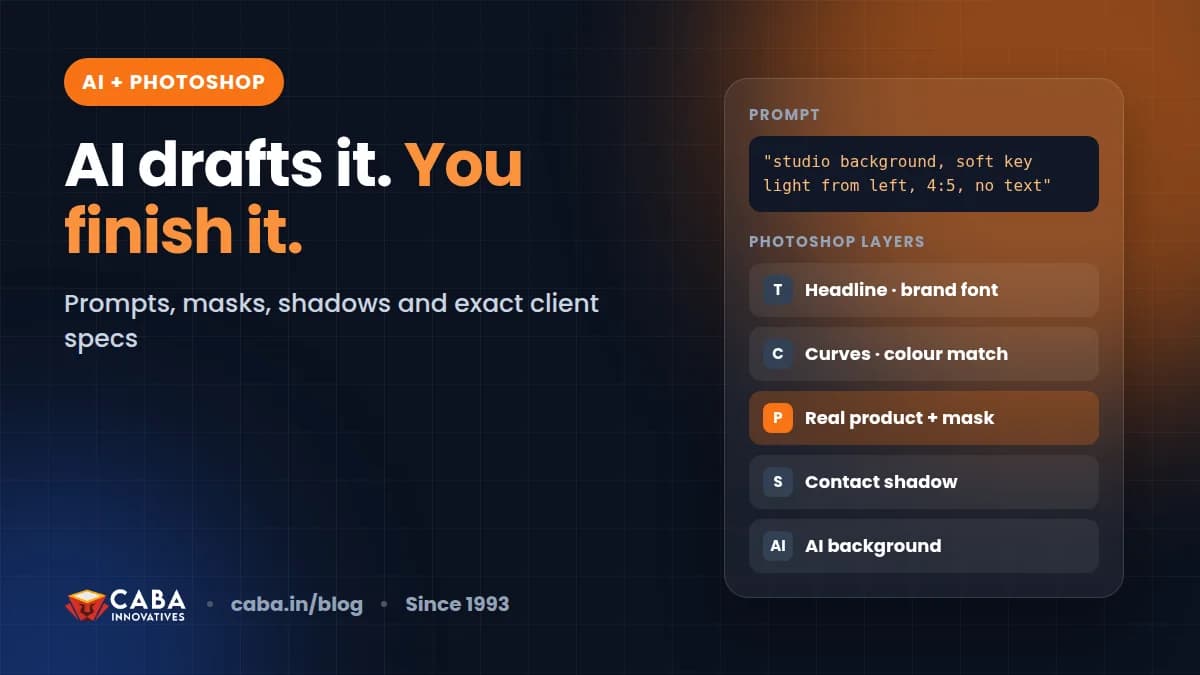
For the page order of the deck itself, see the presentation flow in our pillar guide on how graphic design helps interior designers. Using AI to try quick concept images? Read AI Photoshop prompts and finishing steps first, because the final polish still needs real Photoshop skill.
What Laptop Do You Need for Interior Design Presentation Software?
Rendering is the heavy part. Lumion, Enscape, Twinmotion and D5 lean on the graphics card, so a dedicated GPU matters most there. Photoshop, Illustrator and InDesign run well on a mid-range laptop with 16 GB RAM and an SSD.
The same rules apply to video editing machines. Our minimum laptop for video editing guide lists the specs. Speed up Windows for video editing and design helps an older laptop keep up.
Where Can You Learn the Presentation Side of Interior Design?
The image, vector and layout skills come from graphic design training. A graphic design course in Delhi with real projects covers mood boards, print layouts, branding and portfolio work, which is exactly what an interior deck needs. Walkthroughs and animated plans come from a motion graphics course.
Want motion basics first? Start with After Effects for beginners. Thinking of moving fully into design work? Our graphic designer salary in India guide shows how pay grows.
Frequently Asked Questions
What is the best software for interior design presentation?
There is no single best one. Use AutoCAD or SketchUp for plans and models, a renderer like V-Ray, Lumion, Enscape or Twinmotion for views, Photoshop to finish images and InDesign to lay out the final PDF deck.
Is PowerPoint good enough for an interior design presentation?
For a quick live meeting, yes. For a polished PDF or printed booklet with many pages, InDesign gives far better layout control and print quality.
Do interior designers need Photoshop?
Yes, for finishing renders, building mood boards and correcting colour. Almost every page of a professional interior deck passes through Photoshop.
Can I make interior design presentations on a normal laptop?
Layout and image work run fine on a mid-range laptop with 16 GB RAM and an SSD. Real-time rendering needs a laptop with a dedicated graphics card.
Which software is used for interior walkthrough videos?
Renderers like Lumion, Enscape or Twinmotion create the raw walkthrough. Premiere Pro or After Effects add titles, music and smooth transitions for the final video.
References
- SketchUp Help Center- Trimble SketchUp
- Twinmotion: real-time visualization- Epic Games
- Adobe InDesign User Guide- Adobe