
Loading amazing content...
Loading amazing content...
Practical Premiere Pro guides - tips, fixes and career advice. Part of our Video Editing section. Course details →
 Video Editing
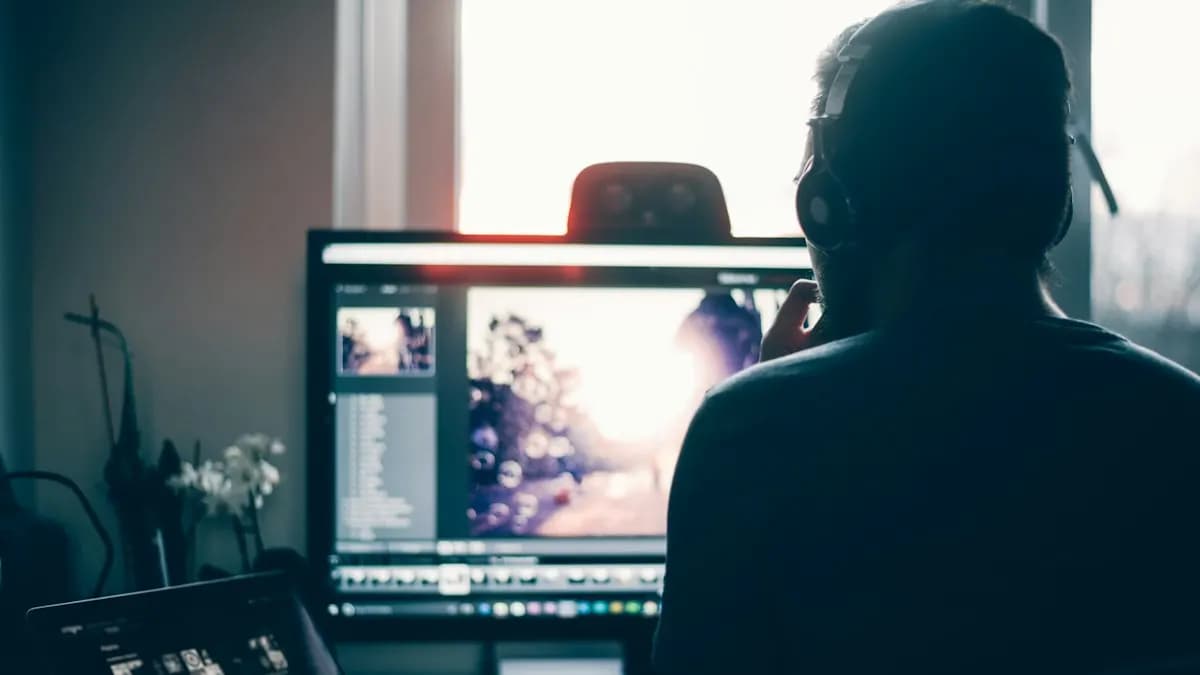
Captions are now part of almost every Reel and YouTube video. Premiere Pro can make them for you from the audio. Here is the exact menu path, the settings that matter, how to style them and the checks a professional editor still does by hand.
 Video Editing
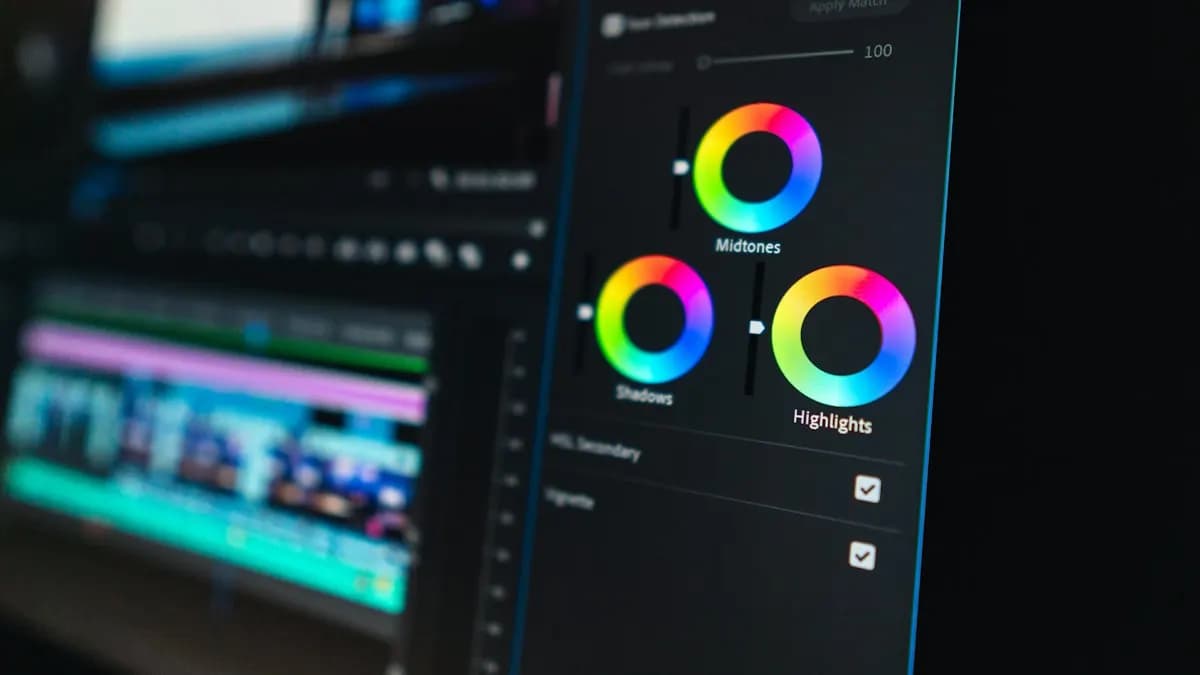
Premiere 27.0 moved colour work into a new Color Mode and retired the Lumetri Color panel. Here is where everything is now, what each basic control does and a simple order that fixes most clips.
 Video Editing
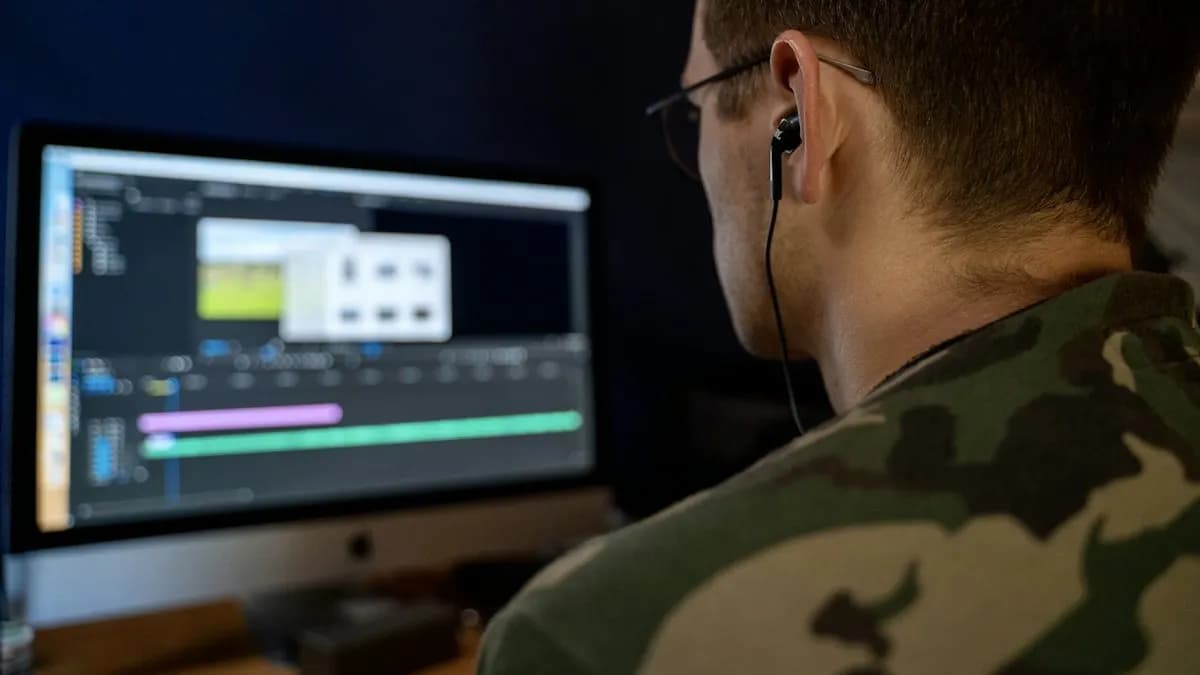
Most beginners learn Premiere Pro by cutting clips and hoping nothing crashes. A few settings and habits change that: a safer Auto Save, proxies for heavy footage, automatic transcripts and a clean project structure. Here are the ones studios expect from day one, checked against Adobe's own help pages.
 Video Editing
Studio editors rarely reach for the mouse to cut a clip. They use a small set of Premiere Pro shortcut keys hundreds of times a day. Here are the ones worth learning first, checked on Adobe's own shortcut page, with Mac keys and a 10-minute drill to make them stick.
 Video Editing
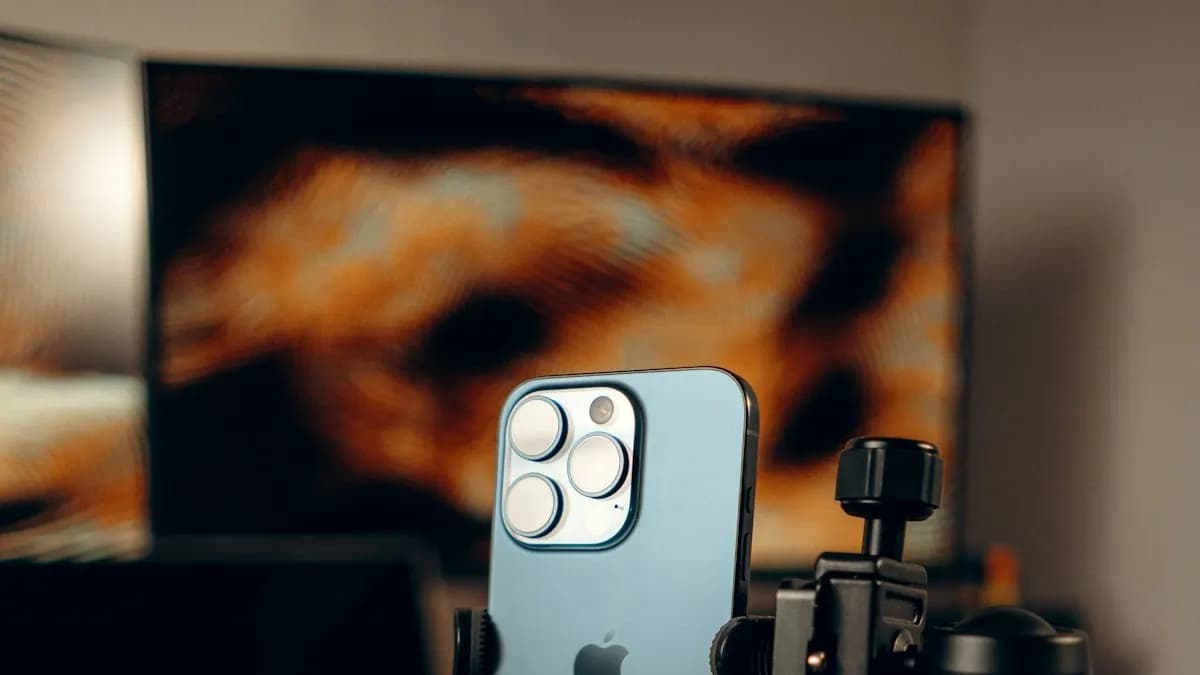
Blurry Reels, captions hidden under the like button and black bars on the sides usually come from three wrong settings in Premiere Pro. Here is the setup working editors use: the right sequence, Auto Reframe for horizontal footage, safe zones for text and an export that stays sharp after Instagram compresses it.
 Video Editing
A slow timeline is usually a settings problem, not a laptop problem. These 8 settings inside Premiere Pro make playback smoother, protect your work and speed up exports. Studios expect editors to know them.