
Loading amazing content...
Practical Photoshop guides - tips, fixes and career advice. Part of our Graphic Design section. Course details →
 Graphic Design
A layer mask hides or shows parts of a layer without deleting a single pixel. Here is how to add one, paint it, compare it with a clipping mask, use Photoshop's AI masking and fix the common 'not working' problems.
 Graphic Design
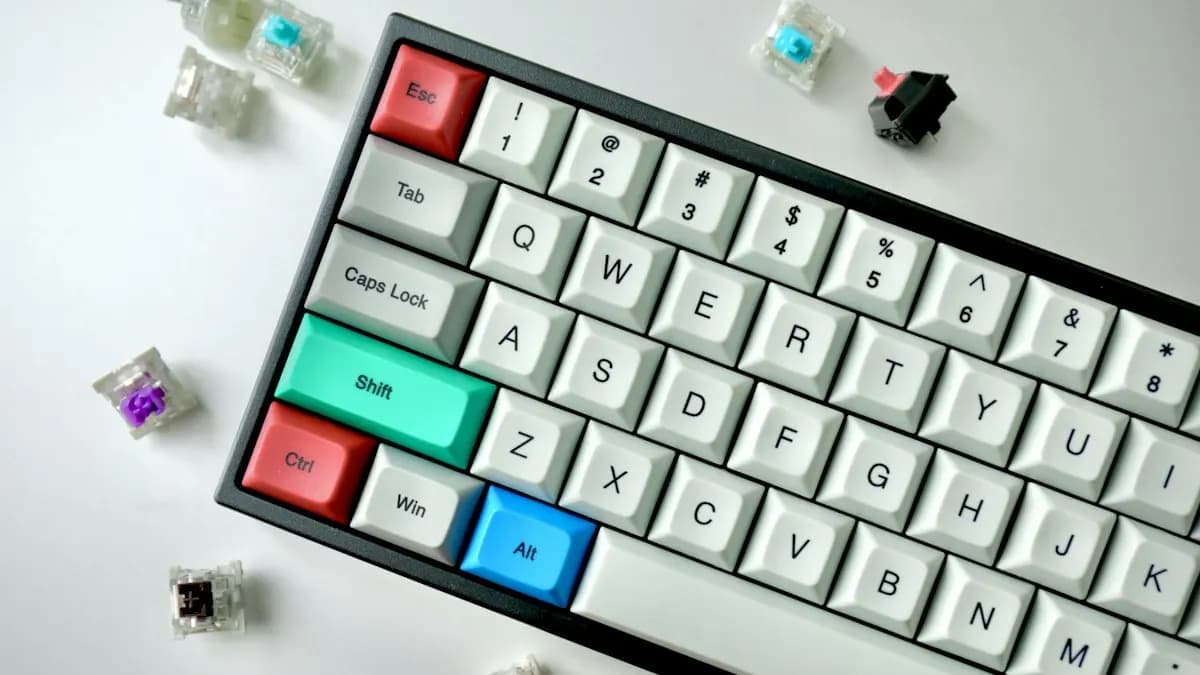
Watch a working designer in a Delhi agency and you will notice they hardly touch the menus. Their left hand sits on the keyboard and switches tools in a blink. Here are the Photoshop shortcut keys worth learning first, how to see the full list inside Photoshop and a short project to make them stick.
 Graphic Design
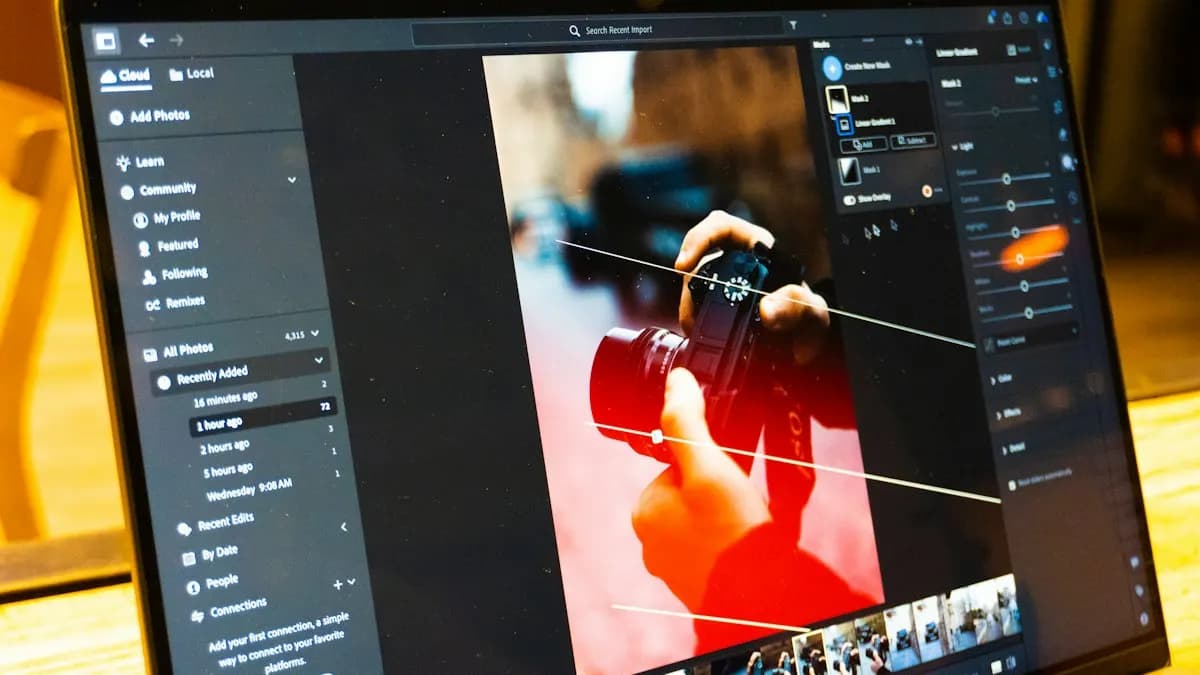
Generative Fill can remove a wire, extend a background or add an object in seconds. Used carelessly, it also leaves soft patches, odd hands and edges a client spots at once. Here is how working designers use it: the right selection, the right model, short prompts and the finishing steps that make the result look real.
 Graphic Design
Photoshop remembers 50 steps by default. You can raise that to 1,000, but more undos cost memory. Here is how to set the undo limit, use snapshots, fix the undo shortcut and set up Photoshop the way studio designers do.